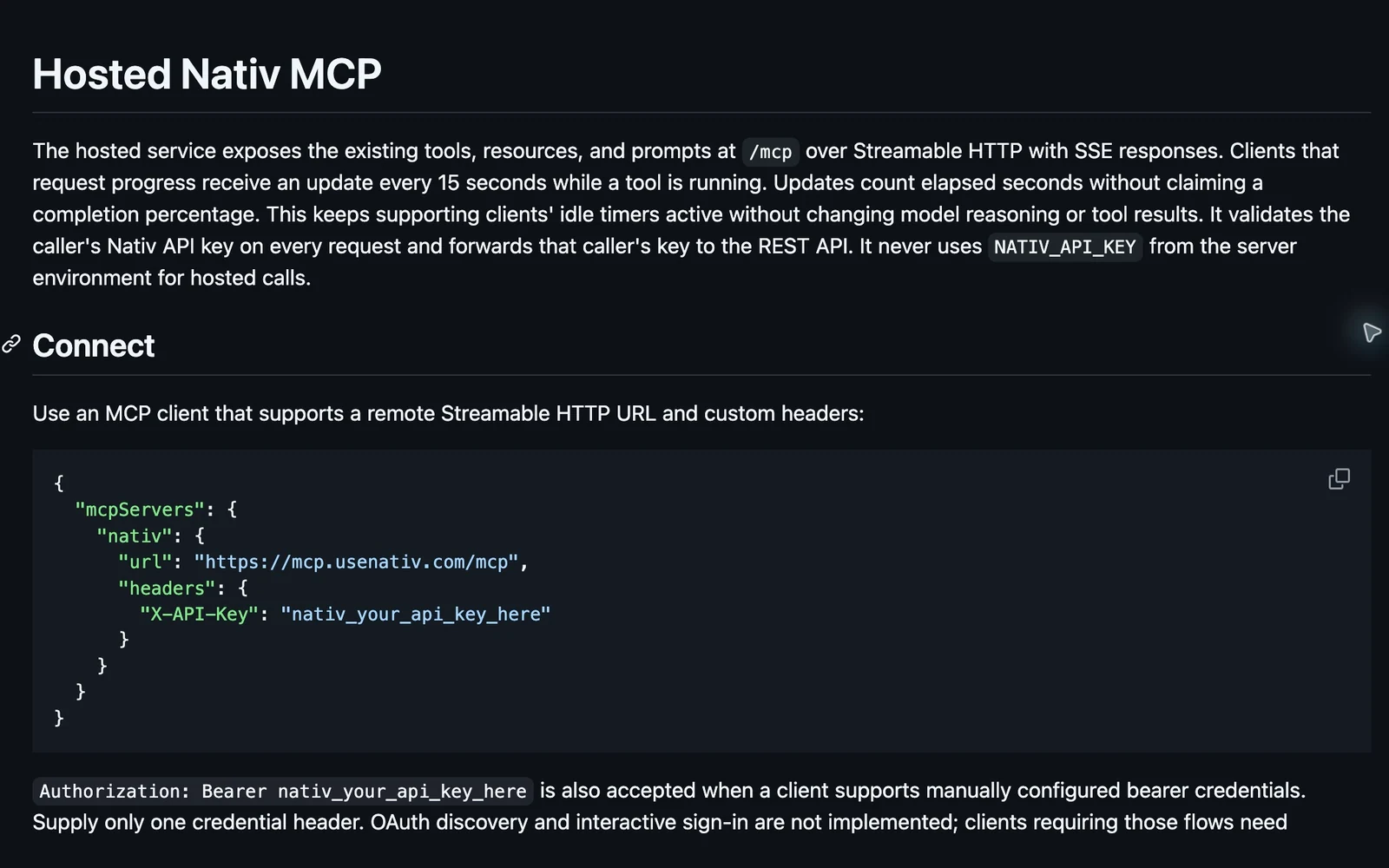
Localization MCP servers for 2027: six workflows compared
Compare six localization MCP servers by workflow, deployment and review needs, with a practical checklist for choosing tools for your 2027 stack.
Published ·
Nativ Blog
Product stories, engineering decisions and practical guides to making content feel native in every market.
Follow the blog39 stories · 1 guest article
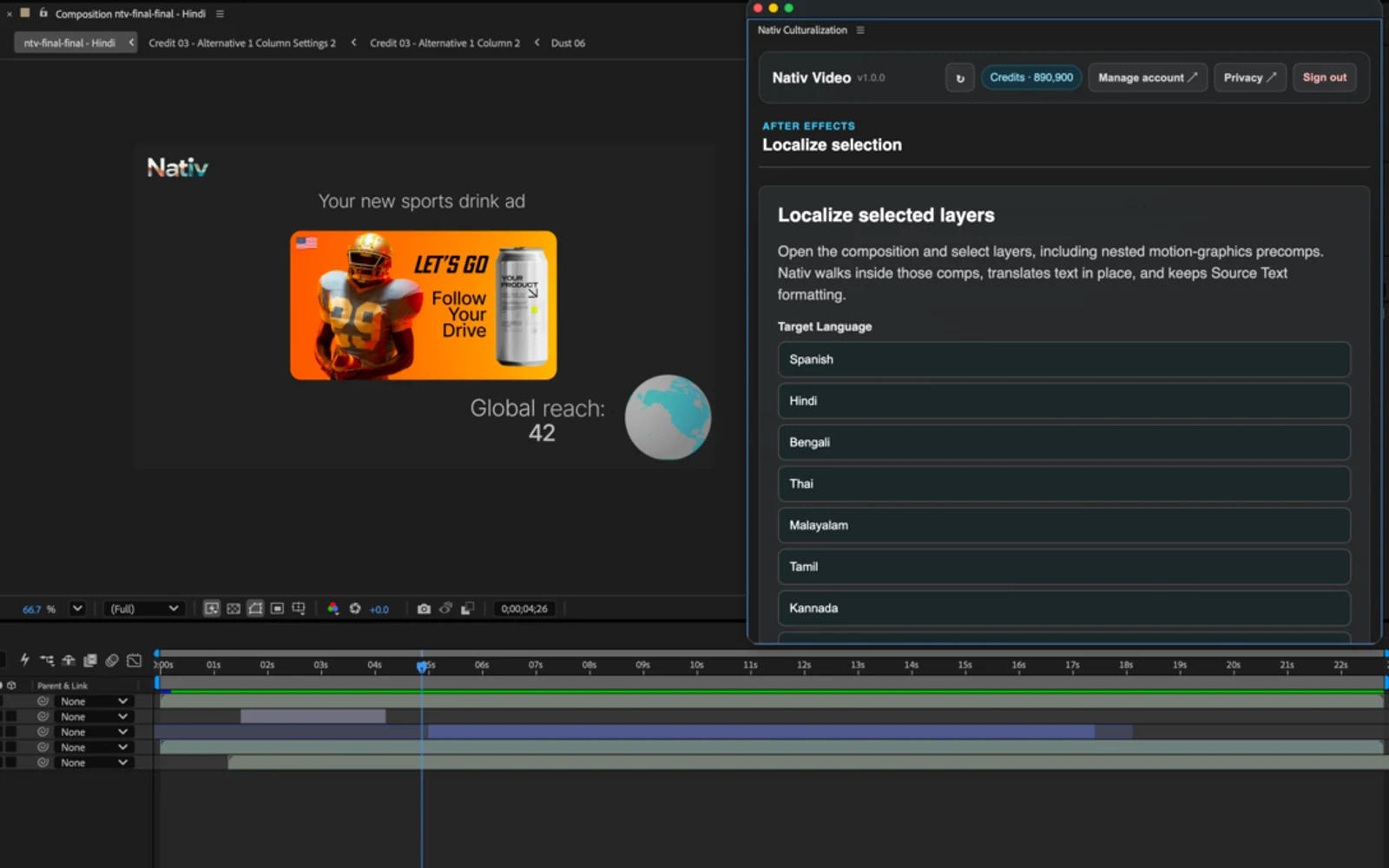
How Nativ for After Effects localises text, images and audio across layered compositions while keeping the project editable.
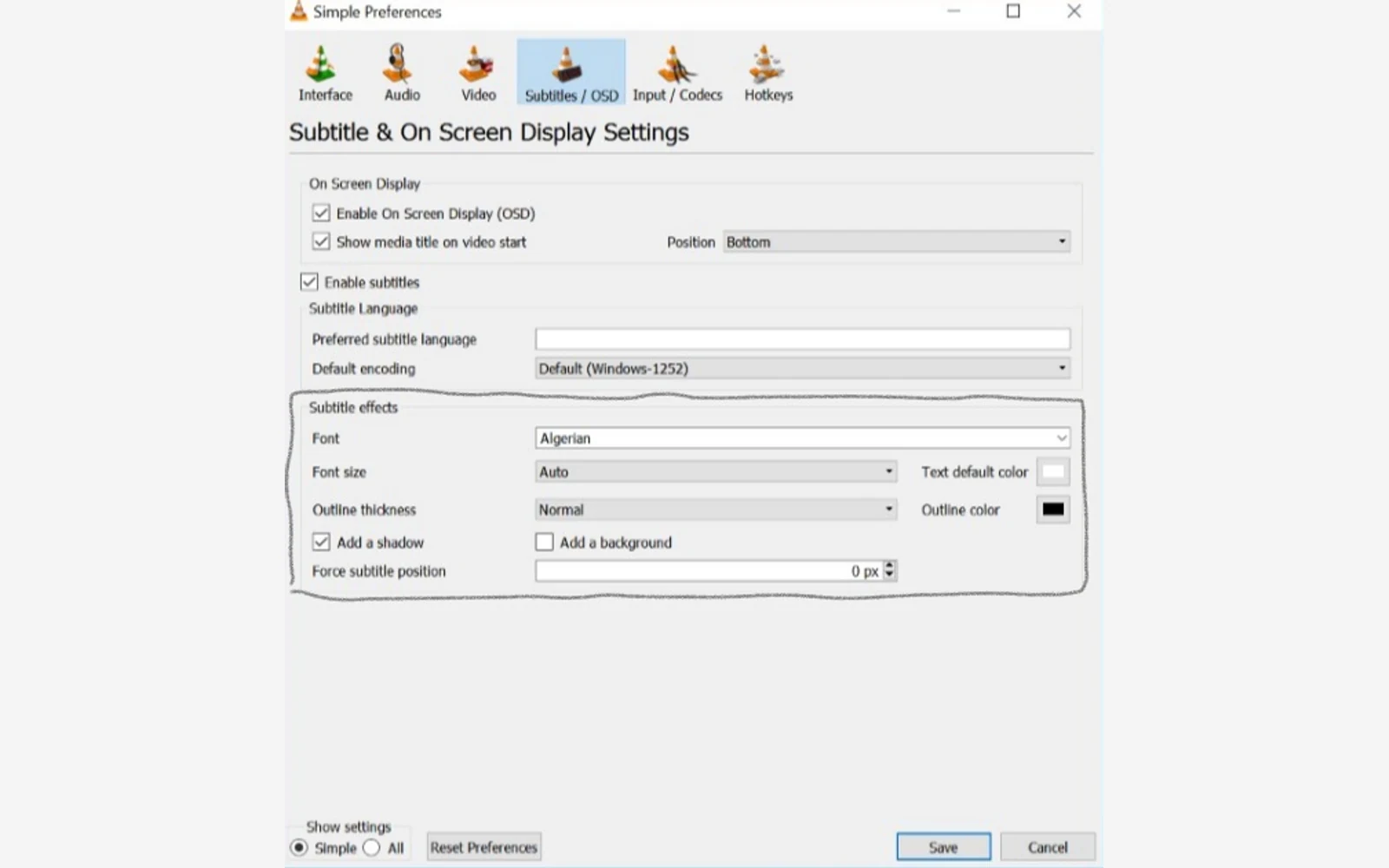
Choose between separate subtitle files, selectable tracks and burned-in text, then verify the actual delivery rather than trusting your local preview.
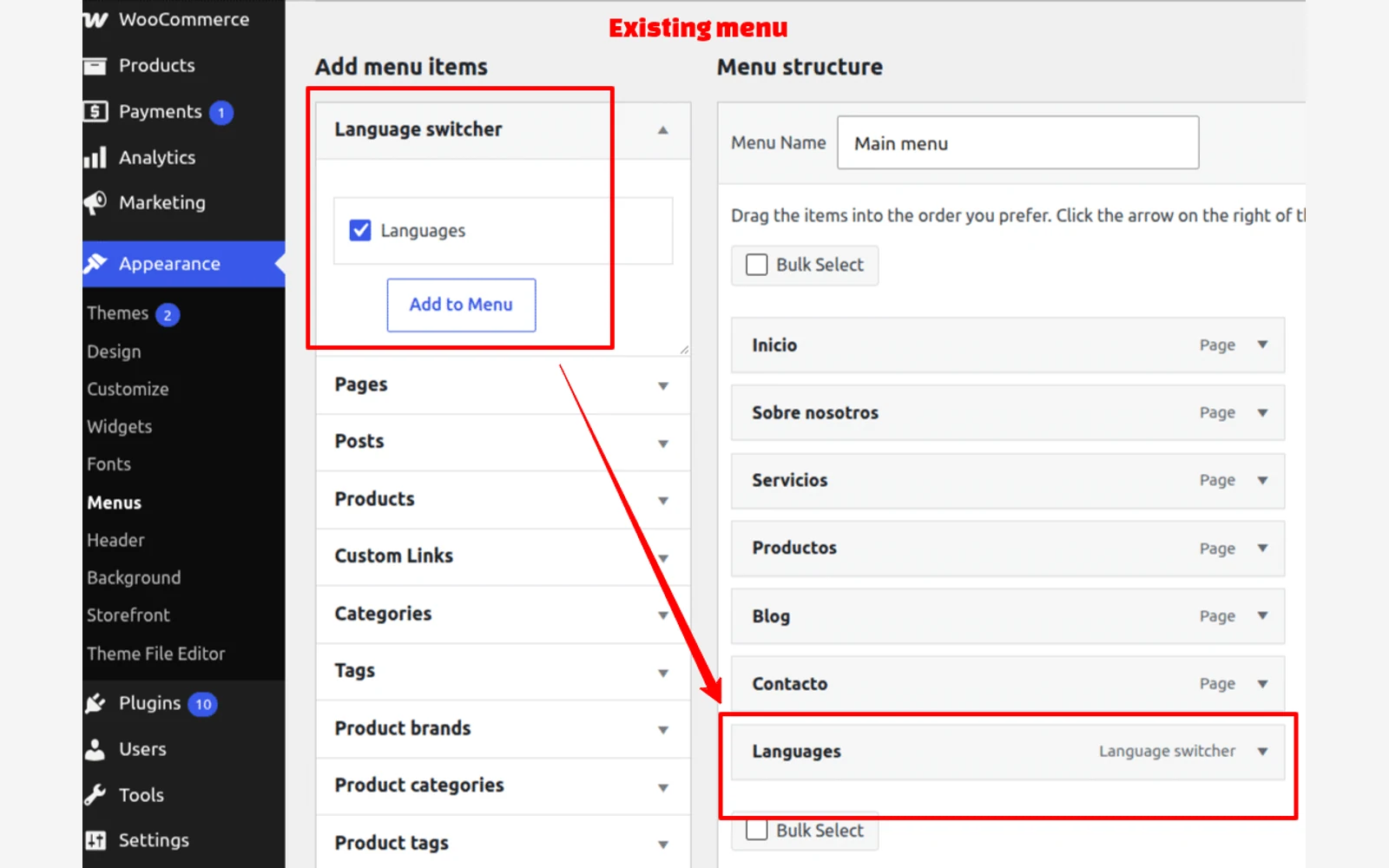
Separate translated drafts, page relationships and menu rendering before retranslating a WordPress page. A practical Polylang diagnostic and publishing handoff.
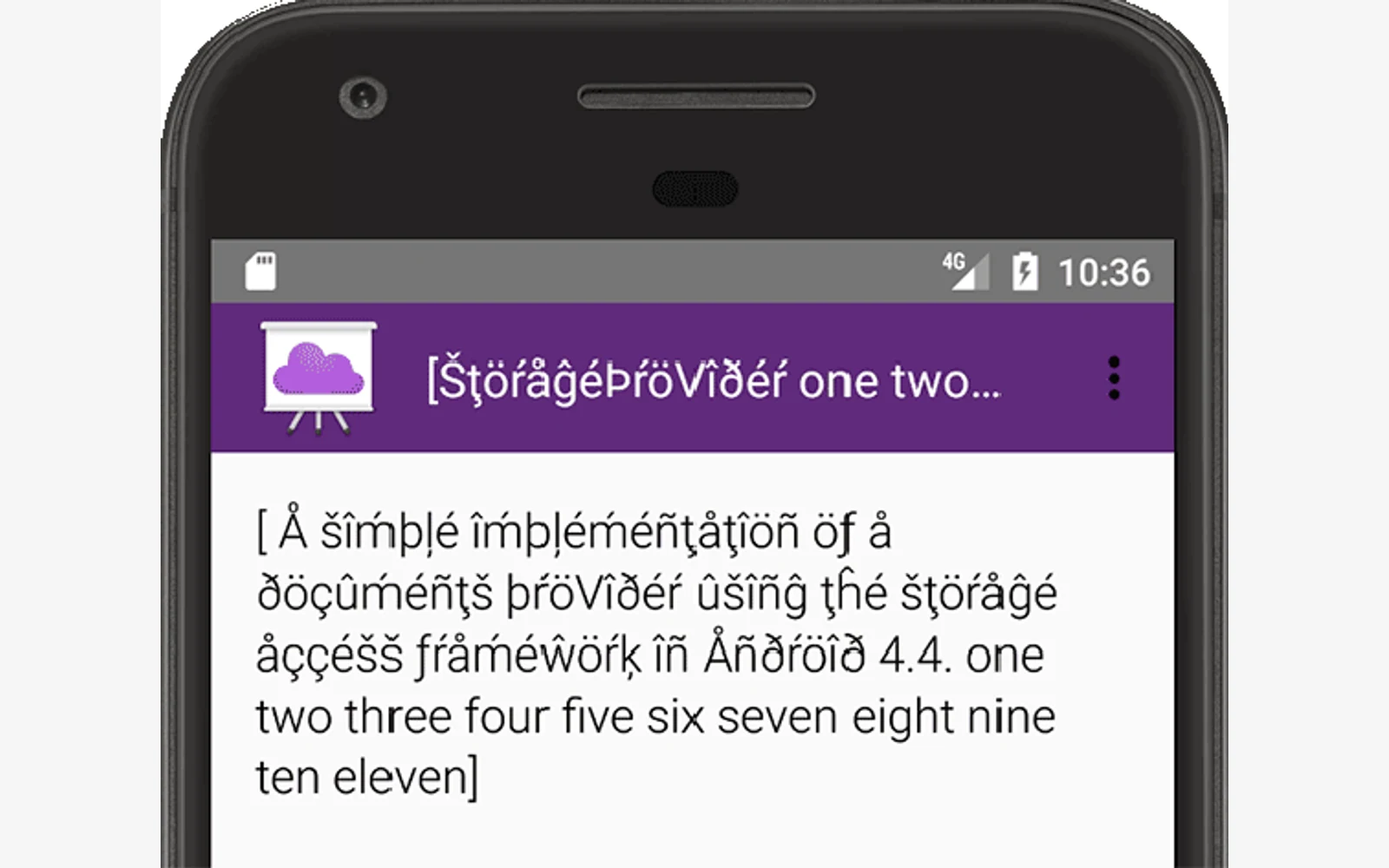
Use pseudolocalization to expose layout and resource problems before translating, then hand a small real-language pilot to a reviewer. Includes a QA worksheet.
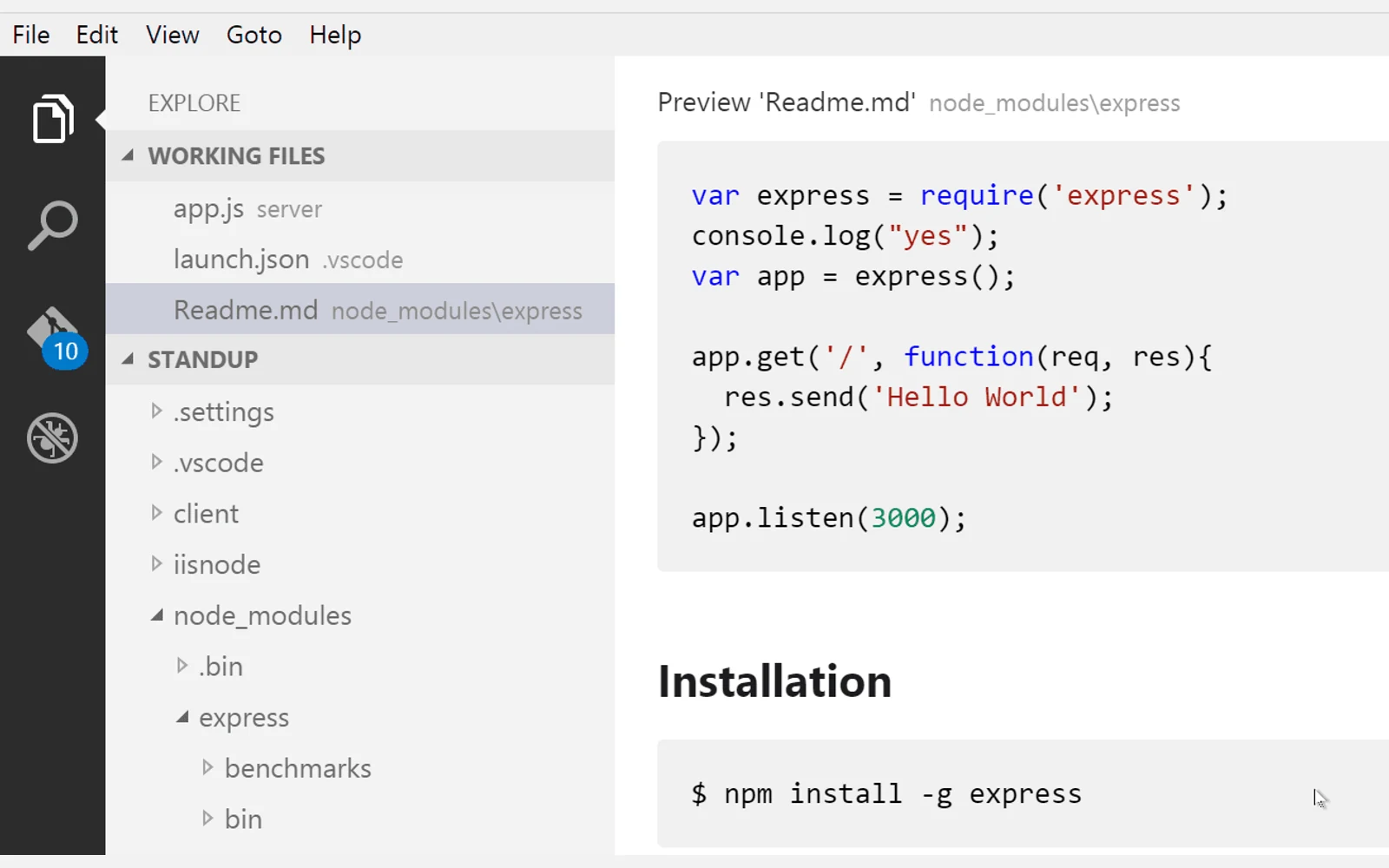
Separate prose from commands, URLs and document identifiers, then check a translated Markdown file before publishing. Includes a tested offline exercise.
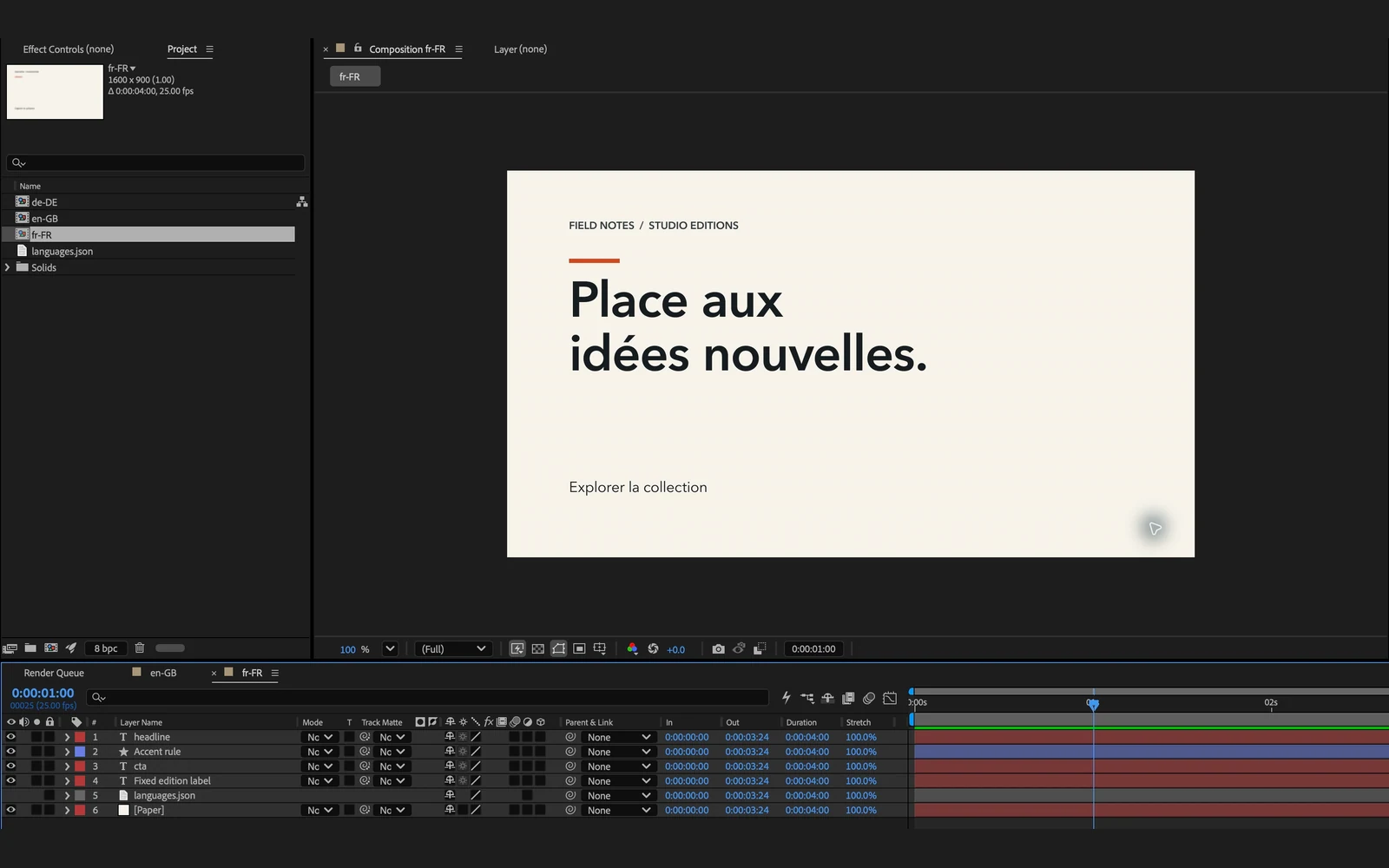
Link Source Text to reviewed language data, test a copy update, and package the JSON with your project. Includes a working three-language After Effects example.
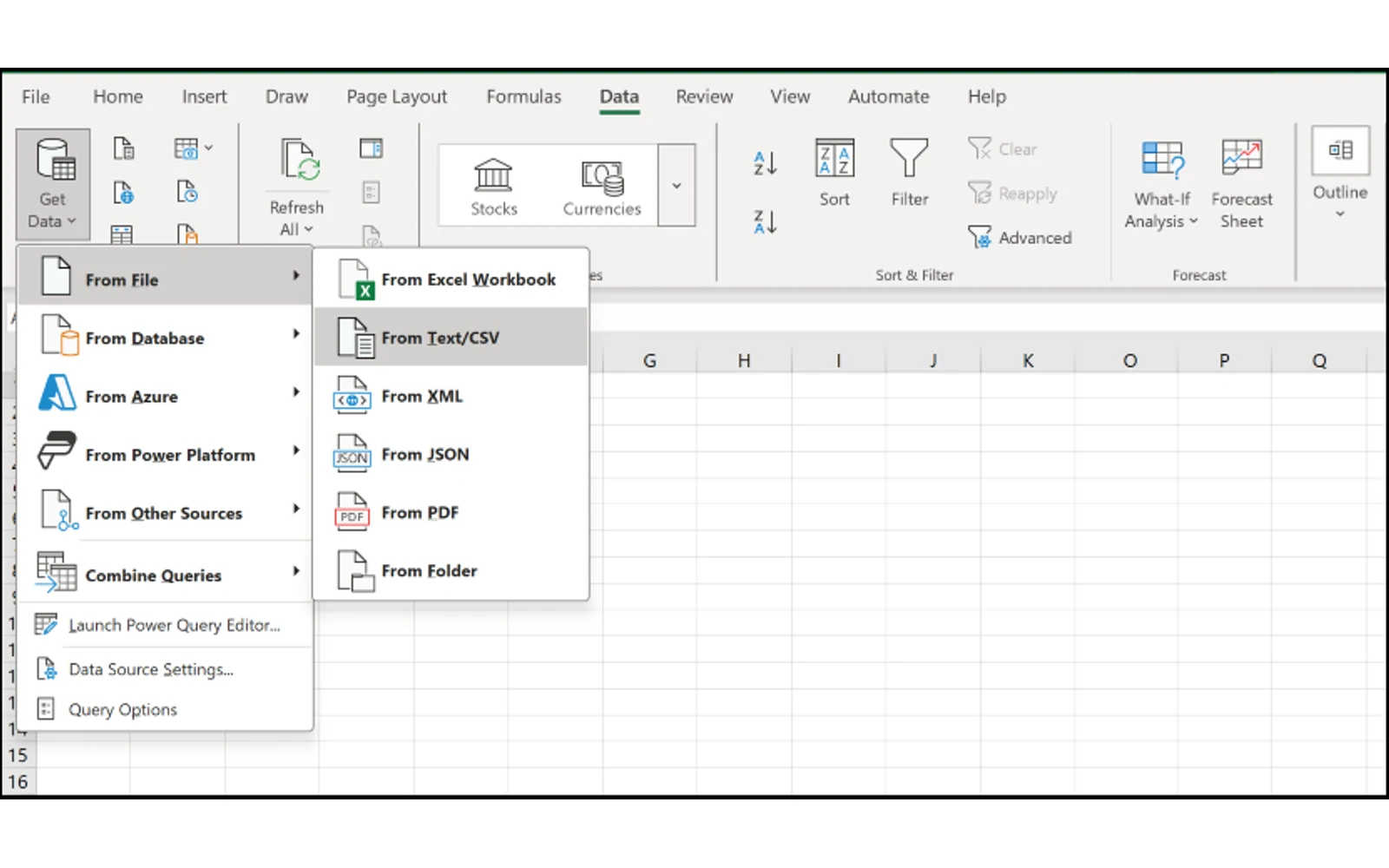
Separate encoding damage from text direction, import Unicode CSV deliberately, protect IDs, and check the exported file. Includes a small offline exercise.
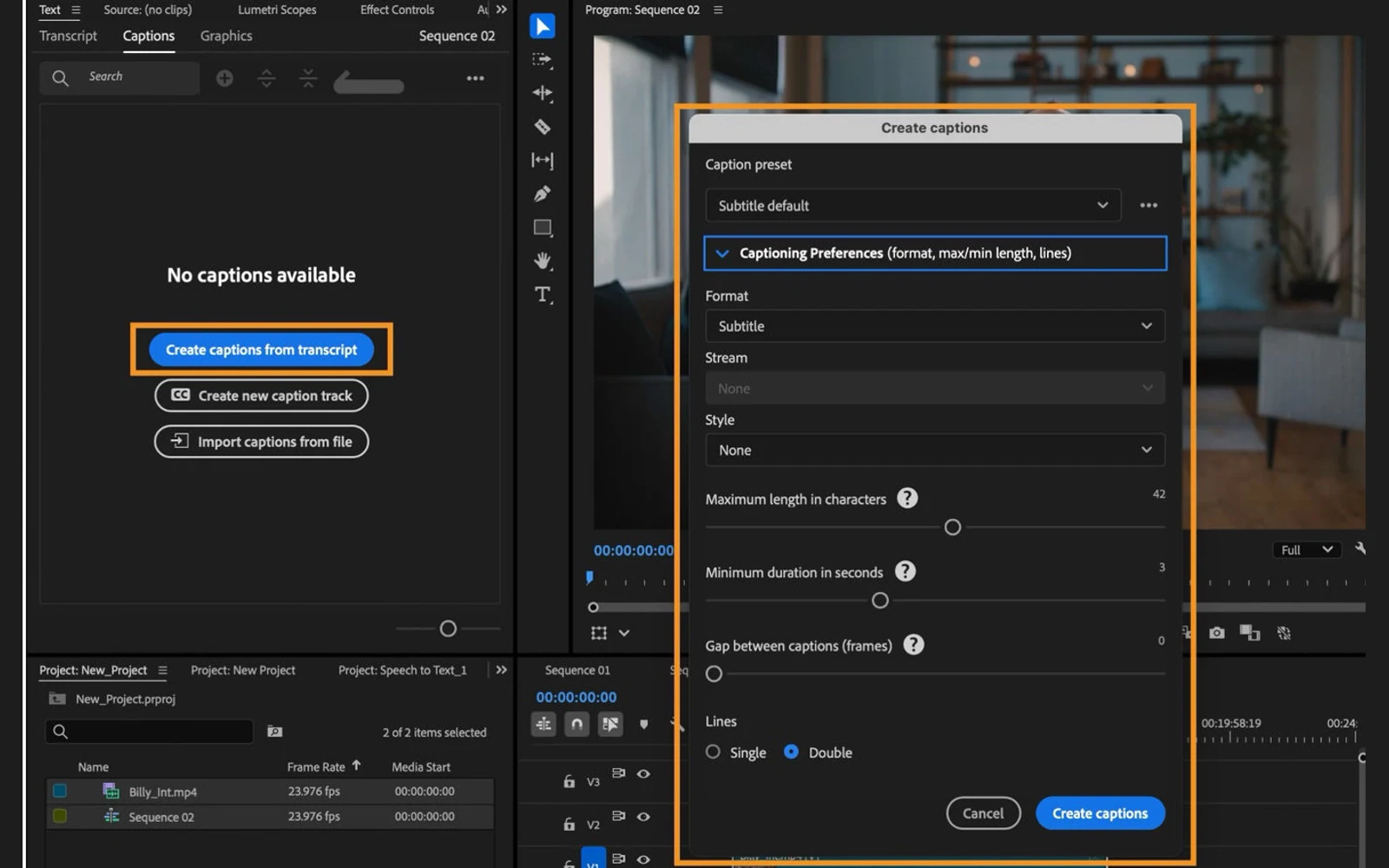
Check subtitle characters per second, shorten copy without losing meaning, and review timing before delivery. Includes an offline SRT exercise and checker.
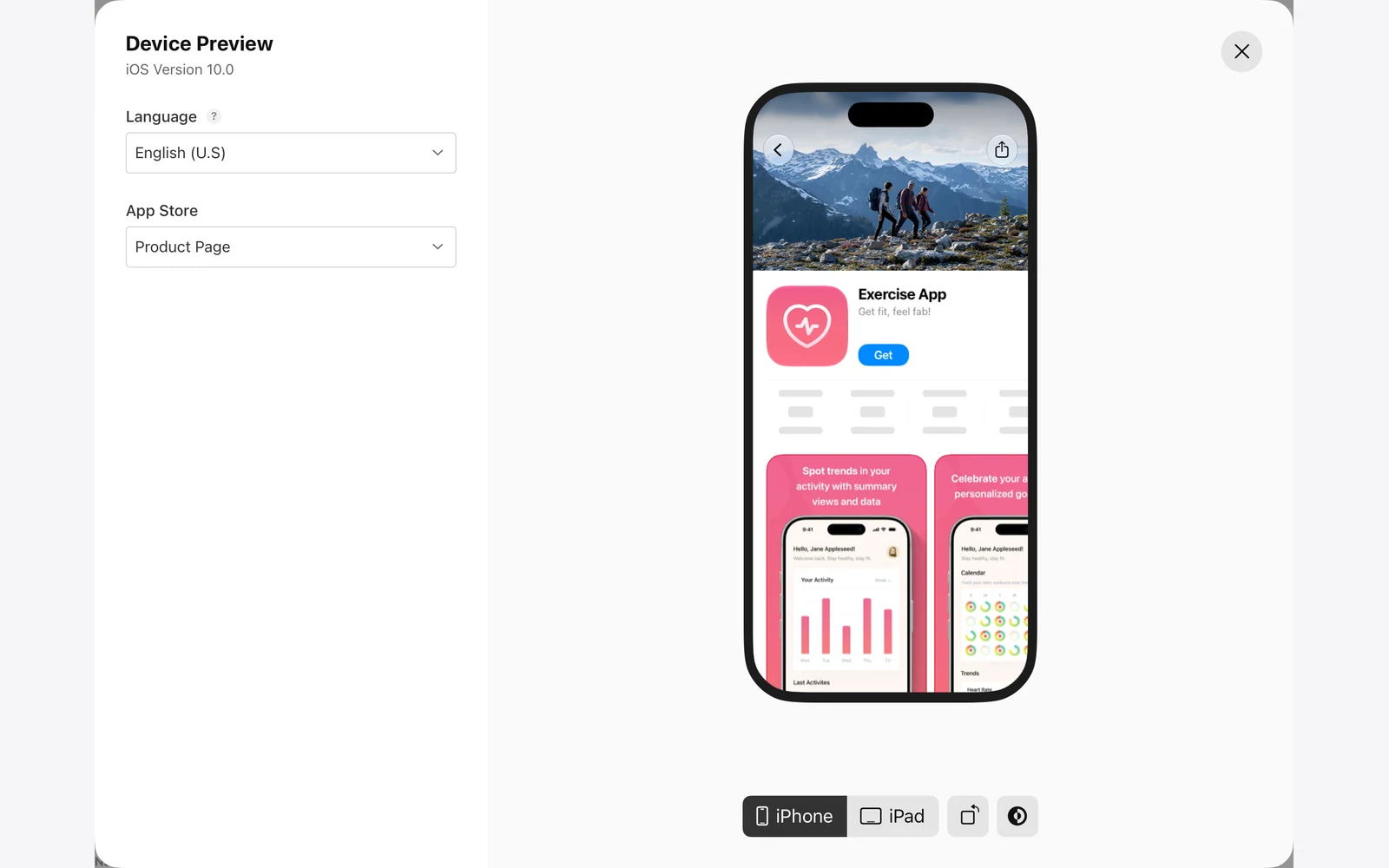
Localize App Store screenshots with real in-app captures, reviewed captions and a checked export inventory. Includes a free local PNG preflight exercise.
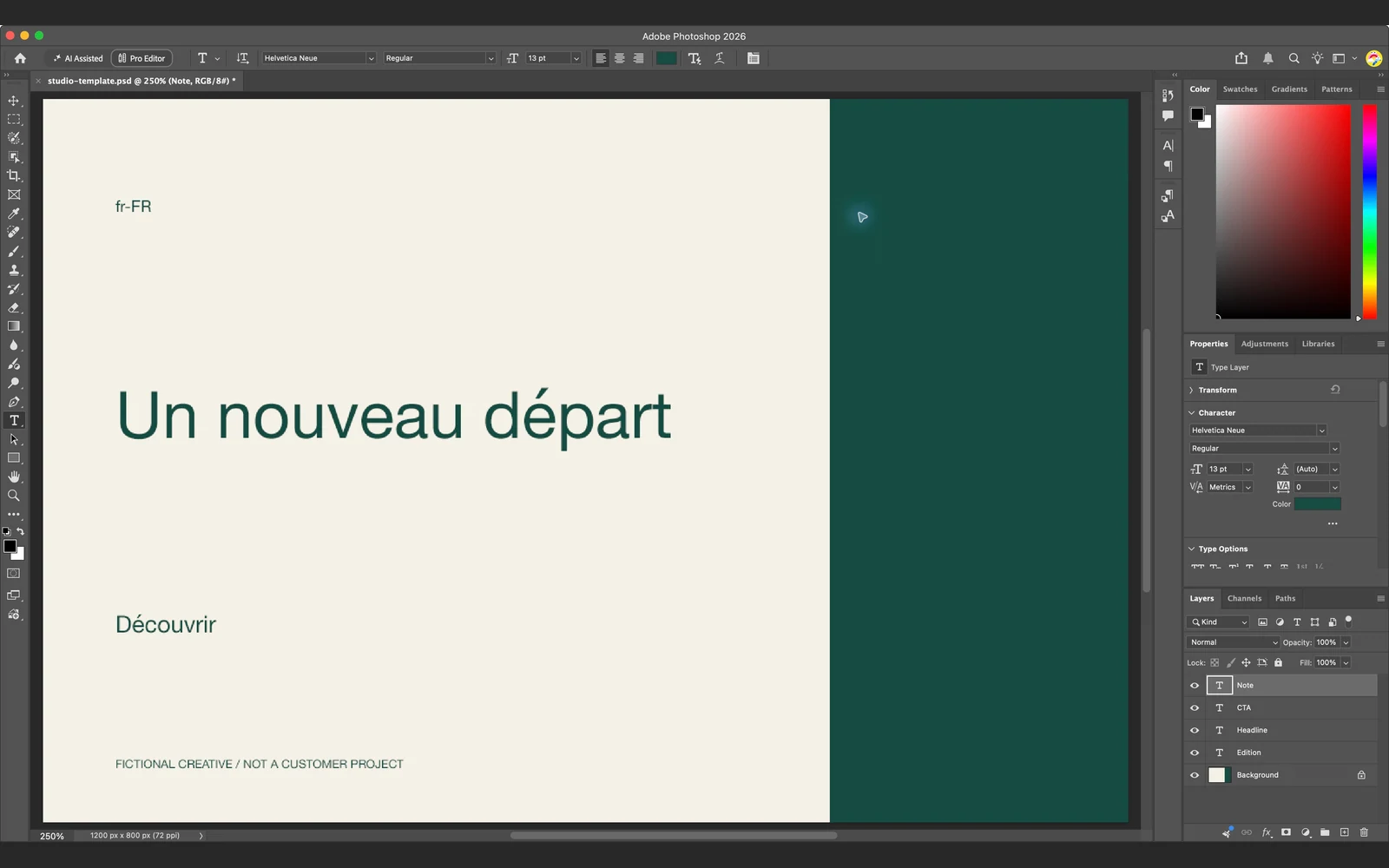
Turn reviewed translations into editable Photoshop versions with Variables and Data Sets. Try a tested three-language PSD and CSV, then check the real exports.
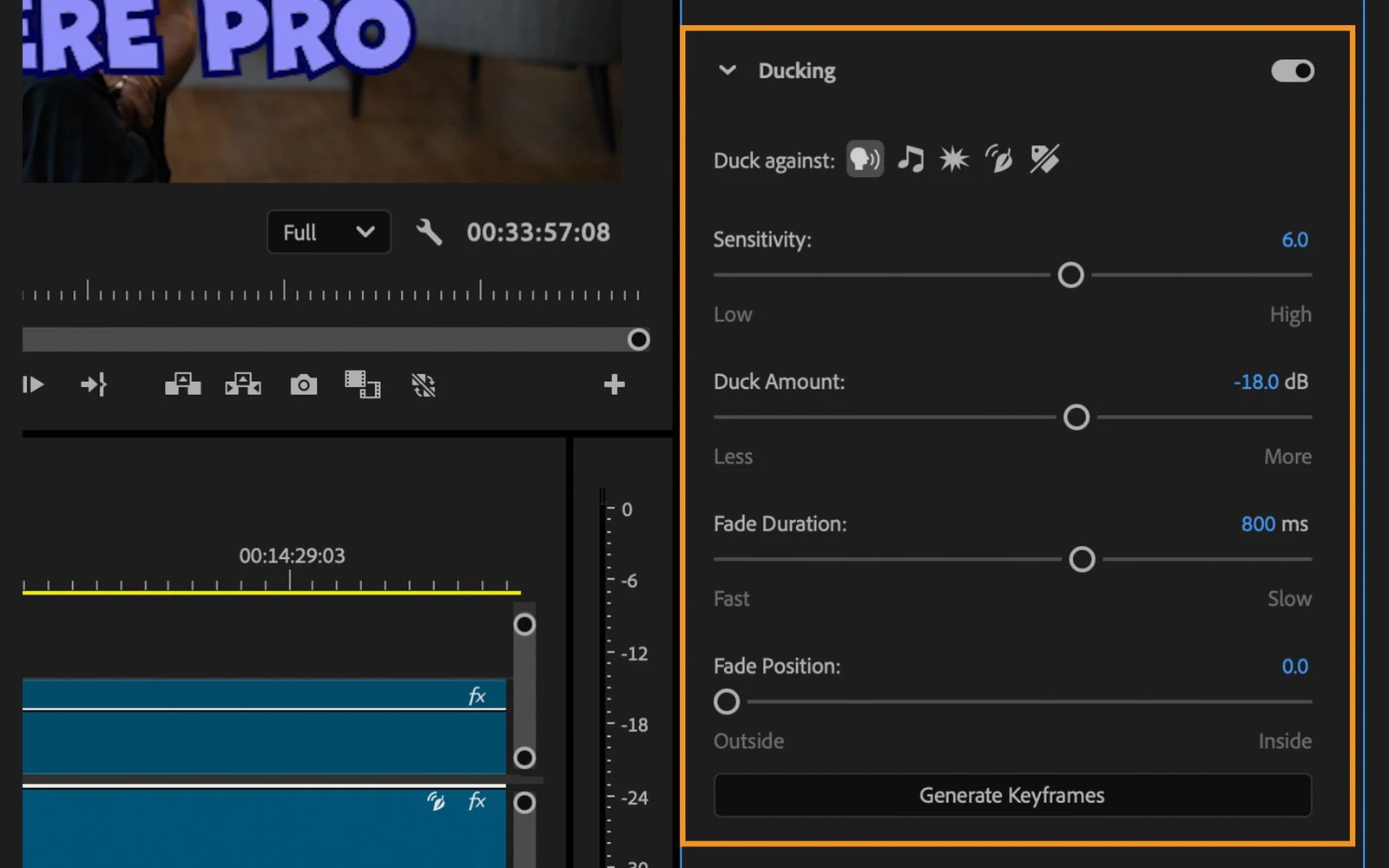
Keep music and effects under a translated voice: choose the right source tracks, carry Nativ’s background stem through the workflow, and check the final mix.
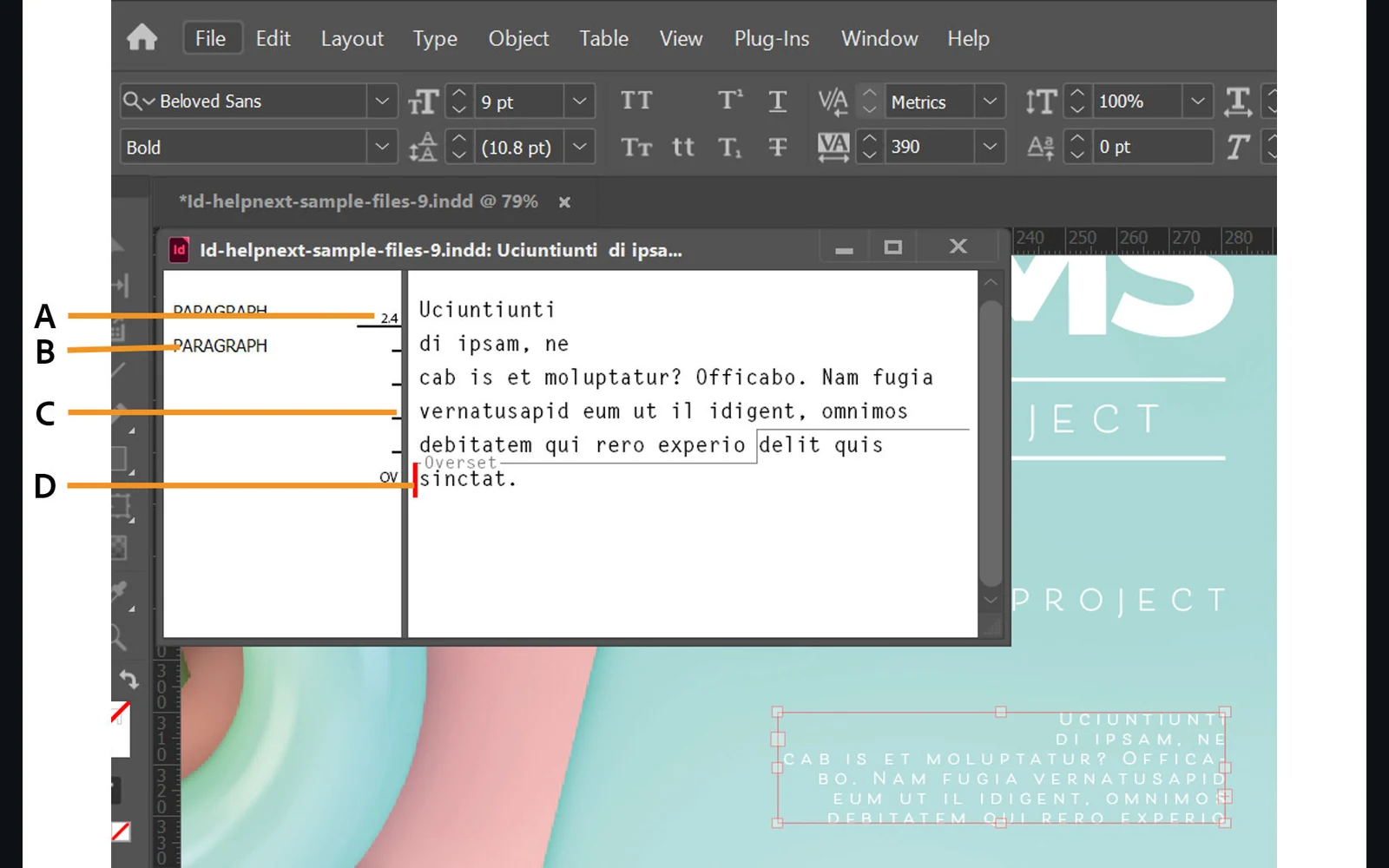
Diagnose missing translated InDesign text: inspect the story, check overset and fonts, verify an IDML phrase locally, then review the exported page.
Diagnose clipped translations in Figma: text resizing, parent auto layout, fonts and copy limits, with an interactive text-fit exercise.
Create timed text for a silent promo, translate the SRT, convert to WebVTT and check it in the player, without relying on speech recognition.
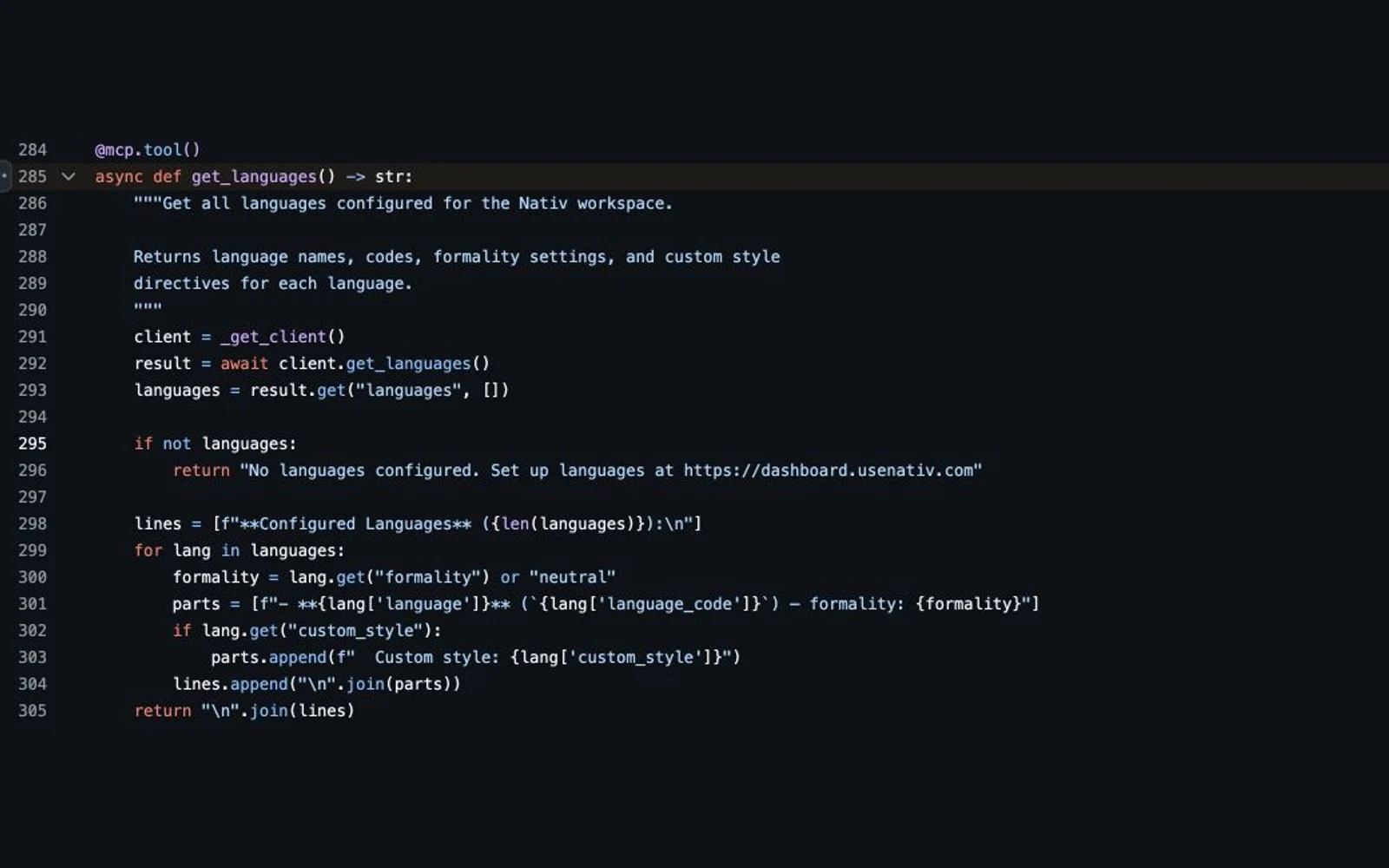
Connect Nativ MCP to Cursor, keep the API key out of shared configuration, check authentication and run a read-only first task before generating content.
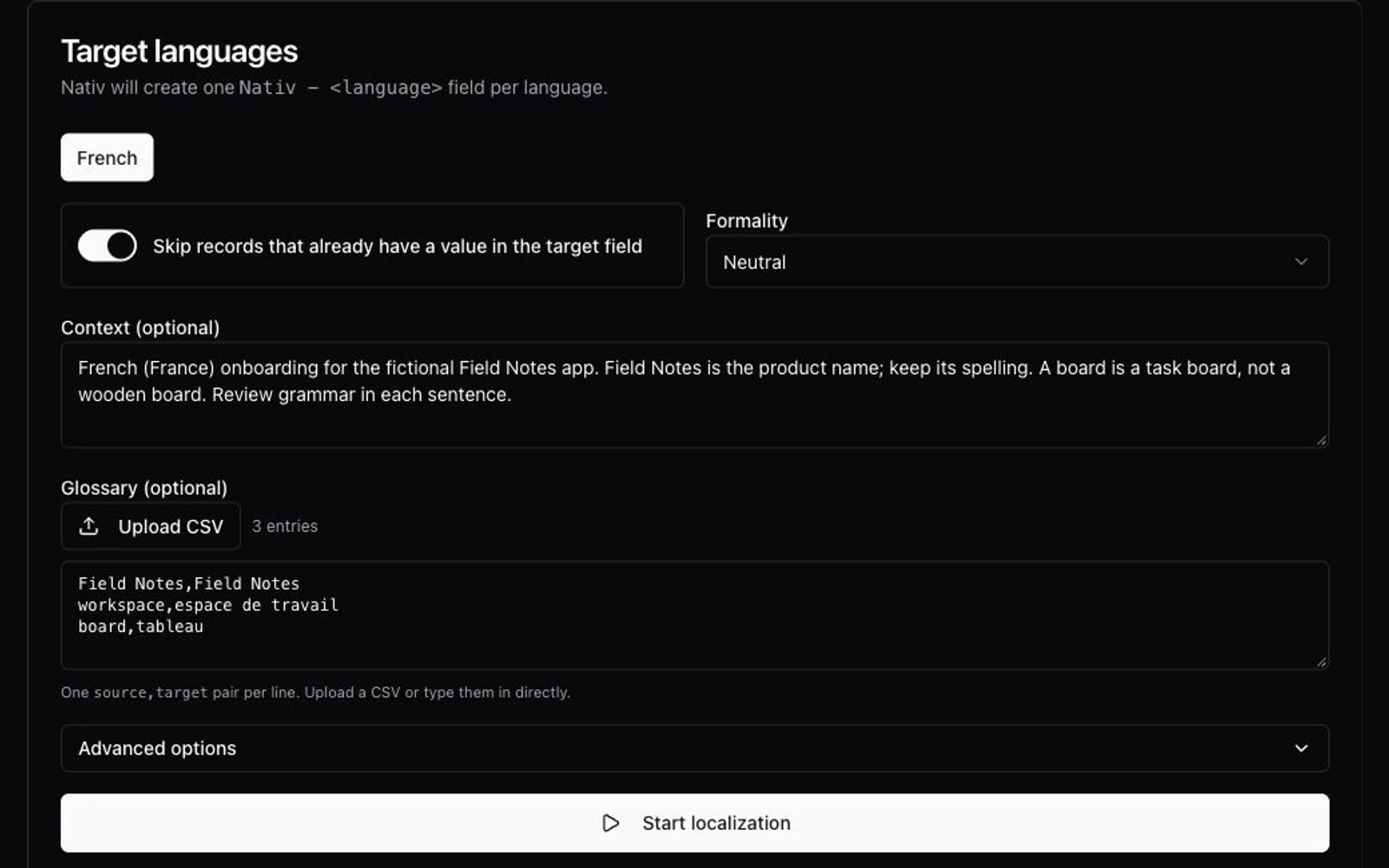
Build a useful translation glossary from existing copy, define term meanings and locale rules, then test it in Nativ’s dashboard or MCP workflow.
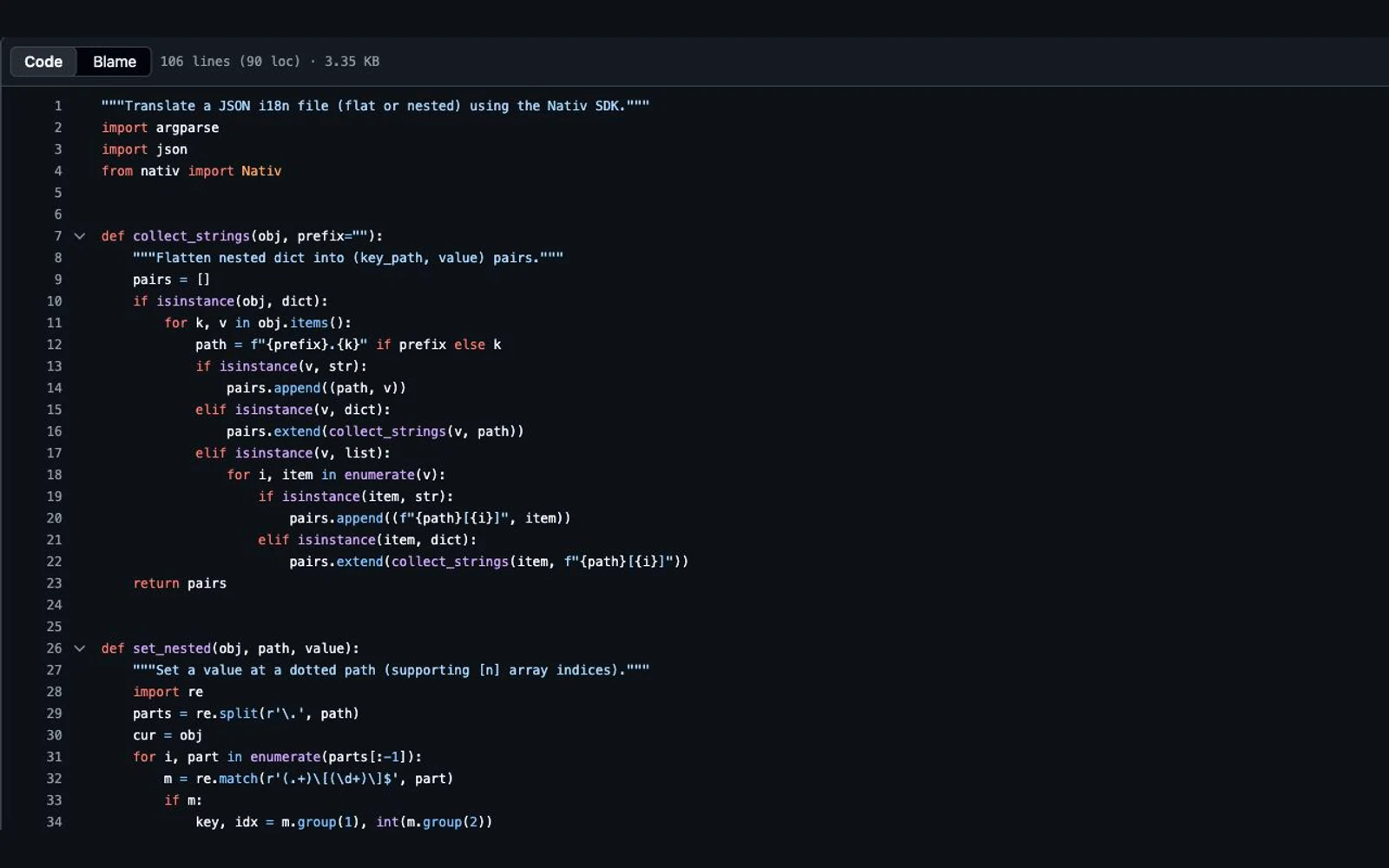
Separate JSON structure from message text, preserve interpolation variables, test plural syntax, and validate Nativ locale-file output before it enters your app.
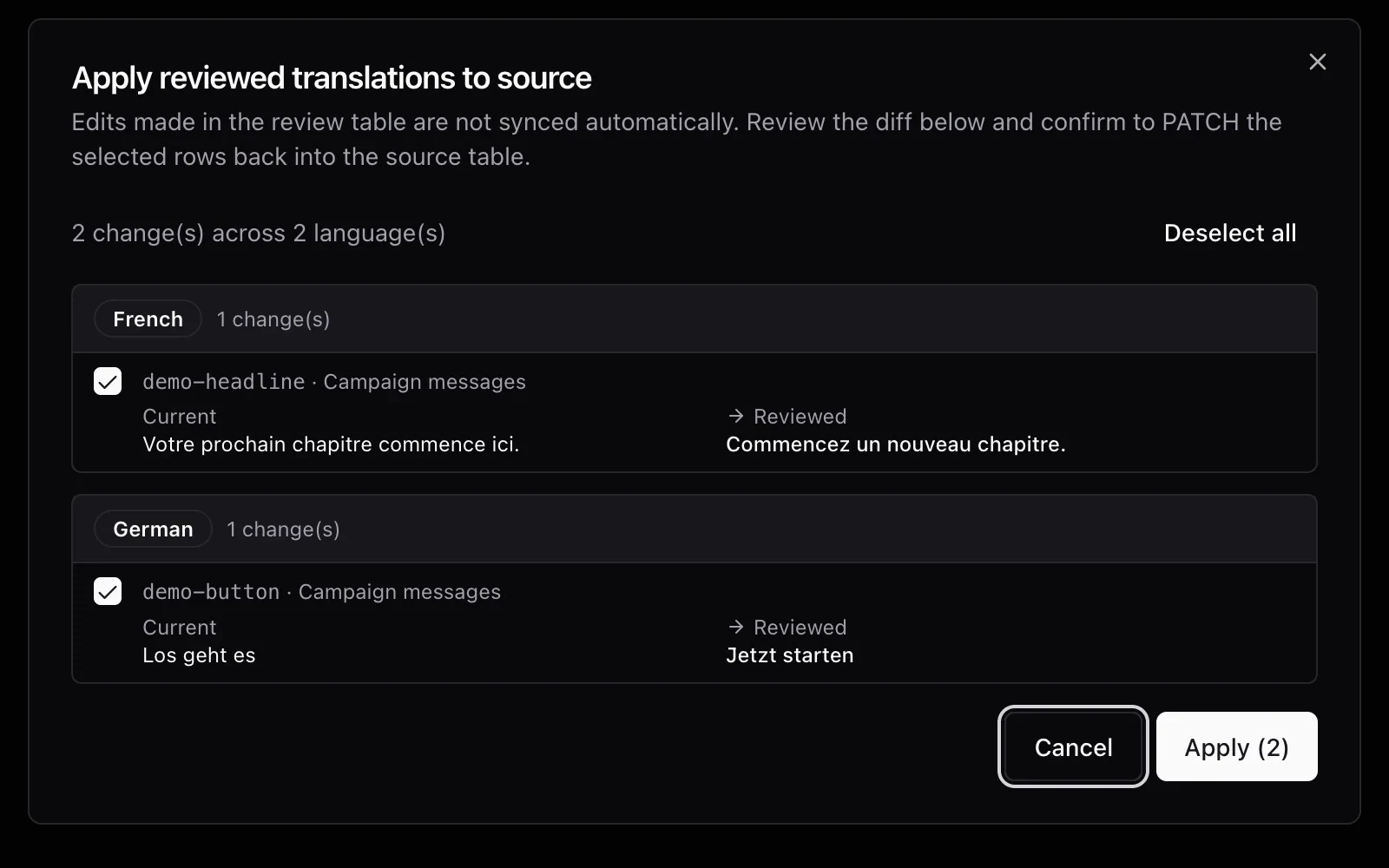
Check facts, placeholders and layout, use backtranslation carefully, and give a language reviewer a clear handoff before publishing translated content.
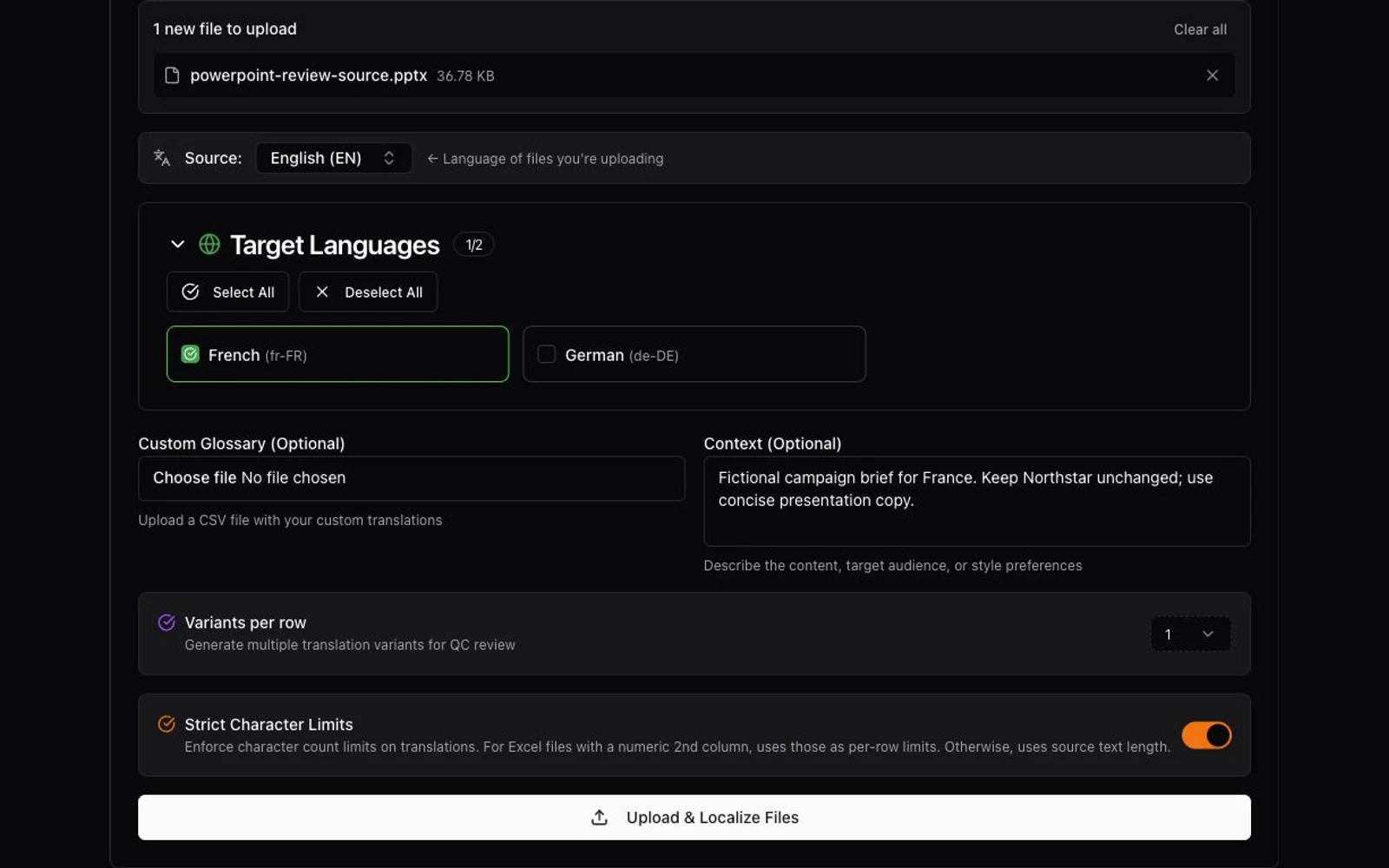
Translate a PPTX presentation with a reviewable workflow for text boxes, grouped shapes, tables and speaker notes, then check the final slides in PowerPoint.

Translate text baked into an image: choose the right workflow, review OCR and wording, render a new image, and check what changed before publishing.
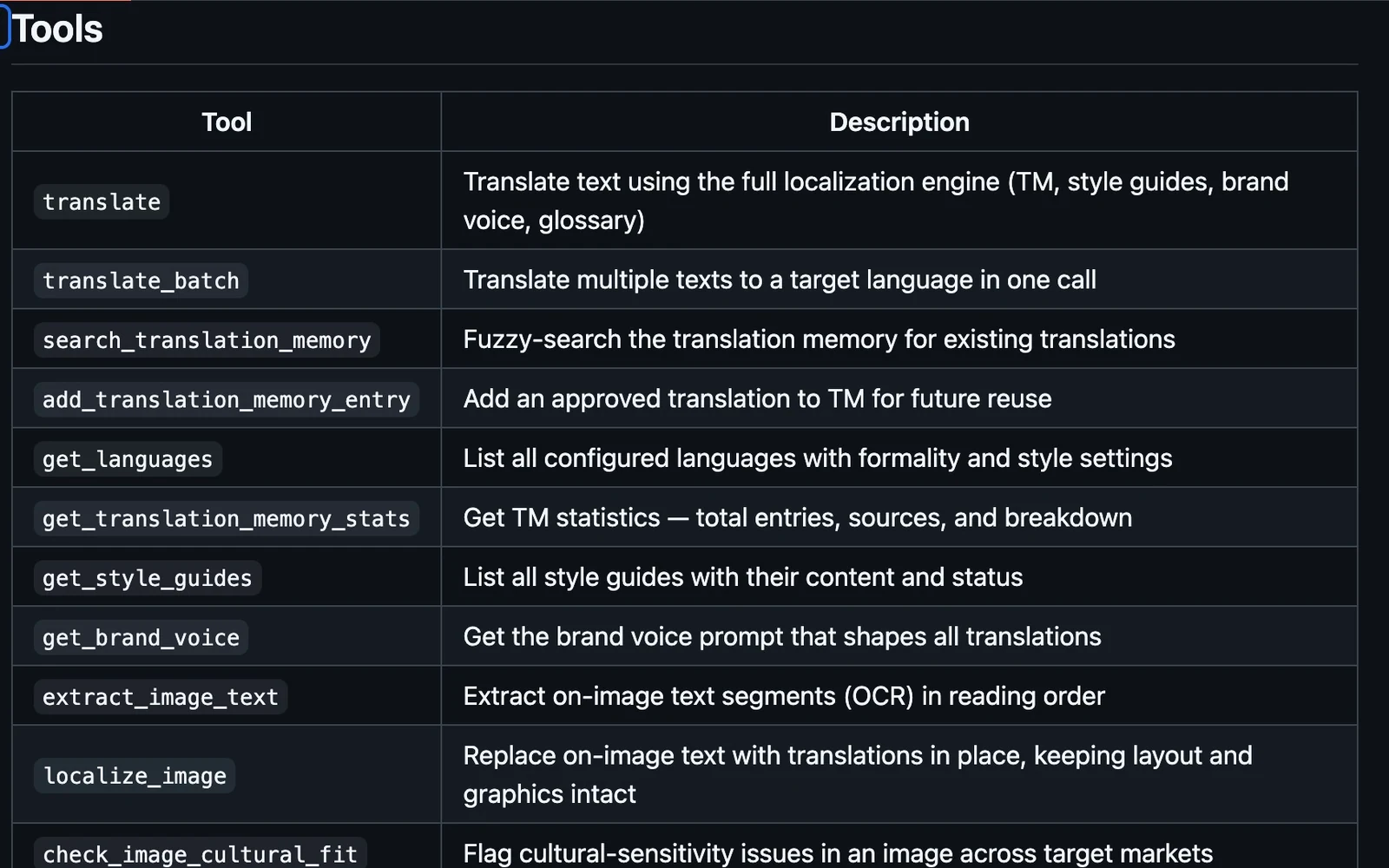
Nativ MCP 0.5.0 connects AI agents to 51 localisation tools across text, images, audio, subtitles and shared brand context.
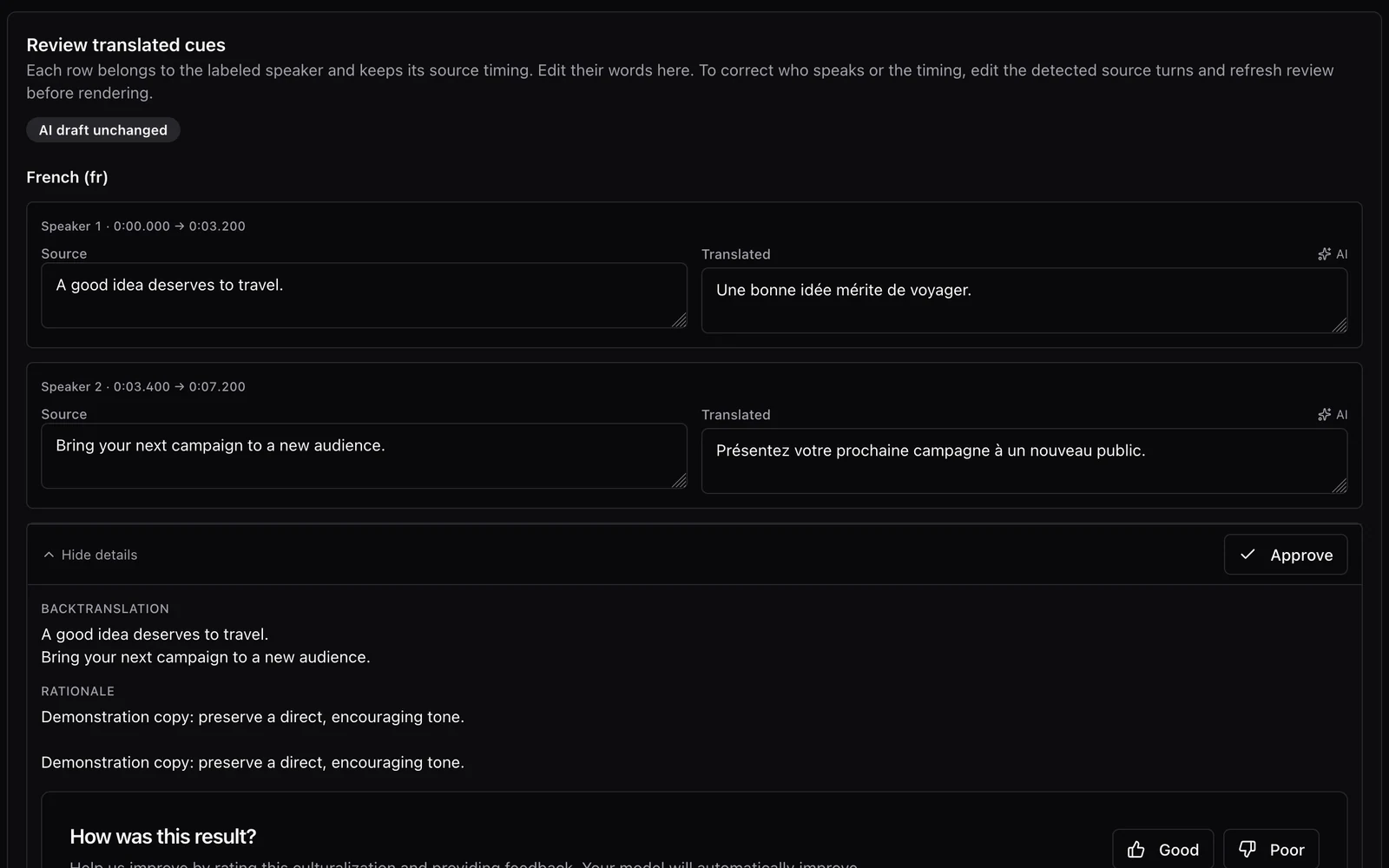
Prepare speaker-aware dubbing with Nativ: inspect the transcript, assign voices, review translated turns and timing, and listen to the finished mix.
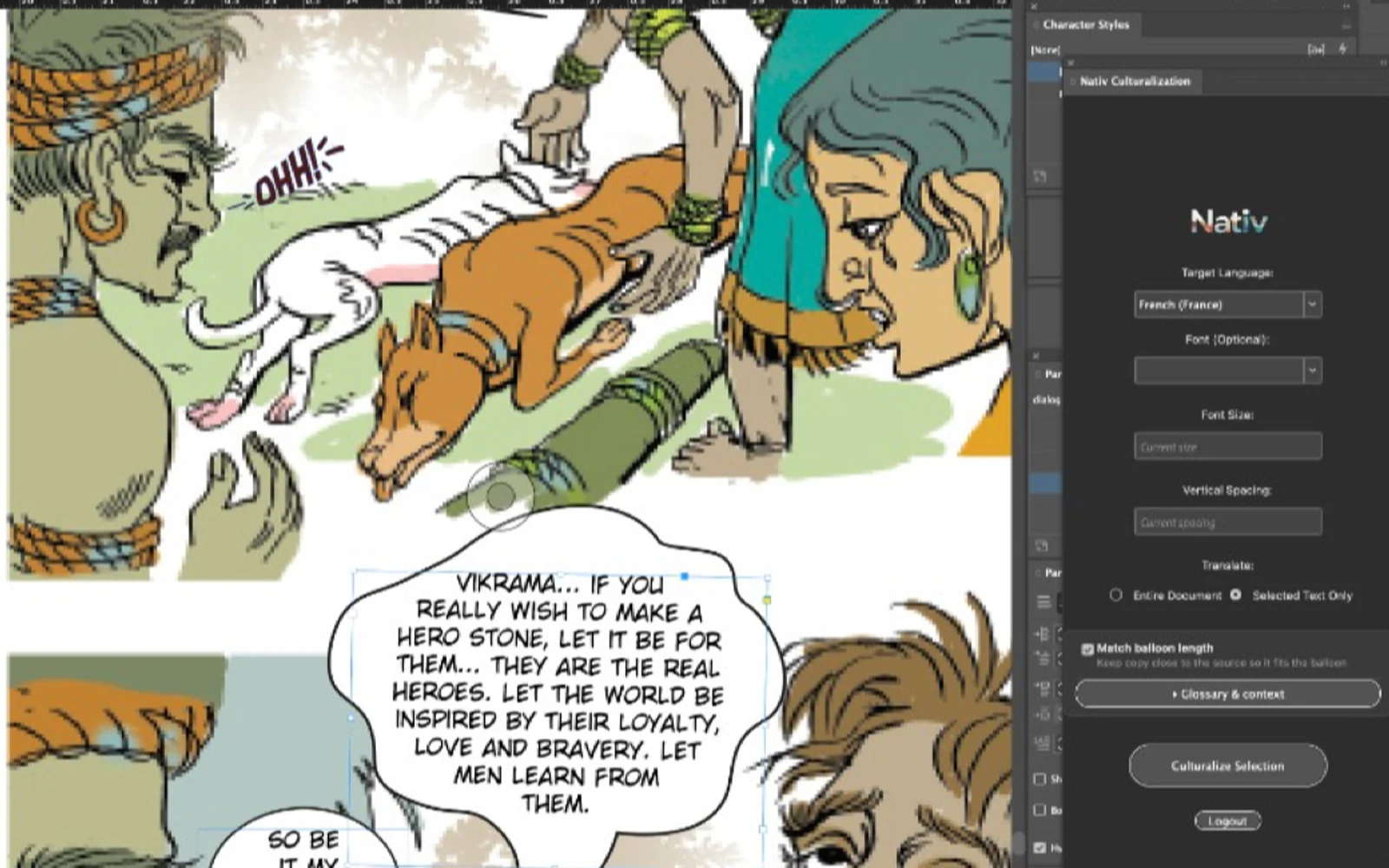
Translate selected text or a document with Nativ’s InDesign plugin, then review terminology, fonts, line breaks and overset text before delivery.
Inside the Nativ Video workflow: transcription, script review, voices, timing and the creative layers that make a film feel local.

Use Nativ in Adobe Express to adapt selected text and images, supply glossary context, and review the result directly on the canvas.
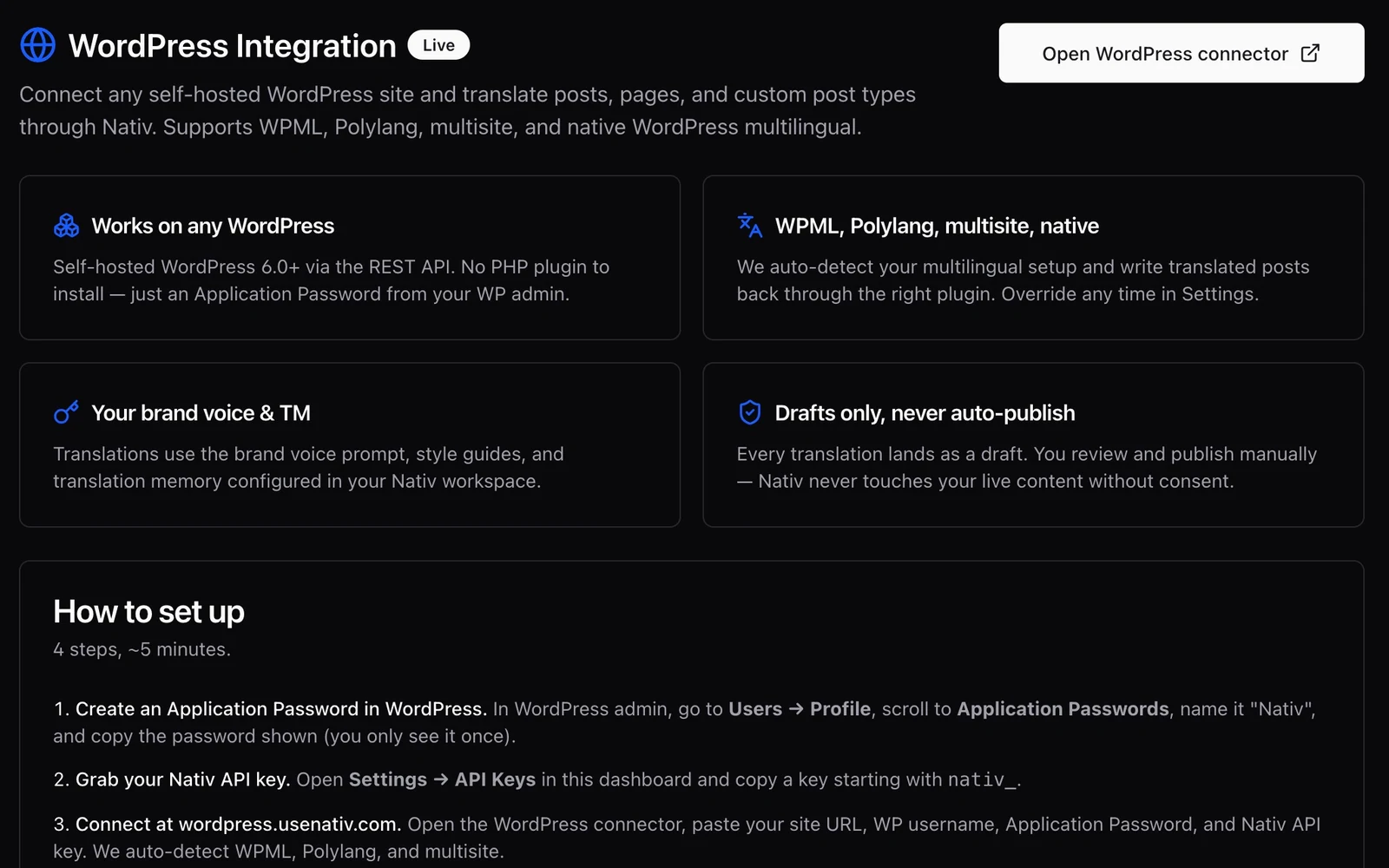
Translate WordPress posts and pages with Nativ, retain the publishing handoff, and review language versions as drafts before making them live.
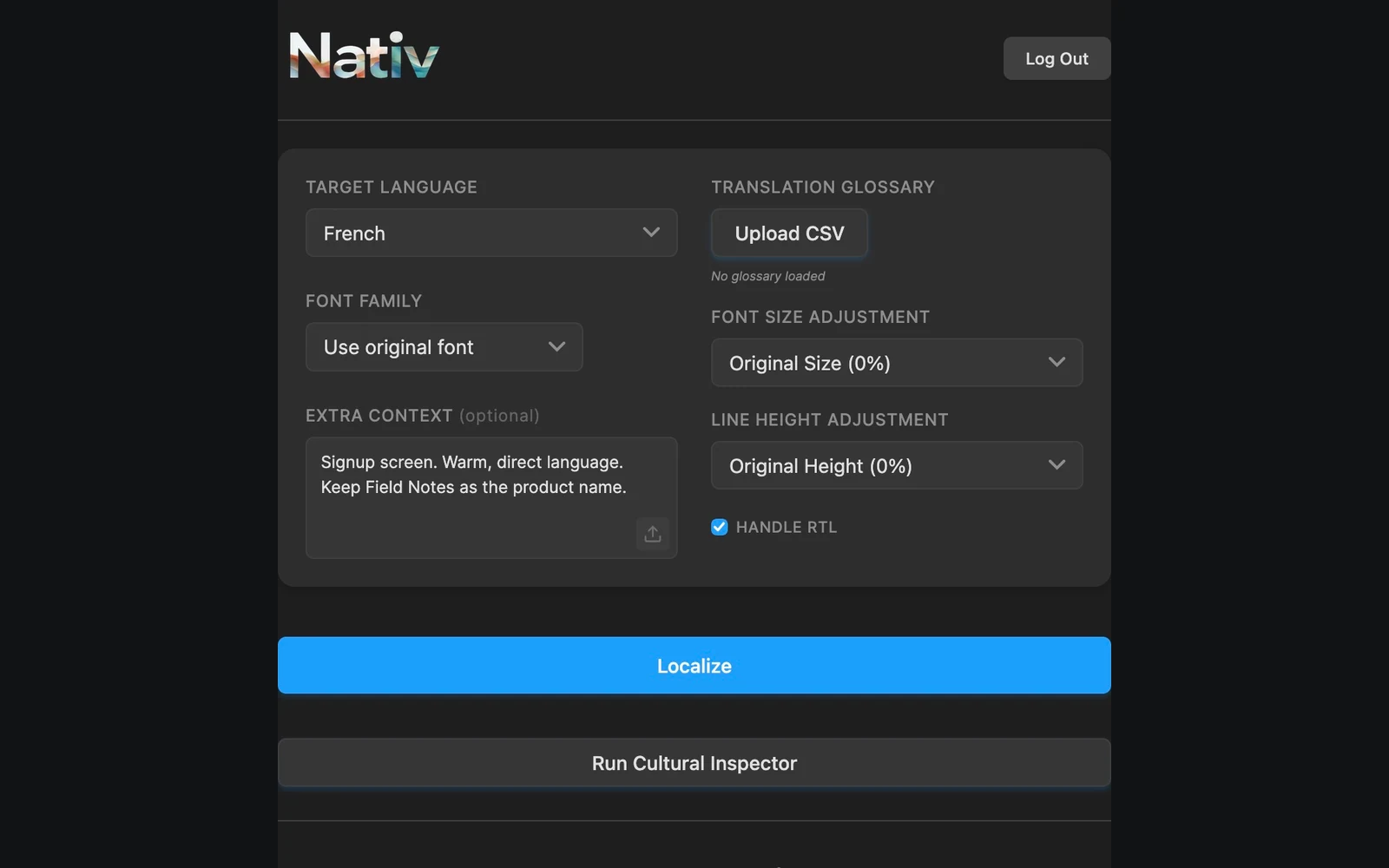
Localise Figma text in context with Nativ: preserve the source, supply terminology, and review typography and hierarchy on the canvas.
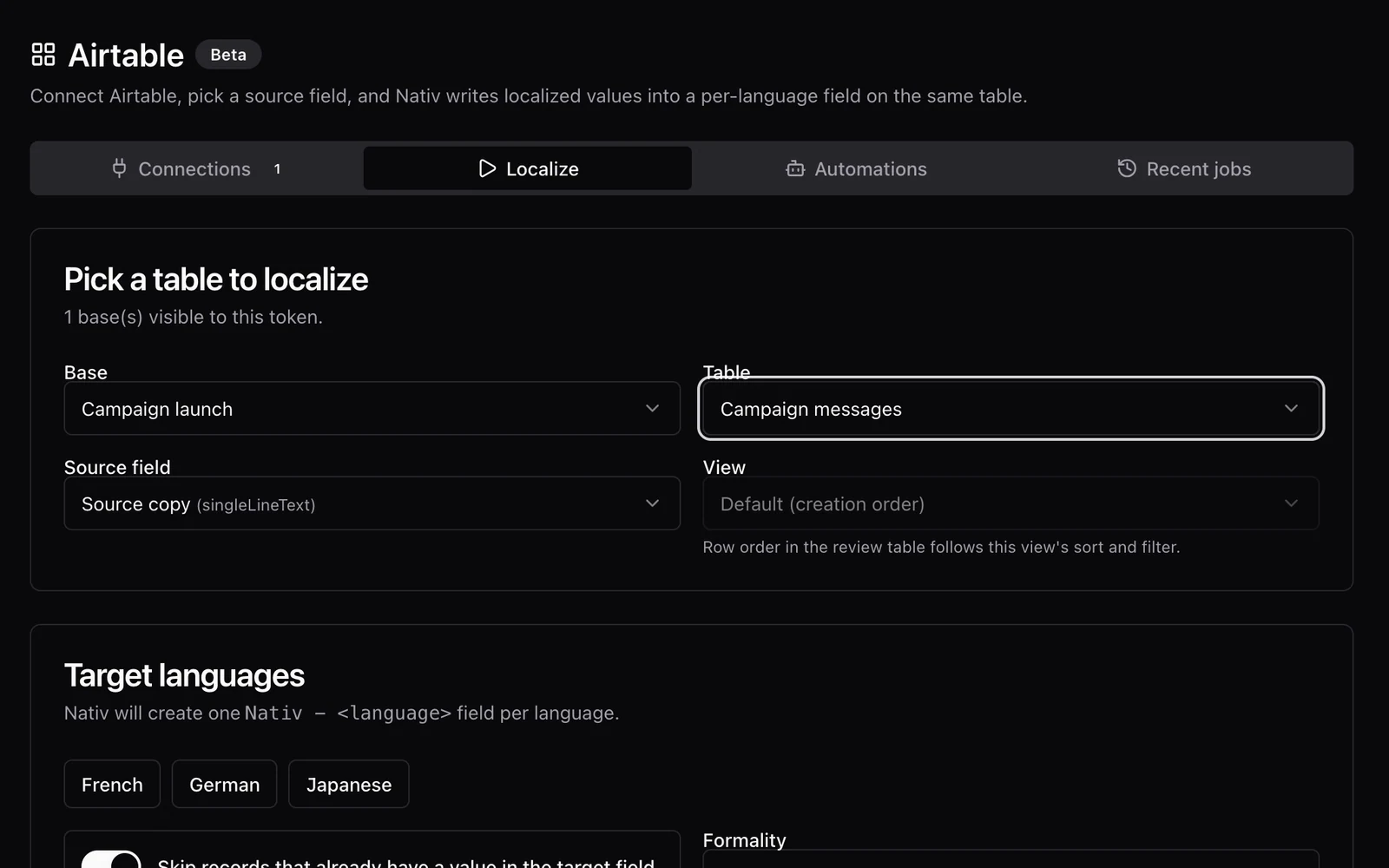
Localise Airtable content with Nativ, inspect optional review tables, and apply reviewed translations to language fields in the source table.
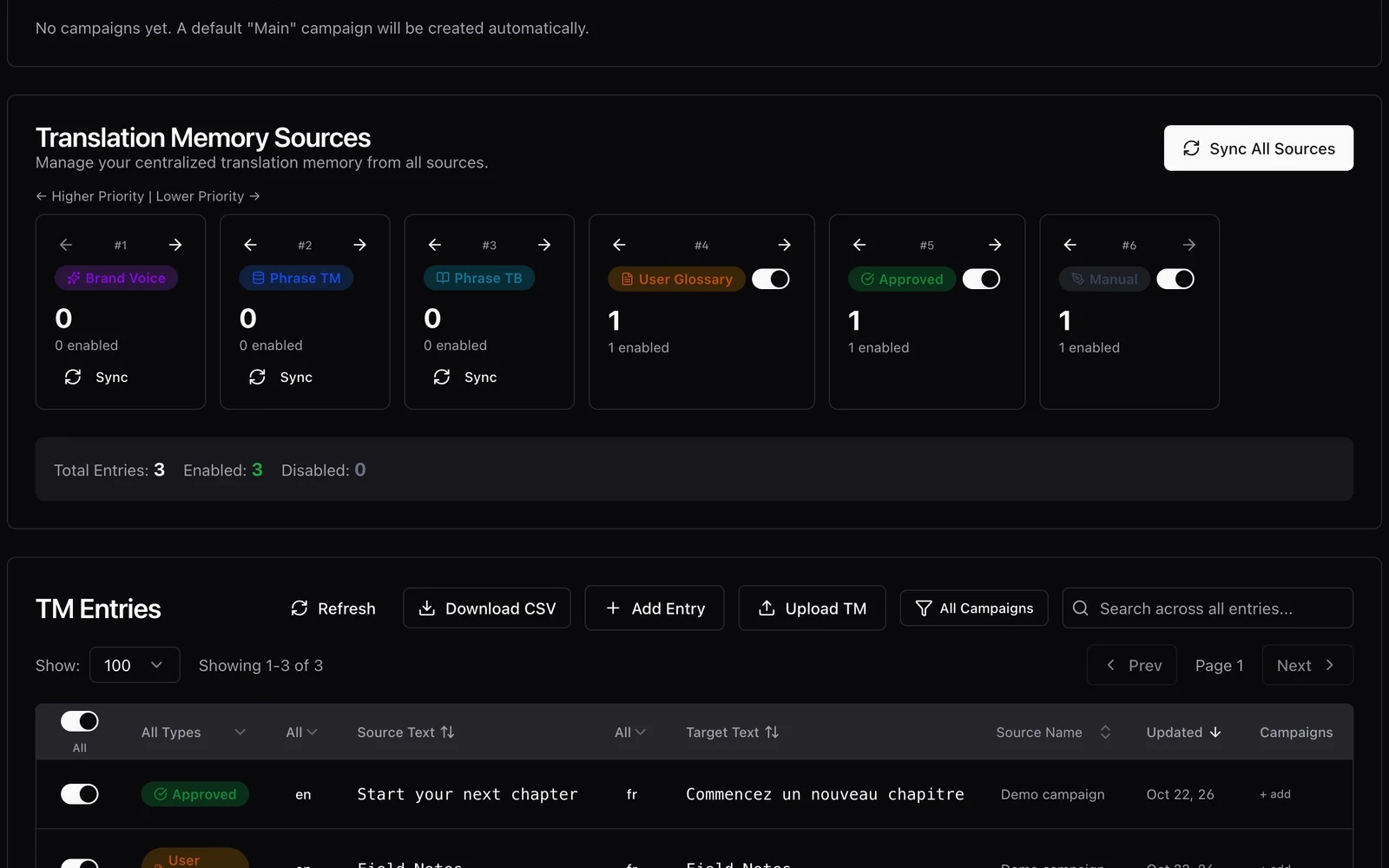
Inspect Nativ translation-memory matches, retain provenance, and turn reviewed wording into a maintained reference for future localisation work.
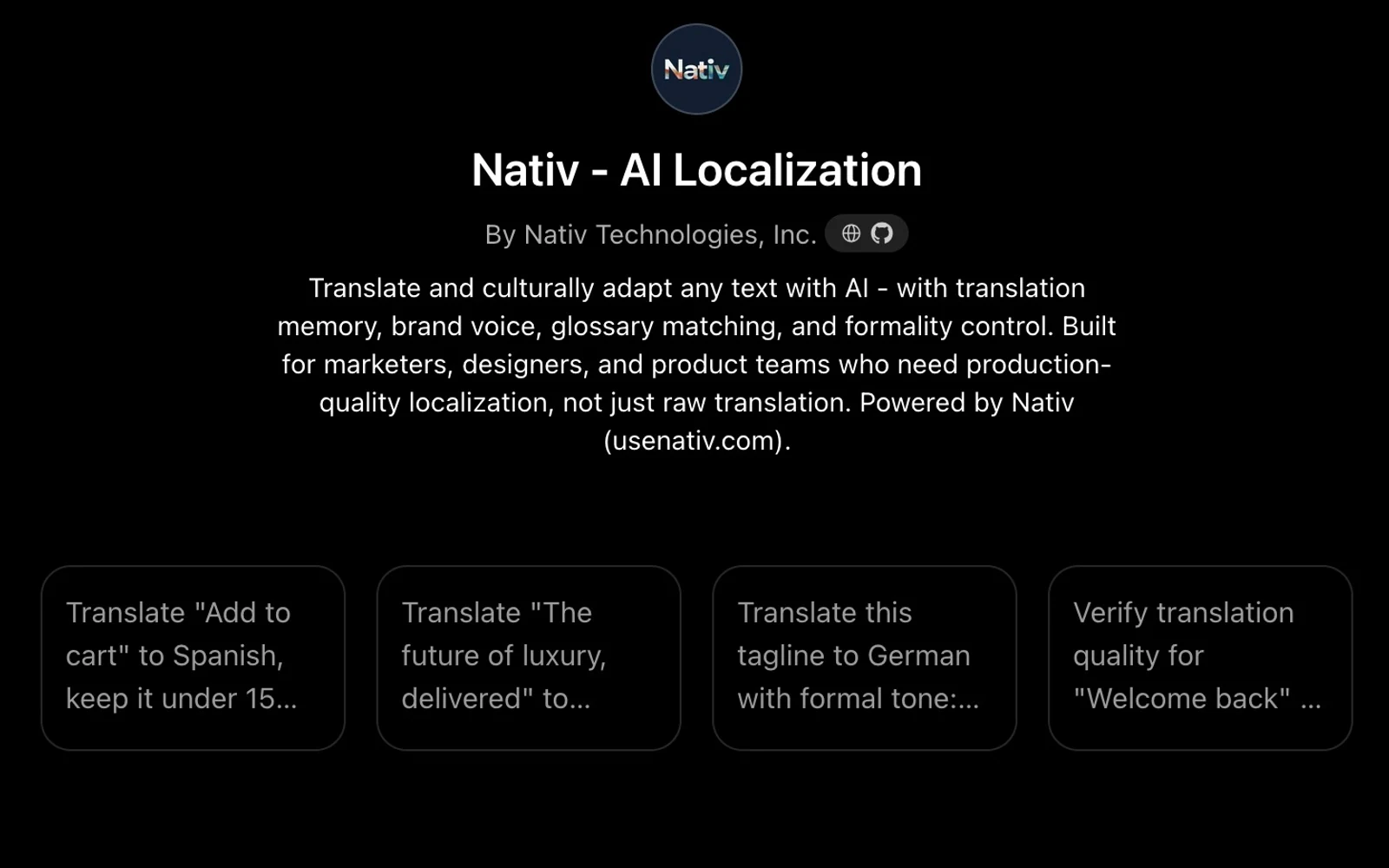
Use the Nativ GPT for text localisation in ChatGPT, supply placement and terminology, and review translations with the context of your Nativ workspace.
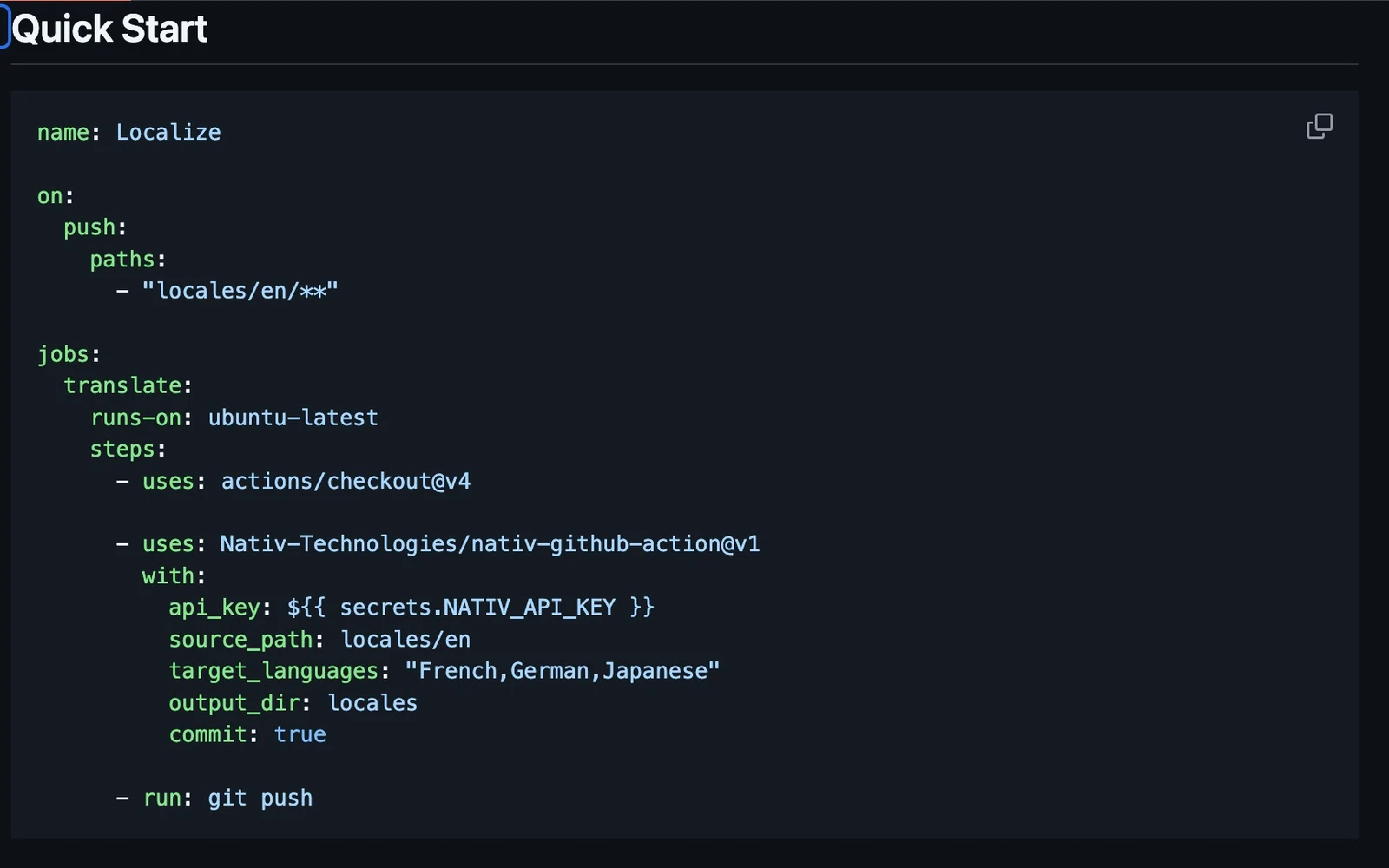
Run Nativ’s GitHub Action on a small locale file, inspect generated translations as artifacts, and decide how changes should enter your repository.
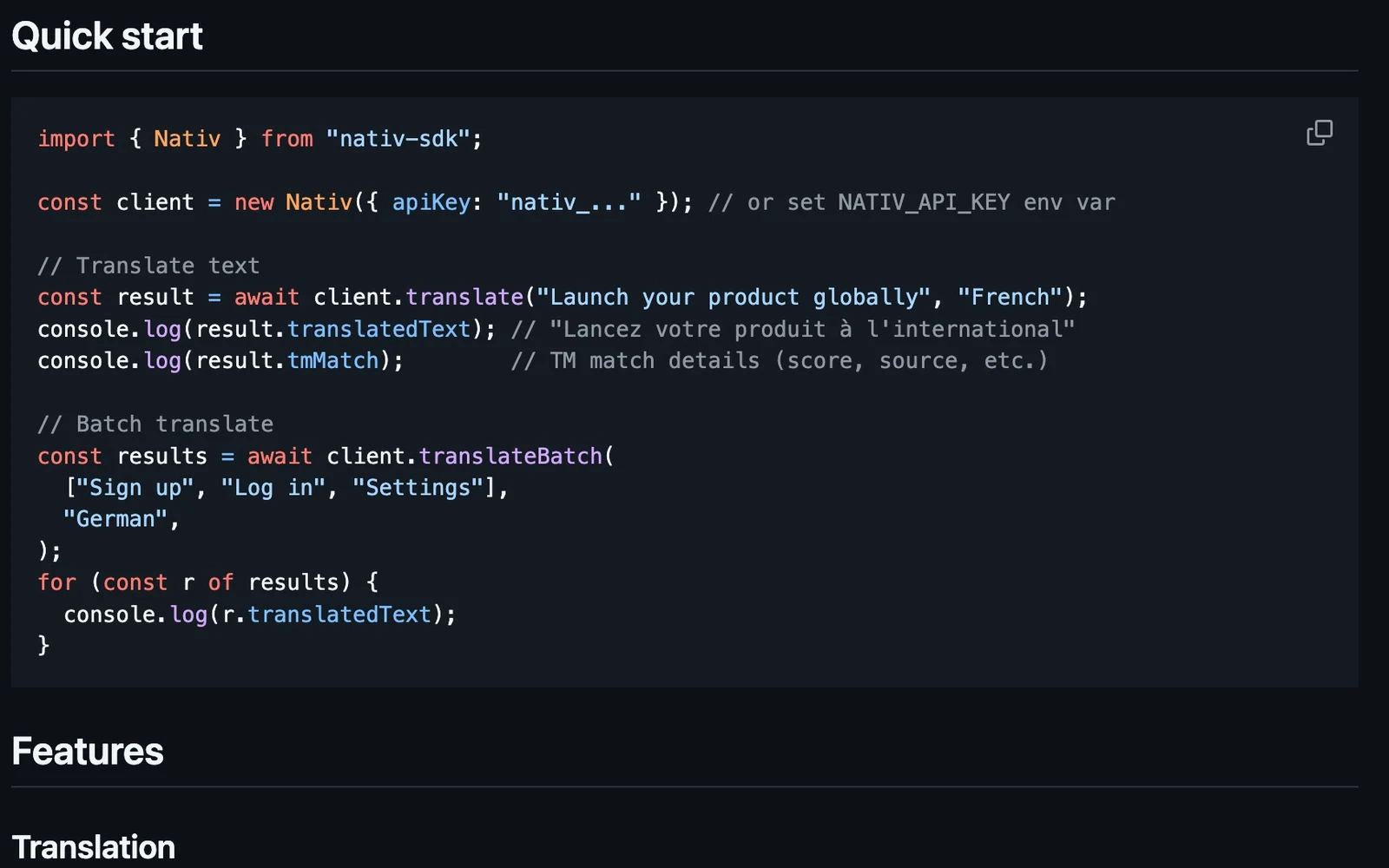
Build a brand-aware localisation workflow with Nativ’s TypeScript or Python SDK: select content, translate, preview and apply.
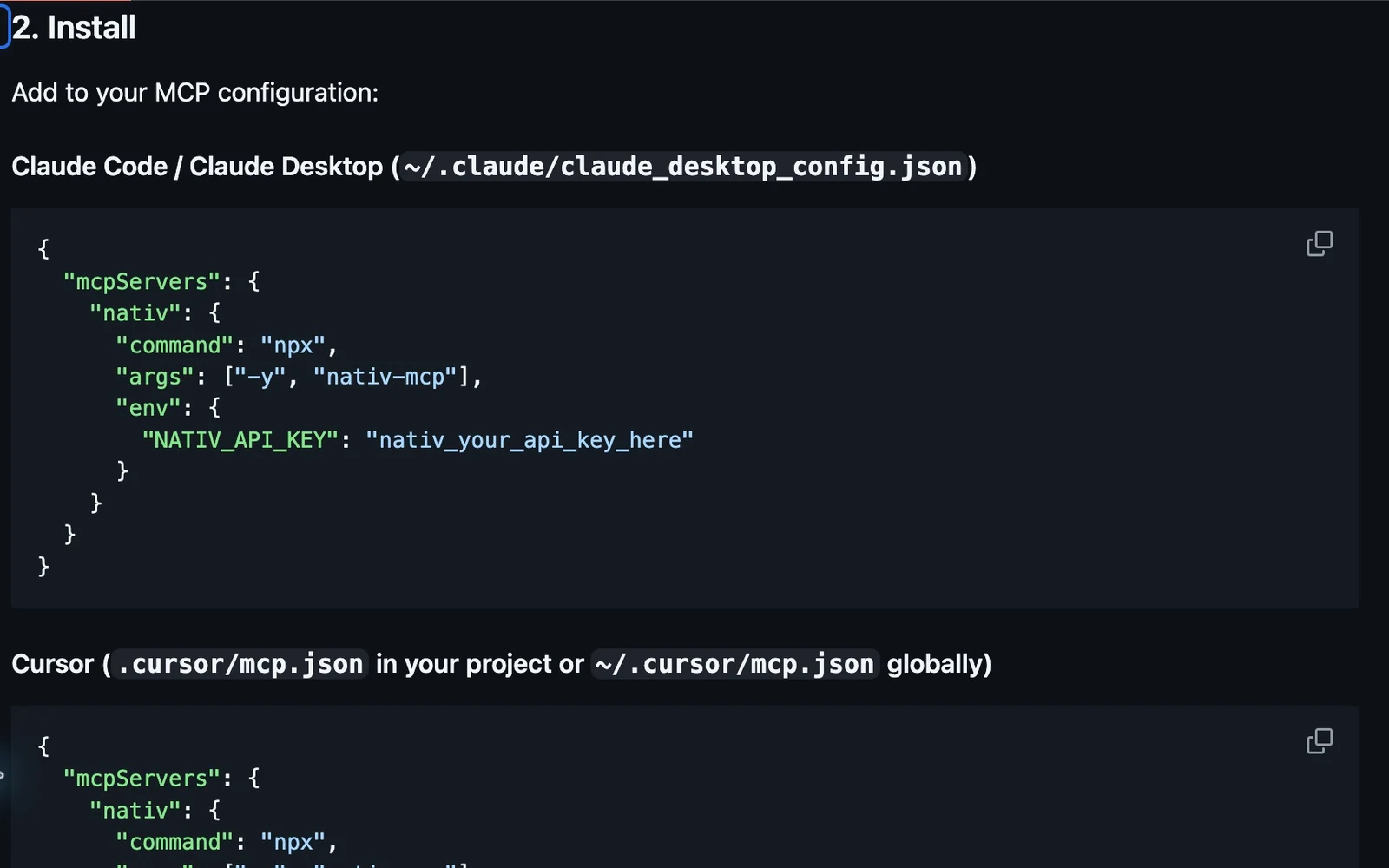
A retrospective on Nativ’s first MCP release: translation memory and brand-aware localisation inside an AI coding workflow.
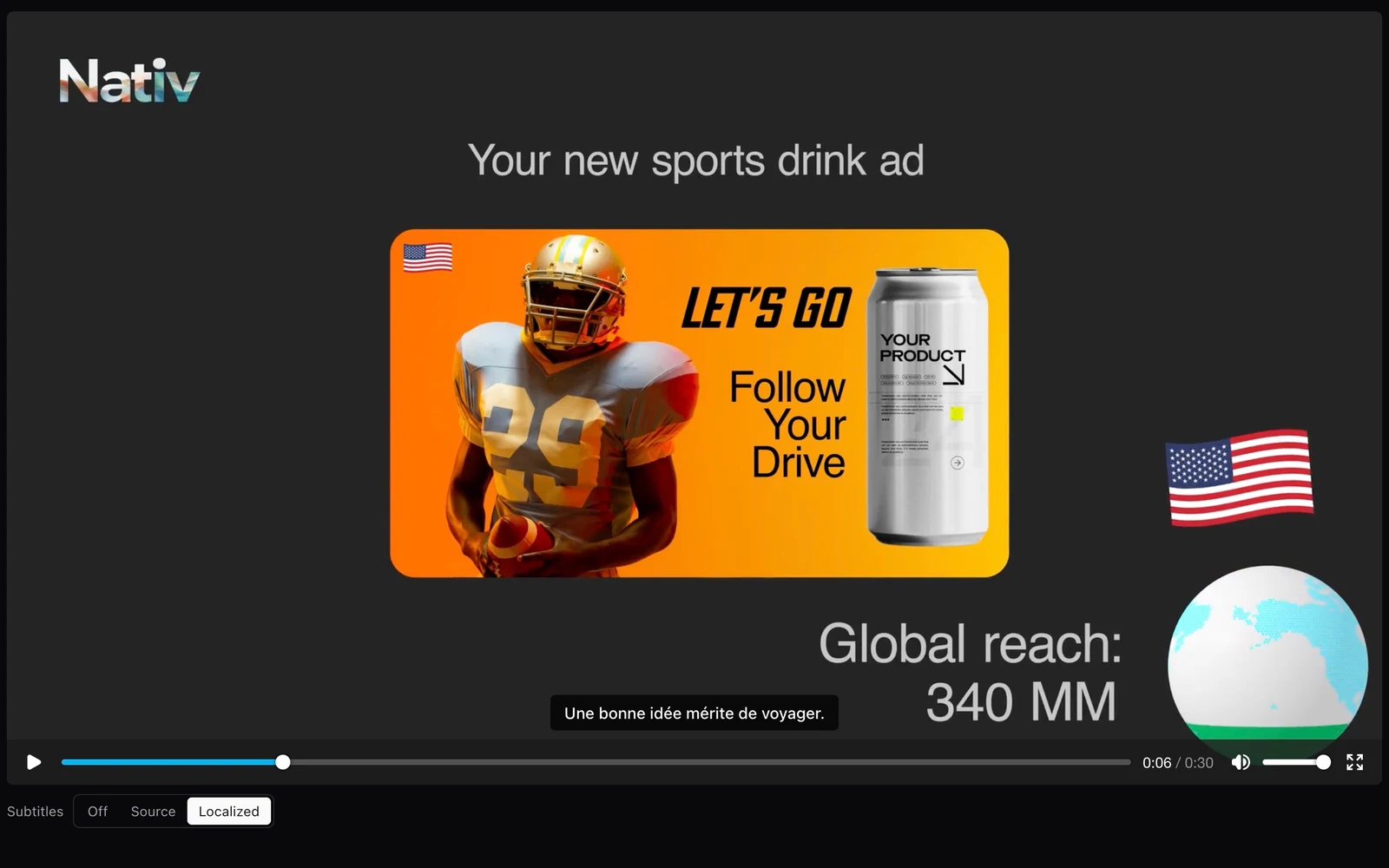
Translate SRT subtitle text, check cue numbers and timecodes, review the wording, and export a subtitle file that contains your saved changes.
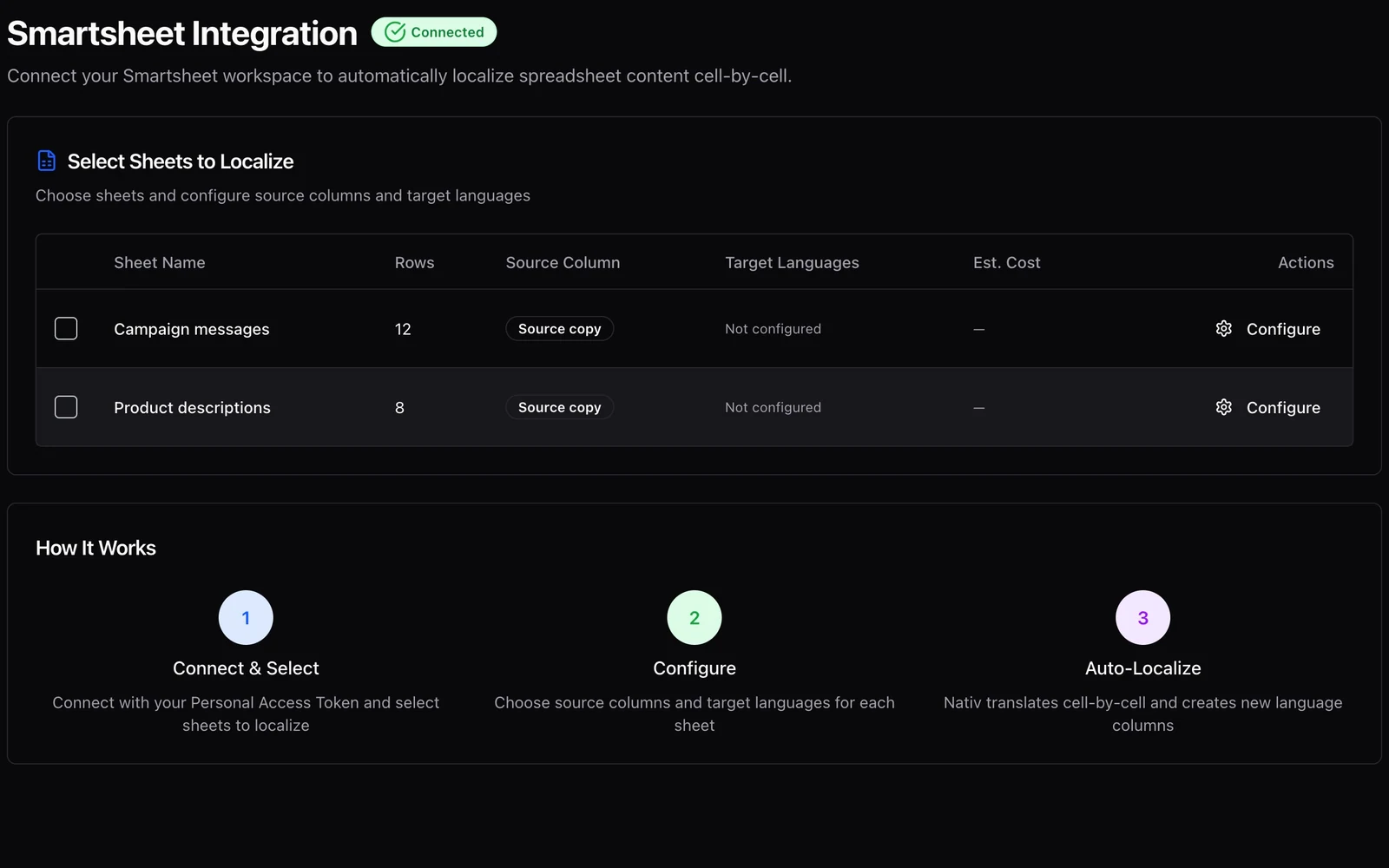
Use Nativ with Smartsheet to choose source columns, add target-language columns, and manage batch context without replacing the source copy.
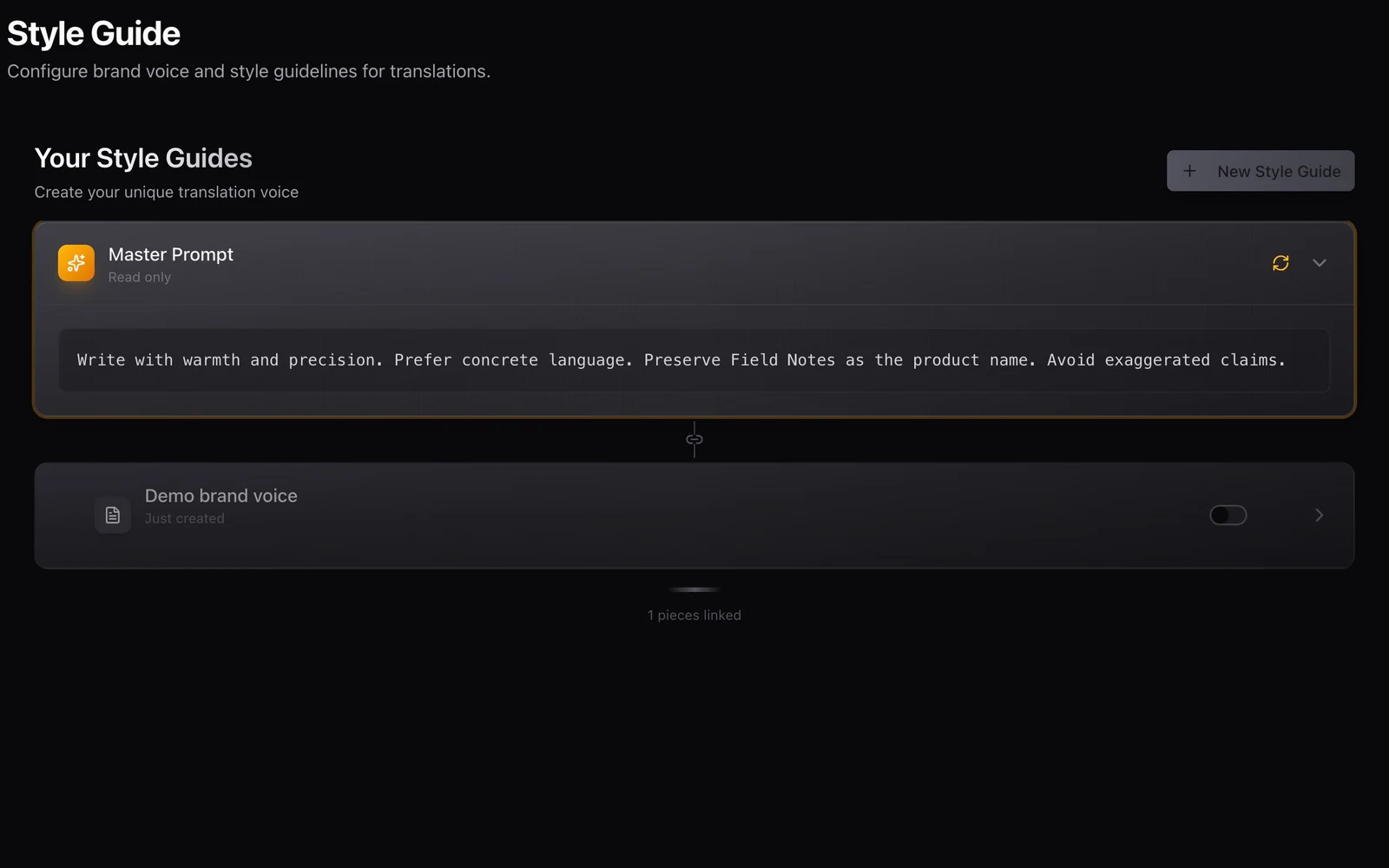
Use Nativ’s brand voice, style guides, terminology and language settings as a shared brief across creative tools, integrations and API workflows.
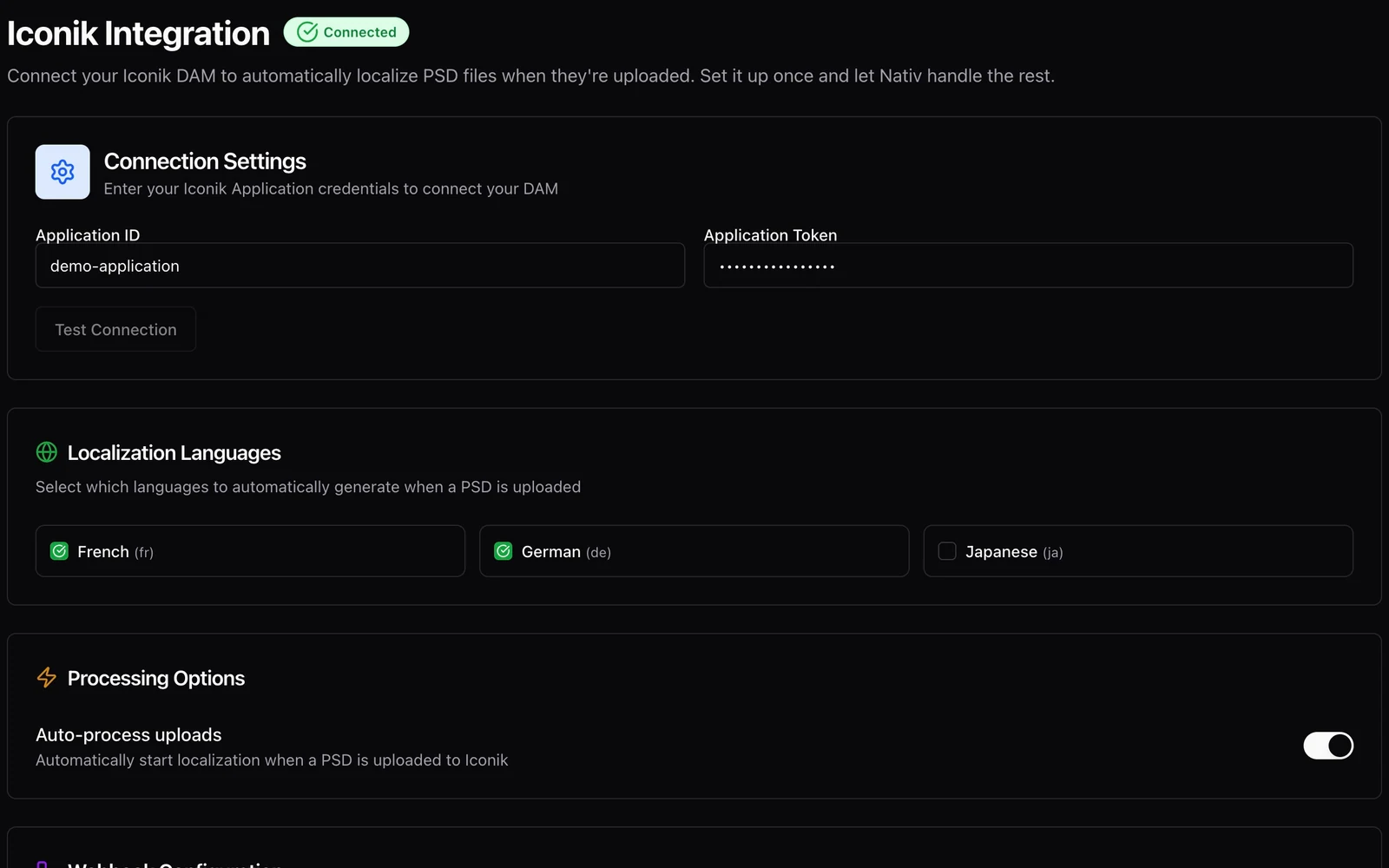
Connect iconik to Nativ for PSD localisation, configure target languages, and test an upload-triggered workflow with a clean demonstration asset.
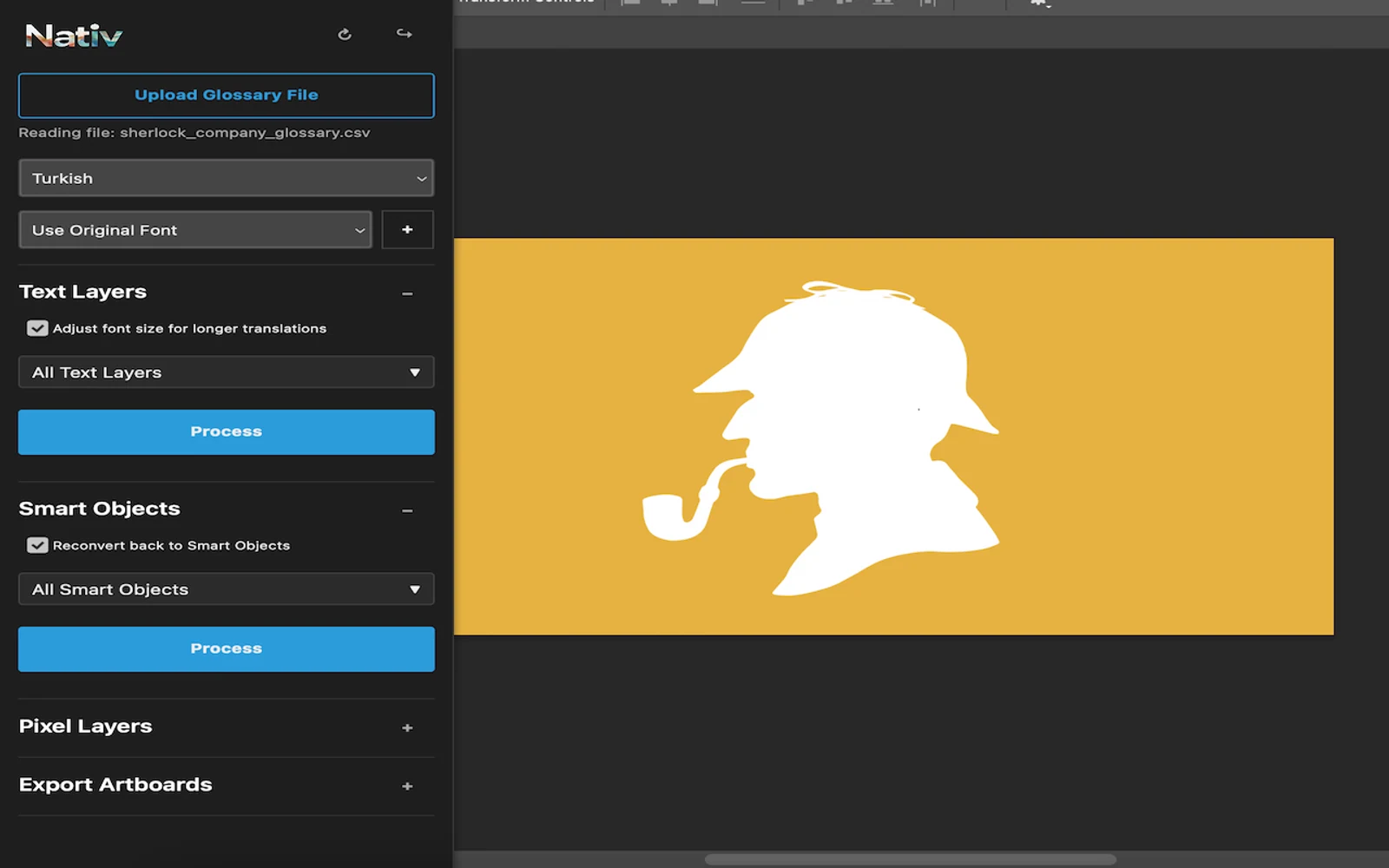
A practical guide to localising Photoshop creative assets with Nativ while reviewing text, typography and brand context in the design.
How retailers can prepare product copy, brand voice and creative assets for shopping through AI assistants.
Try a product name or a different category.
Find your creative tool, connect an AI agent or build something of your own.
Explore integrations