Keep the canvas. Change the market.
Campaign copy is designed to be seen. Localising it inside Photoshop lets the team judge the words and the creative together.
Consider a product campaign with a short headline, a shade name and a line of supporting copy. All three are text. They do not have the same localisation brief.
The headline can need a new turn of phrase. The shade name might be a piece of the brand that should remain unchanged. The supporting line might have to explain a benefit without becoming too long for the composition.
A spreadsheet sees three strings. A designer sees a hierarchy, a focal point and a carefully balanced canvas.
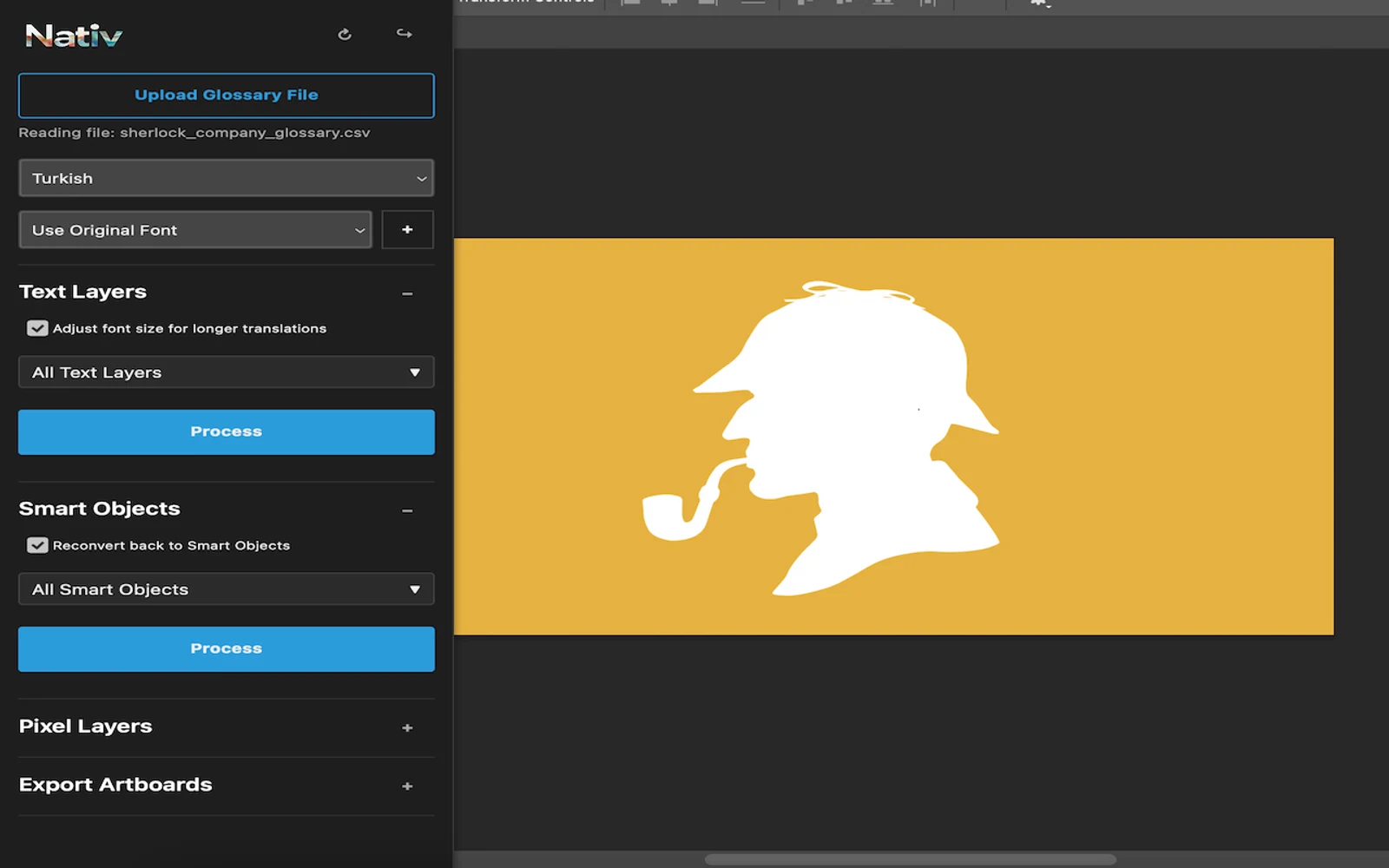
Nativ for Photoshop brings localisation into that canvas. The plugin’s first Adobe Exchange publication was 30 May 2025. Its purpose is straightforward: help teams adapt creative assets while they can still see and work with the design.
The file contains part of the meaning
In visual creative, words are not independent of their treatment. A headline can be deliberately oversized. A product claim might be restrained. A word placed next to a particular image can carry a meaning it would not have on its own.
The first useful step is to keep that context visible. With Nativ, the team can work on text inside Photoshop rather than exporting copy, waiting for translations and manually reconnecting each result to its layer.
The plugin connects the creative workflow to Nativ’s localisation capabilities and brand context. Glossaries help distinguish terms that should travel unchanged from ordinary copy that should adapt.
The goal is a result a designer can evaluate as an asset, rather than a collection of translated sentences.
Editable text and pixels are different materials
An editable text layer gives a design tool direct access to its wording. Text baked into an image has to be treated as part of the image.
That distinction matters when scoping a localisation job. Replacing an editable string can preserve its role in the document. Adapting text in a raster asset produces changed visual content; it does not reconstruct the original typography as a native text layer.
Nativ’s published Photoshop listing covers context-aware text translation and adaptation of visual content, including text embedded in imagery. Choose the appropriate workflow for the actual material in the file.
For a large set of source files, also consider the dashboard’s creative-file workflows. A plugin is useful when the review happens inside the active design. File automation is useful when the work begins as a batch.
Walk through one campaign asset
Choose a compact design for the first run. Include a meaningful headline and a term you want the team to keep consistent.
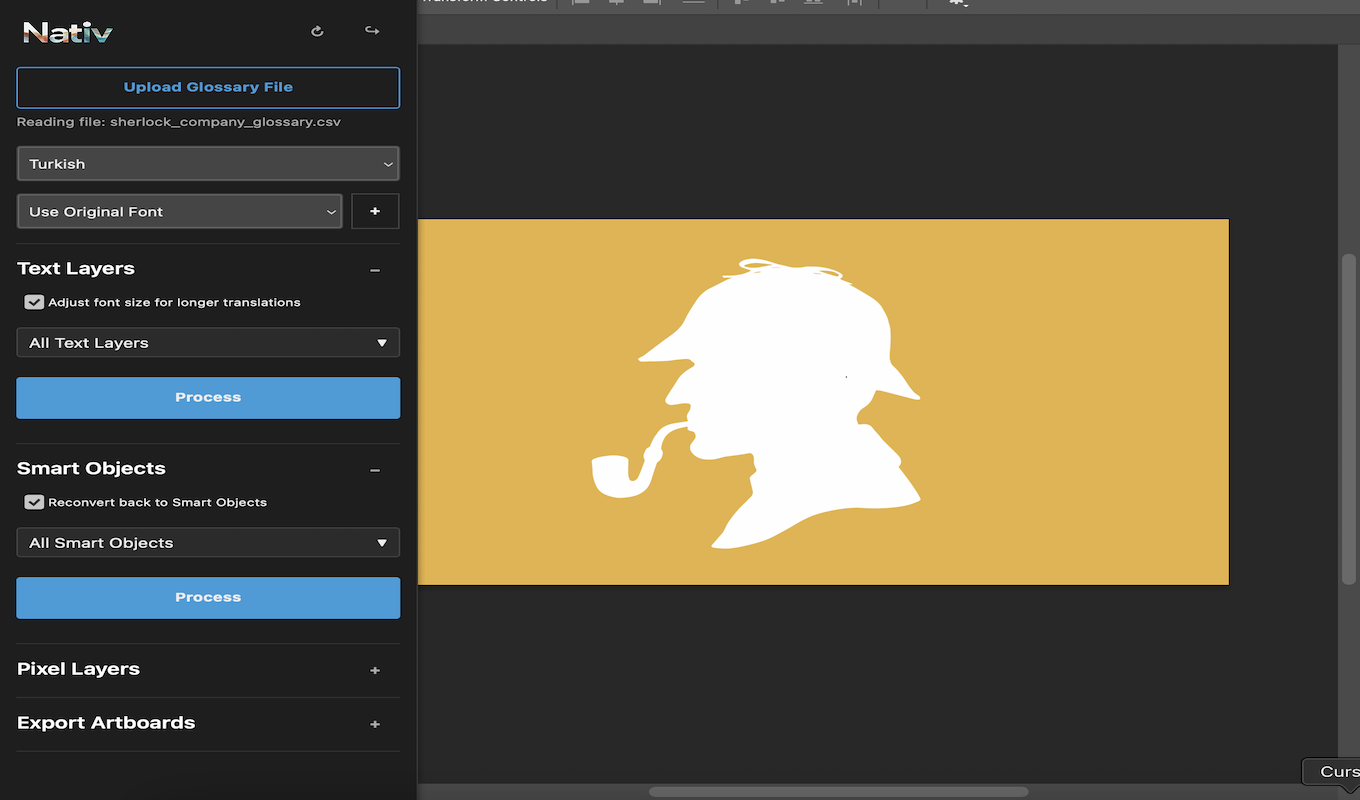
- Install Nativ Culturalization. Use the Adobe Exchange listing and check its current Photoshop compatibility.
- Open the source design. Identify which content is editable text and which is embedded in imagery. Keep a source copy for comparison.
- Open the plugin and connect your account. Use the Nativ workspace associated with the campaign.
- Choose the language and supply context. Include approved product terms and the audience or campaign brief where relevant.
- Run the supported localisation workflow. Review the result in the document before repeating it across more assets.
- Check the whole canvas. Inspect line breaks, text overflow, glyph support and the relationship between copy and image.
A good review has two passes
Read the words first. Does the result preserve the claim, the tone and the intended relationship with the audience? Are the brand terms consistent? Has an ordinary word been mistaken for a product name, or a product name treated as ordinary copy?
Then step back and look at the design. Is the main message still the main message? Has a new line break changed the rhythm? Is a supporting phrase now visually louder than the headline?
A longer translation does not always need smaller type. It may need a shorter expression, a different line break or a modest layout adjustment. Those decisions are easier to make when the words are already in the canvas.
This is why “pixel perfect” is an incomplete quality bar for localisation. Preserving the original arrangement matters, but the localised creative must also read naturally and retain the hierarchy that made the source work.
Let approved decisions travel
Campaigns rarely live in one file. A phrase can appear in a Photoshop asset, a presentation, an online product page and the end card of a video.
A shared glossary, translation memory and brand voice give those versions a common reference. When the team approves a term, that decision can inform the next asset instead of being rediscovered in every application.
The canvas stays a creative surface. Nativ supplies the localisation context that helps it travel.
Product references
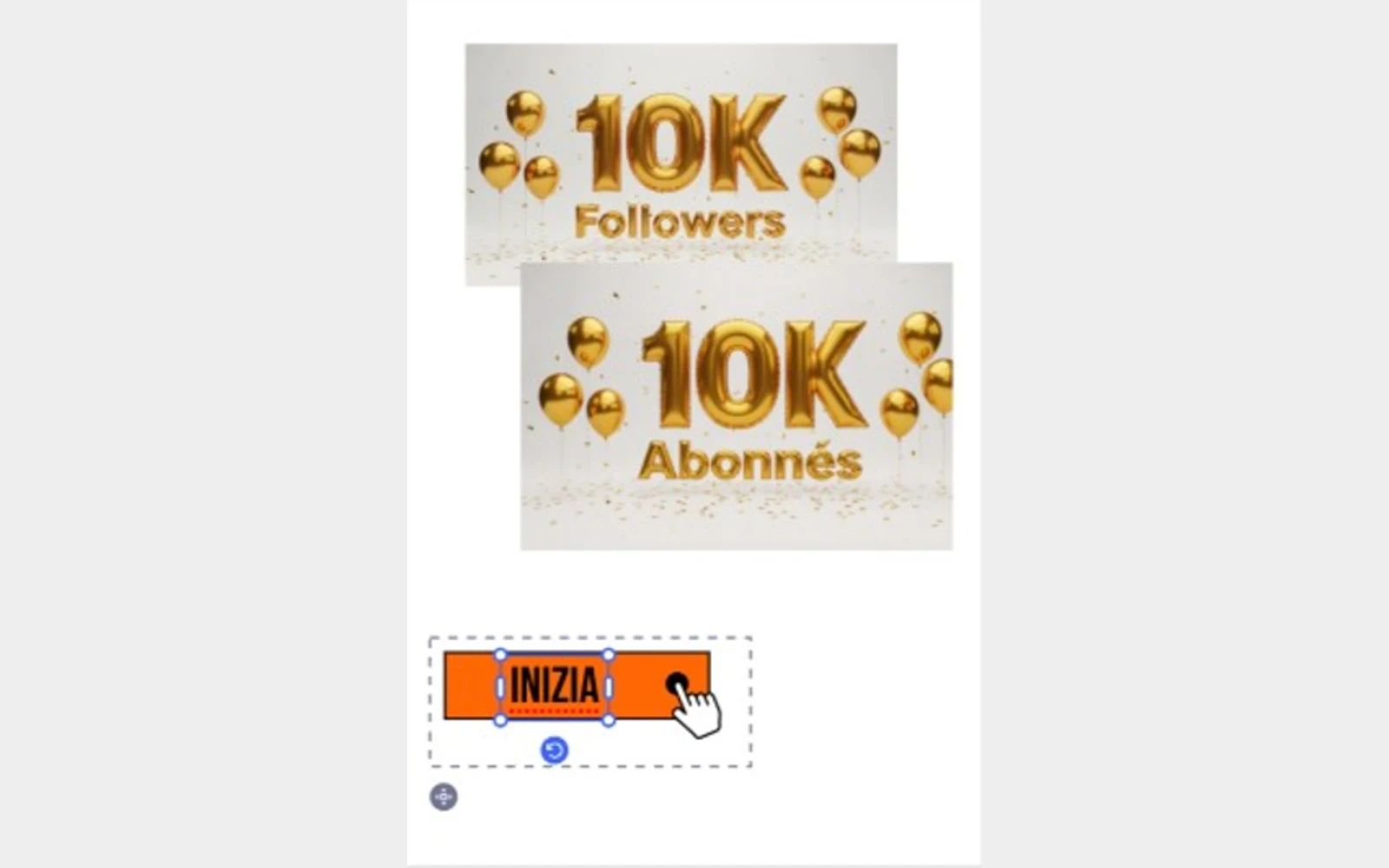
Localise the selection. Keep creating.
Use Nativ in Adobe Express to adapt selected text and images, supply glossary context, and review the result directly on the canvas.
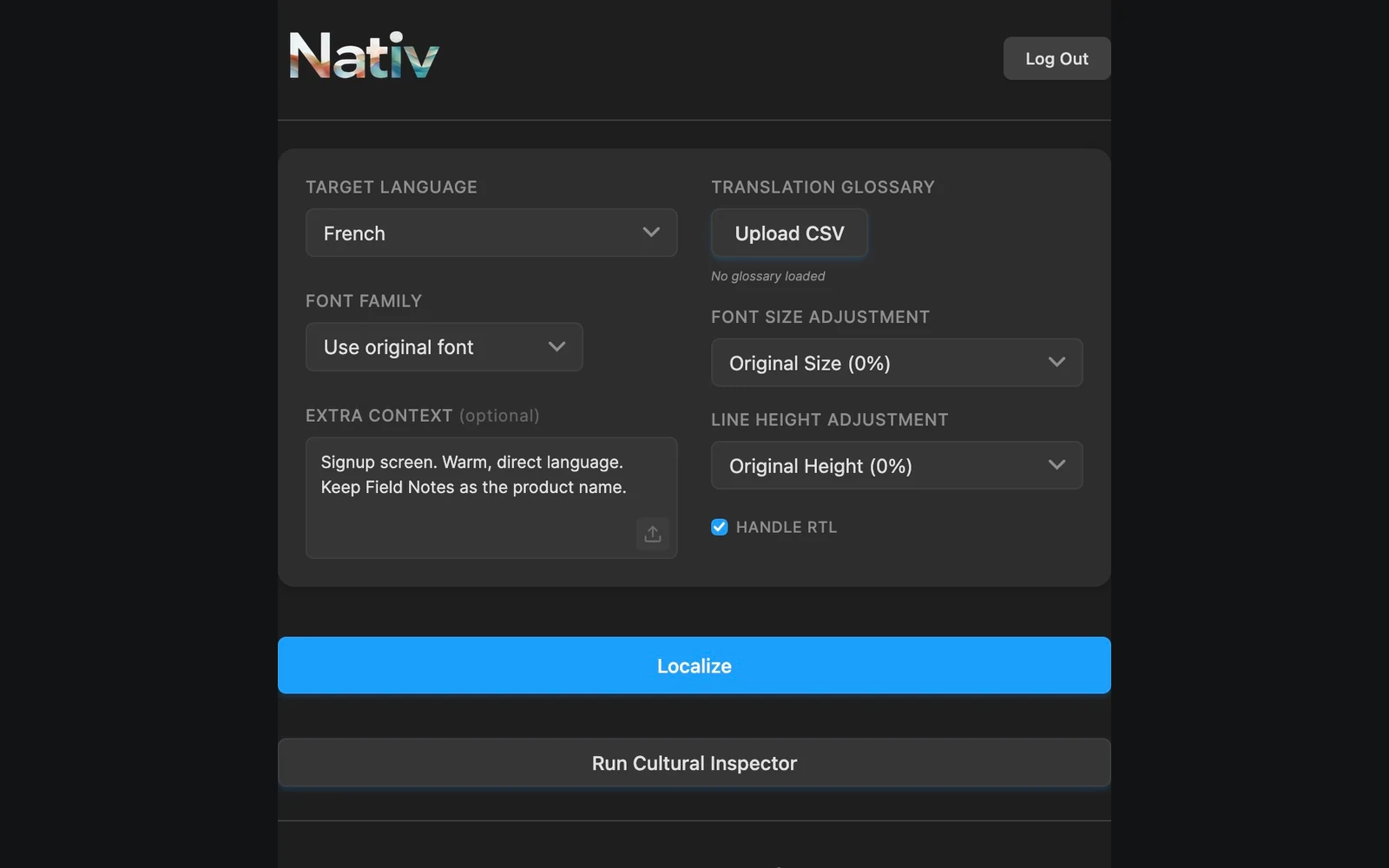
The words are part of the design.
Localise Figma text in context with Nativ: preserve the source, supply terminology, and review typography and hierarchy on the canvas.