How to test localization before your translations arrive
You can find a clipped button before anyone translates it. You cannot approve Arabic, Japanese or French by making English look unfamiliar.
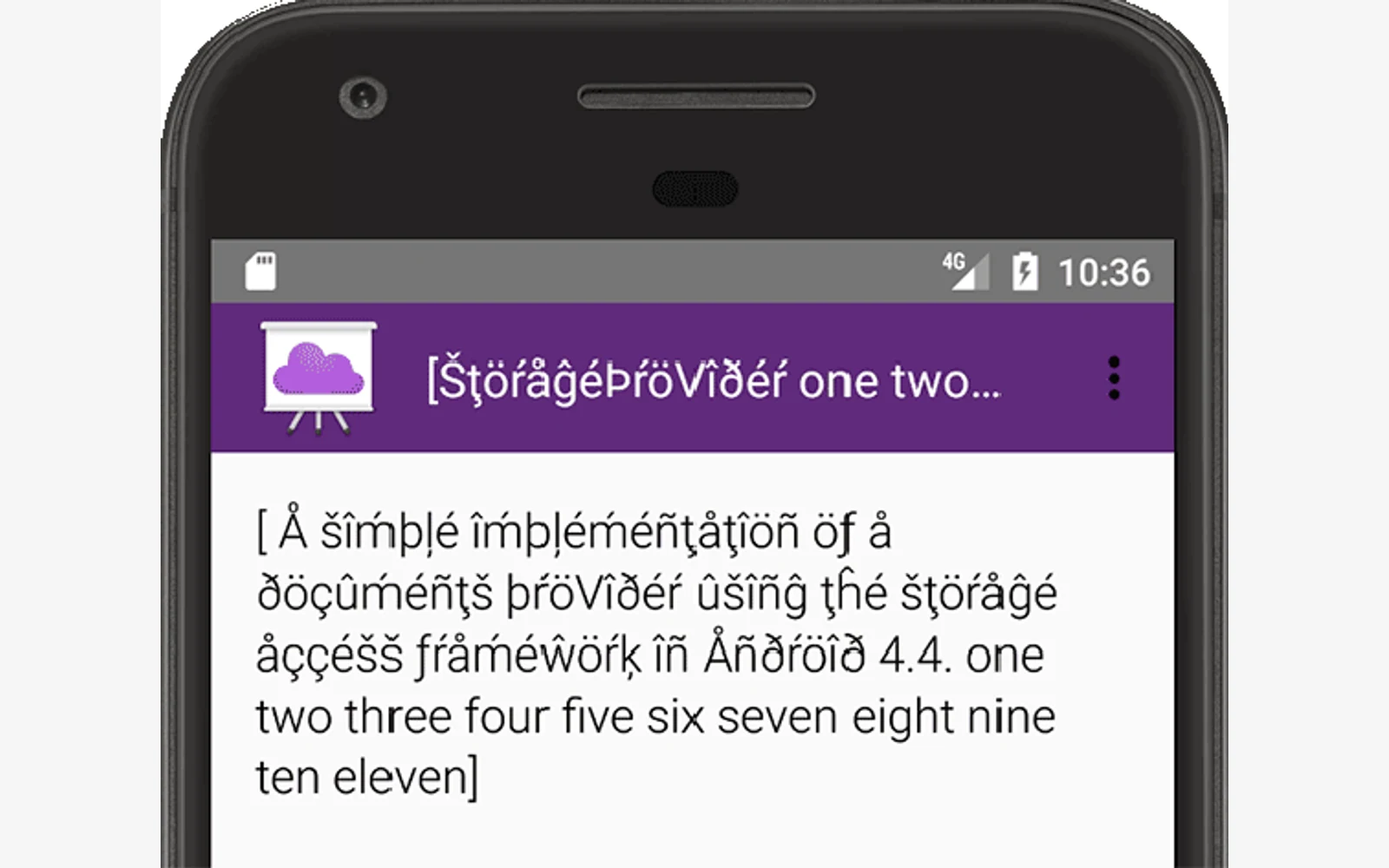
Use pseudolocalization for an early engineering check, then test actual translated content in the product. The first pass can reveal whether your interface is ready to receive other languages. The second establishes whether the real words, scripts and interactions work together.
A Reddit reader puzzled by accented language options received replies explaining debug locales and direction testing. The useful question behind that confusion is: what do those strange strings prove? A pseudo language is a test input, not a translation you should ship.
Written by Nativ; documentation checked on 13 November 2026. This guide reviews Android and Microsoft documentation. We did not run an emulator, change a production app or generate translations. The downloadable worksheet is an original review aid, not a completed test report.
Separate readiness from language approval
Microsoft describes pseudotranslation as a readable transformation that can add unfamiliar characters, length and boundary markers. Those changes make certain resource and display defects easier to notice. Its guidance also distinguishes pseudo locale formatting tests from transforming the text itself.
That gives a team two separate questions: did the application handle a deliberately awkward input, and does the final language serve its readers? Accented English cannot answer the second. A passed readiness check is a useful engineering milestone, not language sign-off.
Keep pseudo output in a development workflow. A reviewer should be able to tell which build contains synthetic strings and which contains real translation. Record that distinction beside the screenshot, rather than relying on someone to recognise unusual accents.
Try Android’s documented debug route
Google documents two Android pseudolocales: English (XA) for accented, expanded text with message markers, and AR (XB) for direction testing. Untransformed text can point to content outside the localizable resource path; inspect its origin before labelling it a defect.
For a Kotlin Gradle project, Google’s documented debug configuration is:
android {
    buildTypes.getByName("debug") {
        isPseudoLocalesEnabled = true
    }
}
This is an excerpt to adapt inside the project’s existing configuration. Build and run the debug app, enable the documented device prerequisites, and select a pseudolocale in device language settings. Follow Google’s version-specific instructions; menu names depend on the device. Use a test device or emulator, since language selection can affect other supporting apps too. Restore the original language afterwards.
Google identifies hardcoded text, expansion, concatenated messages and mixed-direction text as useful inspection targets. This is documentation review, not a claim that the snippet was compiled in your project or that every UI framework follows the same setup.
Make a small test produce useful evidence
Download the readiness worksheet. Its fictional Studio screens are prompts for a test, with blank results. Replace them with your own screen IDs and record the build, input mode and viewport. Do not interpret an empty result as a pass.
Start with one complete task, such as opening an invitation and confirming it:
- Capture the source state. Record the route and actions needed to reach it, including an empty, loading or validation state that matters to the task.
- Repeat the same task with pseudo input. Record the exact place where text is clipped, controls overlap or a message becomes hard to follow. Keep the original and changed screenshots together.
- Trace the observation. A short label may be an intentional brand name, server content or a string that never entered the resource catalogue. Find the owner before requesting translation again.
- Assign a repair and retest. Record whether the action belongs to layout, resource extraction, message construction or language review. Revisit the same state after the change.
For example, suppose the fictional invitation button loses its final marker while its neighbouring help link remains untouched. Record two observations. The first needs a sizing investigation; the second needs a source check. Neither observation justifies a blanket “translation failed” ticket.
The worksheet deliberately has separate columns for observation, owner and retest. A screenshot without a reproducible state can leave the next person guessing. An assigned fix without a retest can leave the same defect in the next build.
Follow with a real-language pilot
Choose pilot languages for the actual markets and risks you need to serve. A longer label, a different script and a right-to-left interface ask different questions. Do not use a universal expansion percentage as a prediction for every string.
Nativ’s released translate_batch MCP tool accepts related text segments for one target language, with a context field. For a pilot, pass complete messages with screen purpose and terminology guidance. Keep source IDs in your application’s mapping and inspect each result before inserting it. The tool prepares translation copy; it does not enable Android pseudolocales or certify a running application.
Use the glossary workflow for agreed terms and the JSON locale guide for protected keys and variables. Then review the actual application with a target-language reviewer: wording, interactions and the screen’s intended action all need attention. Our translation review guide explains the handoff when the content owner cannot read that language.
Keep the two results separate
Close the readiness ticket only against its recorded reproduction and retest. Keep linguistic approval as its own decision. Re-run the relevant checks when the source text, component or navigation changes.
This workflow gives the next person something concrete: the build, the screen, the input, the observed problem and the verified fix. It also prevents a successful synthetic test from becoming an unsupported claim that the product is ready in every language.
Product references
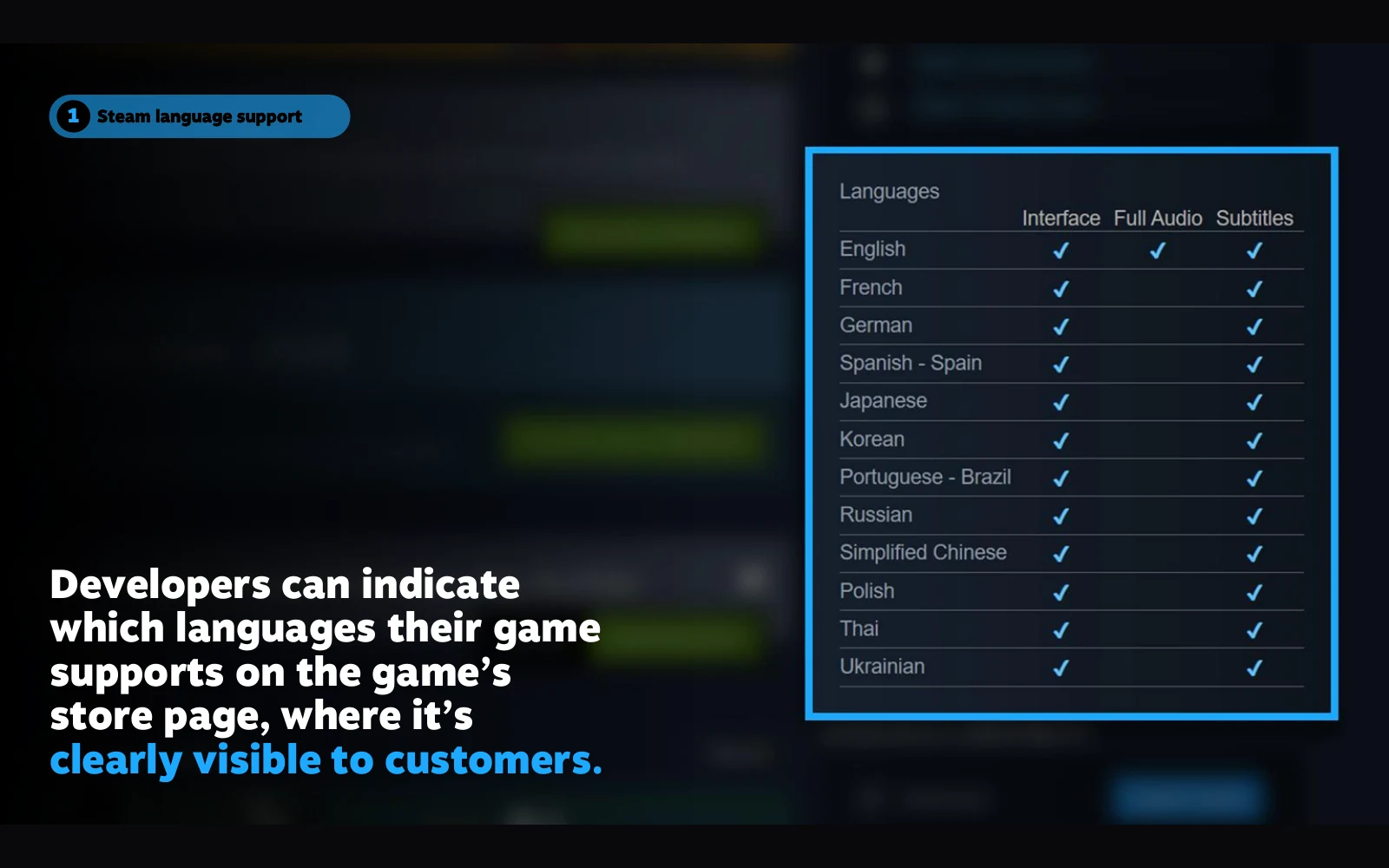
Brazilian or European Portuguese: which locale should you ship?
Choose a Portuguese locale, label support accurately and test language selection. Includes a fictional release brief and checks for fallback and regional review.
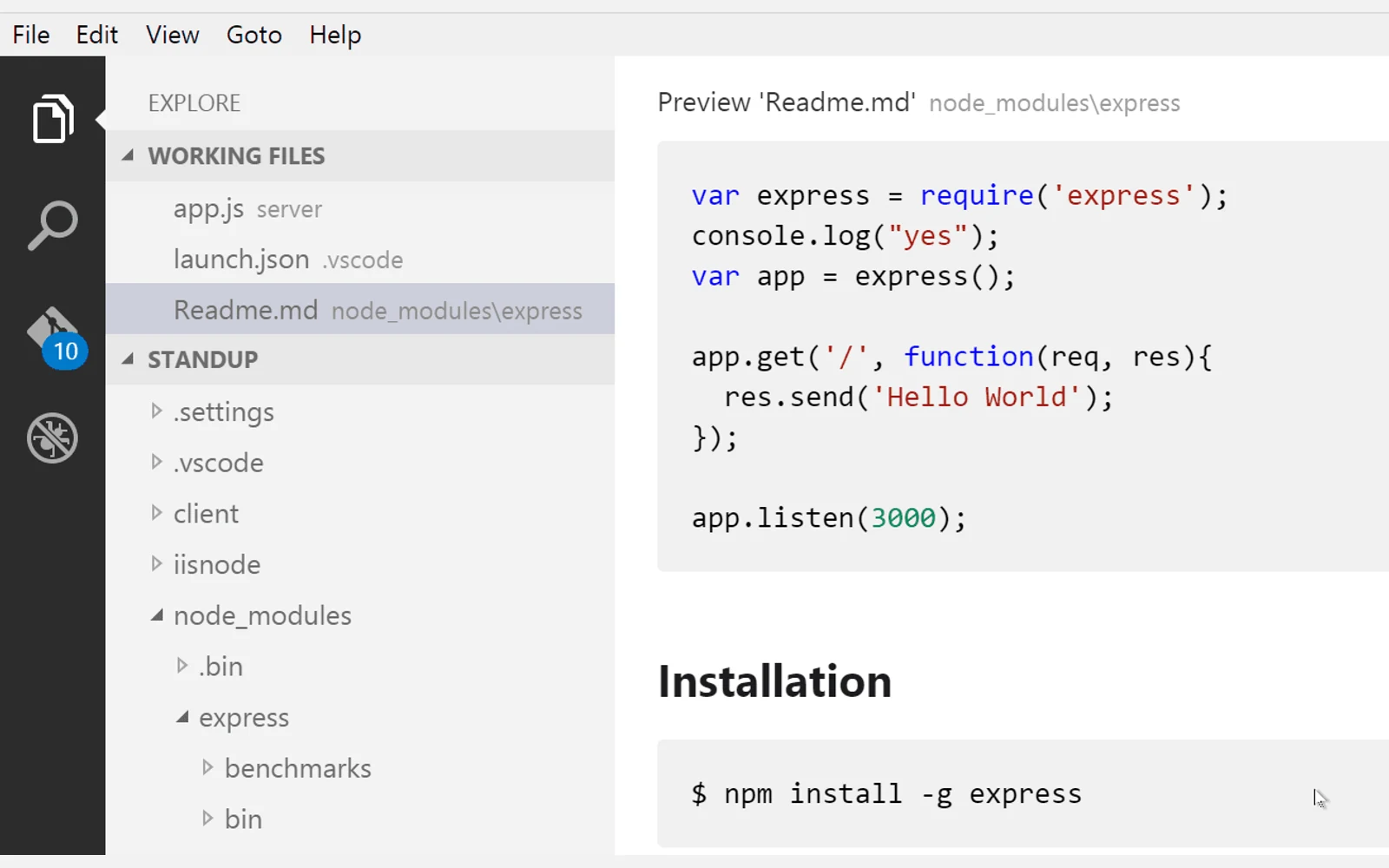
How to translate Markdown without changing code or links
Separate prose from commands, URLs and document identifiers, then check a translated Markdown file before publishing. Includes a tested offline exercise.