The words are part of the design.
A button label, a headline and a footnote can contain the same word and need different translations. Their place in the design is part of the brief.
A designer has made a pricing card work. The headline occupies two lines, the price anchors the composition, and the button is wide enough to look deliberate. The copy and its container have been adjusted together.
Now someone pastes in the German version. The button grows, the headline wraps again, and the footnote moves the baseline of the entire card.
The translation may be perfectly reasonable. The design still needs a decision.
Nativ for Figma brings localisation into the file where those decisions can be made. The useful result is a language version a designer can inspect and refine alongside the source.
Give the words their visual brief
“Start” might be a button, the beginning of a sentence or the title of an onboarding step. A glossary can tell a translator which product names to preserve. It cannot, on its own, explain the visual job of each string.
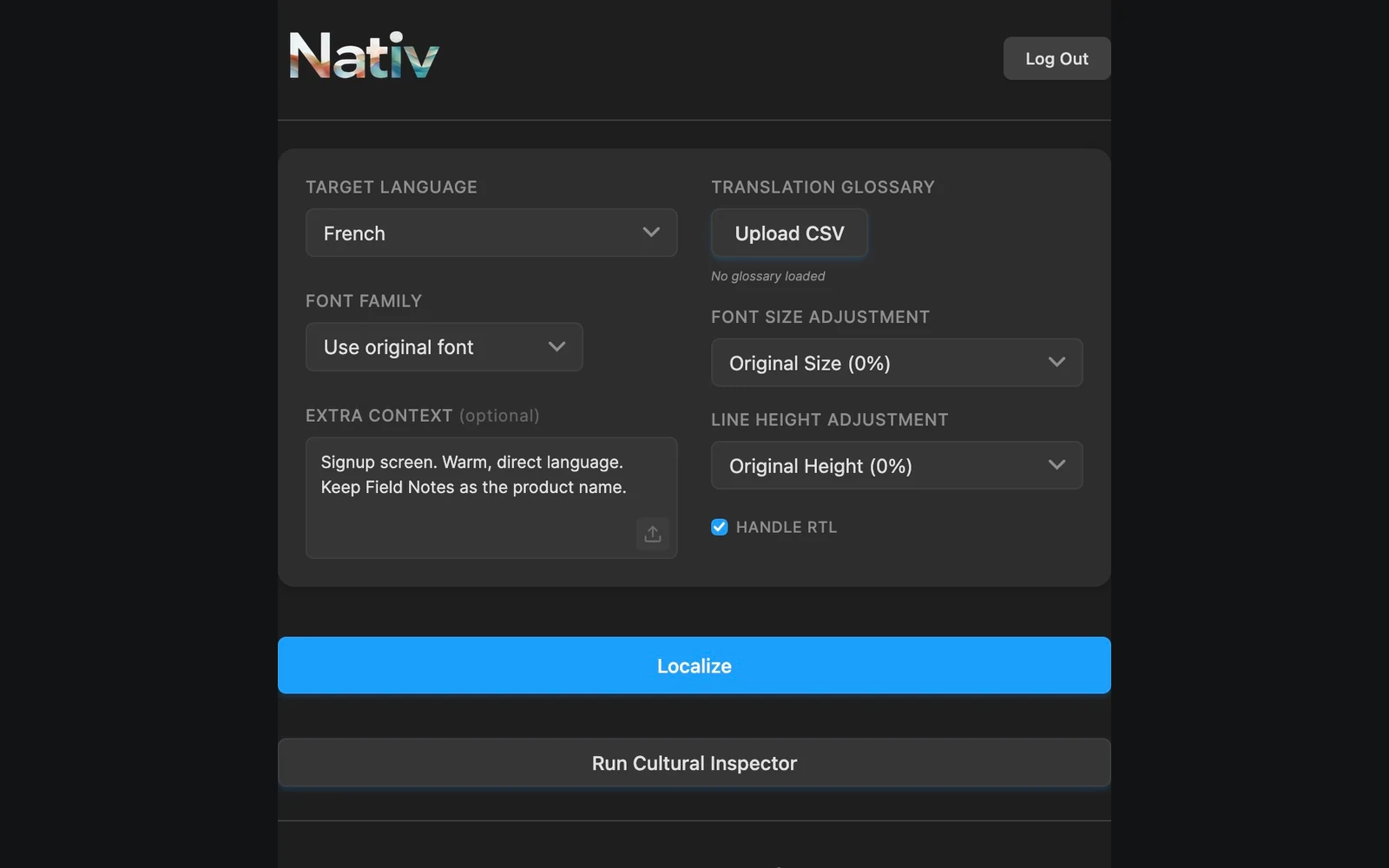
The plugin provides an extra-context field for precisely this kind of information. A brief such as “Primary button on a mobile signup screen; keep the label concise” gives the operation a more useful constraint than a language name alone.
The current implementation also has paths for supplying the enclosing artboard as visual context when the relevant reflow option is used. That context can inform the adaptation. It does not remove the need to inspect the layout.
Keep the review inside Figma
The plugin works with native text nodes and exposes font controls, size and line-height adjustments, glossary upload, and a right-to-left alignment option. Text with several styles needs special care: a translated sentence does not necessarily put emphasis in the same character positions as its source.
Nativ’s text workflow attempts to carry styling into the translated text rather than treating every node as a single undifferentiated string. Font availability and writing-system coverage still matter. A font that works beautifully for Latin copy may be the wrong choice for Arabic or Japanese.
That is why the final check belongs on the canvas. Inspect emphasis, reading order, line breaks and the relationship between text and neighbouring elements. The output has to read as a design.
Try one frame before a whole campaign
- Preserve a source version. Duplicate the frame or file you will use for the exercise. Keep an unchanged comparison nearby.
- Open Nativ Localization. Use the published Figma Community plugin and sign in to your Nativ workspace.
- Select a small, representative group of text. Include a headline, a button and one longer paragraph so the review tests different constraints.
- Choose the target language. Add a short explanation of audience and placement in Extra Context. Supply a CSV glossary if the design uses specific terminology.
- Review the font settings. Start with the original font where it supports the target script. Choose alternatives deliberately and inspect right-to-left alignment where relevant.
- Localise and compare. Check every changed node in the duplicated design. Read the entire screen in its intended order, including labels that did not change.
For this first exercise, success is not the number of strings processed. It is a frame you understand well enough to approve or revise.
A useful review catches more than overflow
Look for hierarchy as well as fit. Did the strongest phrase remain the strongest? Does the action sound like an action? Is an important distinction now hidden in a small footnote? A shorter translation can be less useful if it removes the reason someone should click.
Check repeated terminology across neighbouring frames. If the same concept appears on signup, settings and confirmation screens, the reader should be able to recognise it. The workspace’s brand context helps establish that consistency; the visual review establishes whether it works here.
Figma is also only one surface. A campaign may continue into Adobe Express or Photoshop. Keeping the linguistic brief coherent across those tools makes each design review more meaningful.
Product references
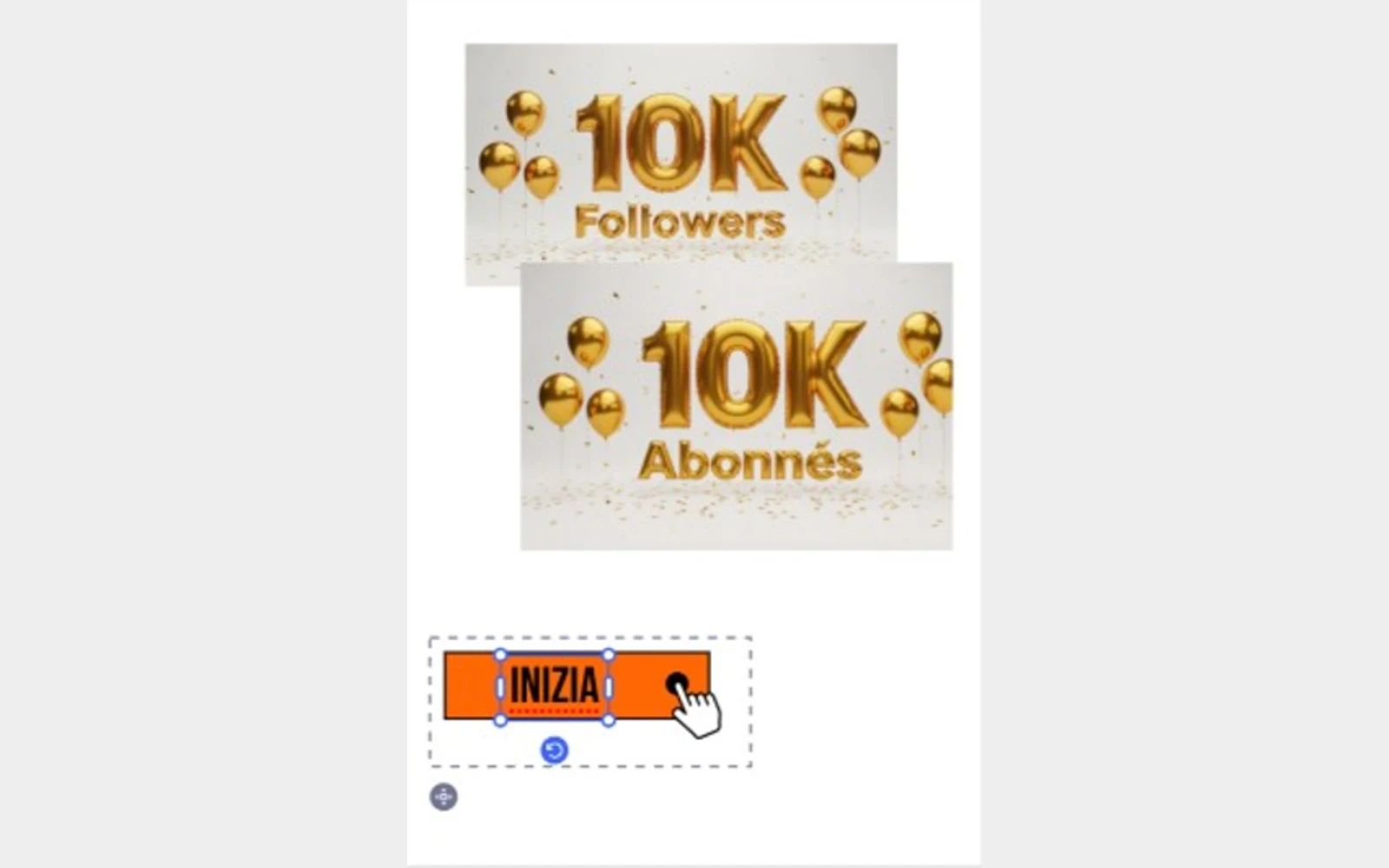
Localise the selection. Keep creating.
Use Nativ in Adobe Express to adapt selected text and images, supply glossary context, and review the result directly on the canvas.
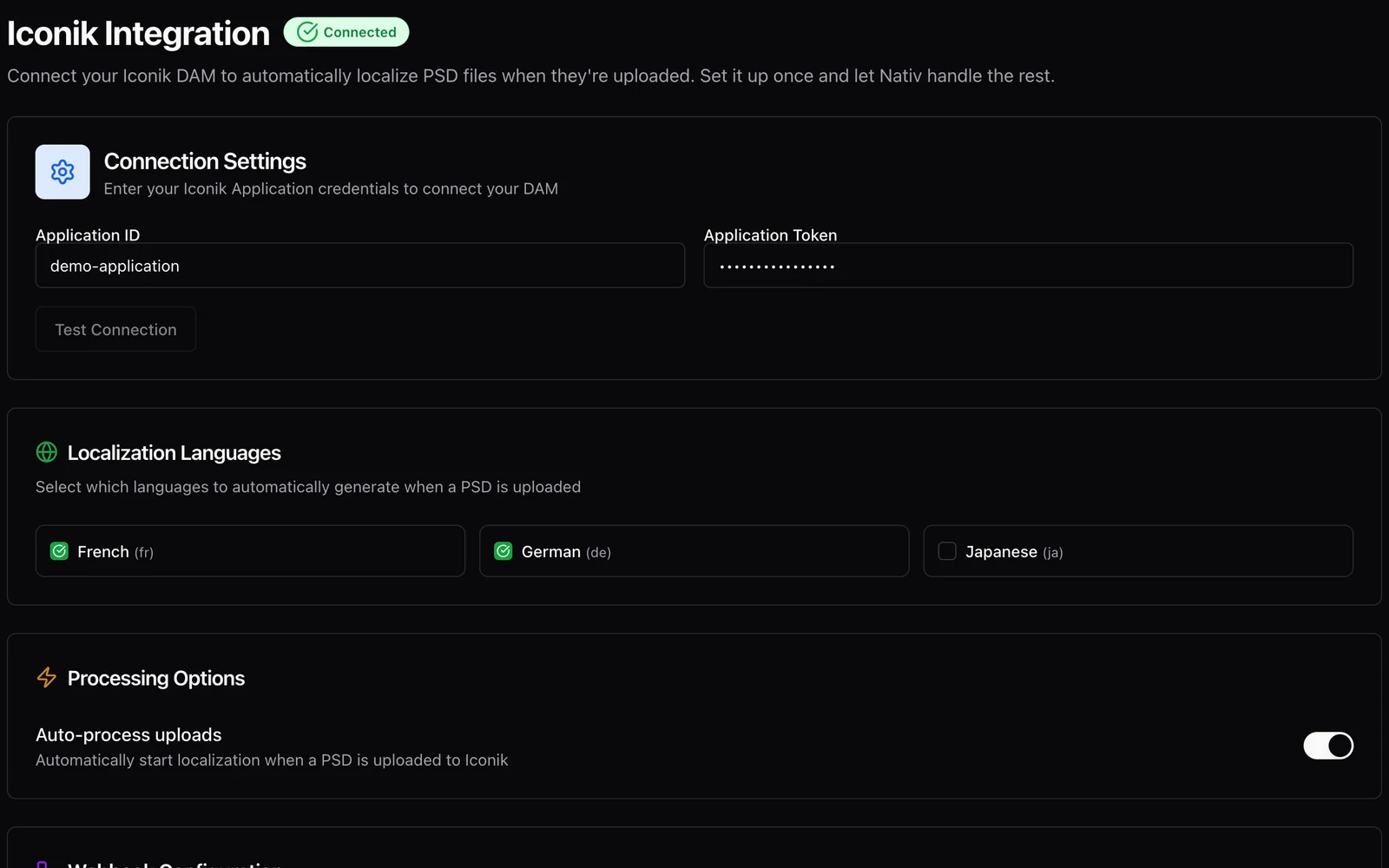
Let the asset library start the localisation workflow.
Connect iconik to Nativ for PSD localisation, configure target languages, and test an upload-triggered workflow with a clean demonstration asset.