Brazilian or European Portuguese: which locale should you ship?
Shipping one Portuguese version can be a sensible first release. Calling it two supported locales creates a different promise. Decide what you can review, maintain and deliver.
Choose Brazilian Portuguese for a Brazil-focused release, European Portuguese for a Portugal-focused release, and separately reviewed versions when you intend to support both. Base the first investment on your audience and the work you can maintain. Do not count a duplicated file as a second reviewed locale.
A game developer with a Brazilian Portuguese translation asked whether to mark both Portuguese options on a Steam page. Replies differed about personal preferences, but several distinguished understanding a regional variety from wanting it as the product’s supported language. That is a useful distinction for any app, campaign or help centre.
Written by Nativ; checked on 20 November 2026. We read the actual questions and replies, current W3C and Steamworks documentation, and Nativ’s released language handling. The downloadable brief below is fictional. We did not run a game, a Steam publishing account or a paid translation for this guide.
Decide the audience before the label
Start with a concrete release question: who needs to understand this feature, in which setting, and who can approve the wording? For a Brazil-first launch, commission and review Brazilian Portuguese. For a Portugal-first launch, make the equivalent decision for Portugal. If both audiences are essential, budget for both reviews and their future updates.
Avoid a universal claim that all speakers prefer the same option. A technical application, word game and spoken tutorial put different pressure on vocabulary, grammar and delivery. For voiced content, review the actual voice and performance as well as the written script. Mutual comprehension does not settle those product choices.
Steam’s documentation recommends using your own traffic, sales and community feedback to prioritize localization. Those are inputs to your decision, not evidence that one region will guarantee a return for every product.
Keep locale identifiers explicit
In web language tags, pt-BR distinguishes Portuguese as used in Brazil and pt-PT distinguishes Portuguese as used in Portugal. The W3C explains how language and region subtags work and recommends adding detail when it usefully distinguishes content.
Each integration may use a different identifier. Steamworks lists brazilian and portuguese as its client API language codes, with pt-BR and pt in its Web API column. Do not pass one platform’s identifier into another and assume the meaning is preserved. Maintain an explicit mapping between your content locale and the identifier required at each boundary.
Likewise, a label that only says “Portuguese” may leave an important choice hidden. If both varieties are available, use understandable regional labels and let the person choose. Record the selected locale with a reported issue so support can reproduce it.
Write a brief that survives the handoff
Download the fictional Portuguese release brief. It keeps the source string ID, source copy, intended audience, review status and fallback decision separate. It contains no translated result or claim of language approval.
The example source is “Keep your sample card for your next visit.” Before translating it, clarify whether the card is a physical object, a loyalty benefit or a game item. Give each locale’s reviewer that meaning and the same protected product identifiers. Ask them to approve terminology and tone for the intended audience rather than simply replace a few conspicuous words.
Nativ’s MCP translate tool accepts a target language, optional target-language code and context. Its released language mapping distinguishes Portuguese (Brazil) and Portuguese (Portugal). State the full regional target and audience explicitly, and use the identifier supported by your chosen interface. Inspect a representative draft before processing a whole release. A request reaching the service is not regional linguistic approval.
Check selection and fallback separately from translation
A mobile word-game team asked why Brazilian users were selecting European Portuguese. The question raised detection, fallback and unclear selection as possible explanations; replies did not establish a confirmed root cause. Treat those as hypotheses to investigate, not a published diagnosis or a retention benchmark.
For your release, test a fresh session requesting each supported locale, a manually changed selection, persistence after restart and the behaviour when a regional file is missing. Define the expected fallback in advance. Check the actual loaded strings, not just the menu label. A correct translation cannot fix a selector that loads the wrong resource.
Make the support claim match delivery
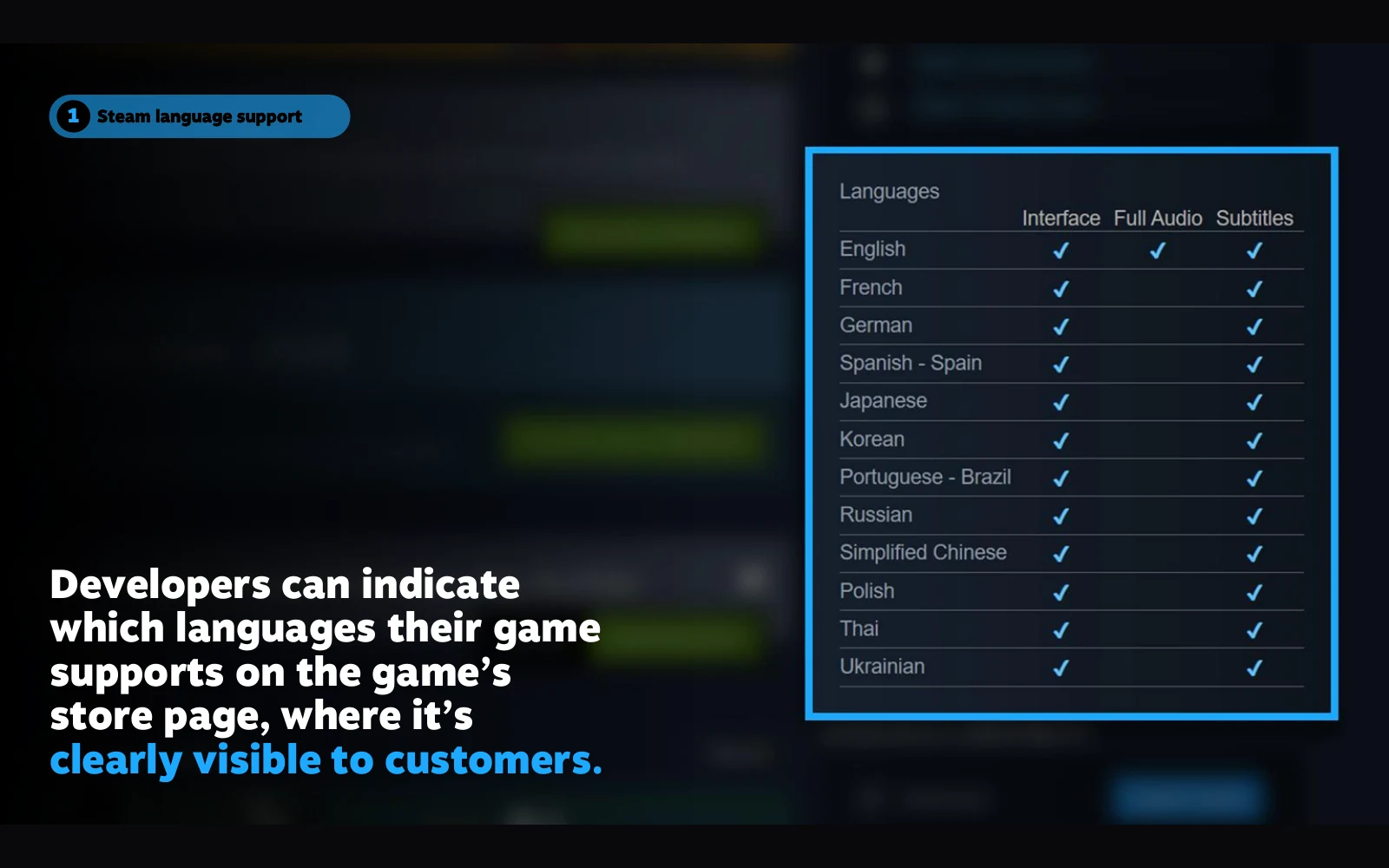
Store copy, interface text, subtitles and full audio are separate deliverables. Steam documents separate store-page and in-game localization. Its language-support table distinguishes interface, audio and subtitles. Check each claimed capability against the build you are releasing.
If only one regional version is ready, describe that version accurately and keep the second as planned work. For both, use the language review handoff and retain a reviewer, revision and acceptance decision for each locale. For application resources, the JSON localization guide covers preserving keys and placeholders during that handoff.
Product references
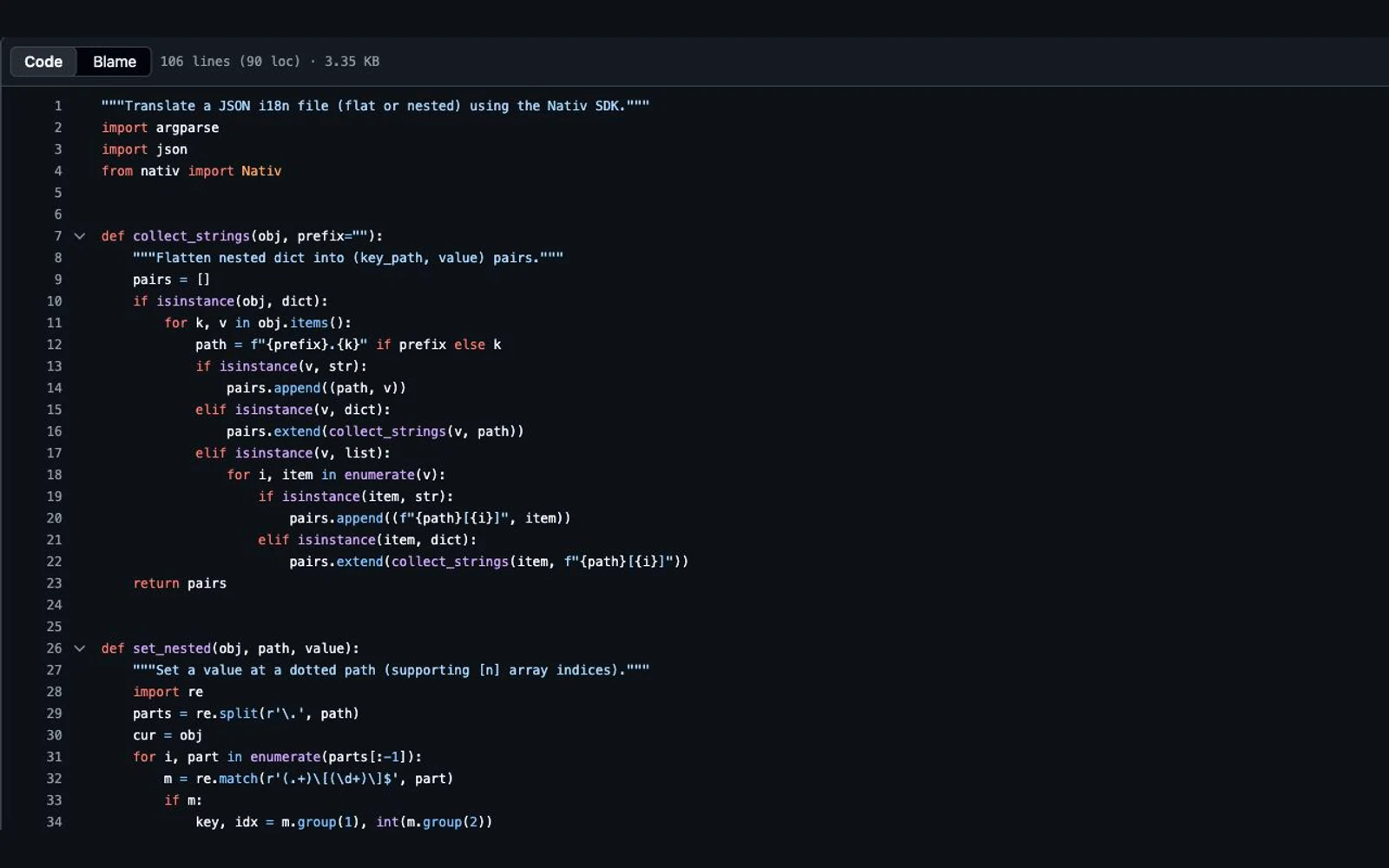
How to translate JSON locale files without breaking keys or variables
Separate JSON structure from message text, preserve interpolation variables, test plural syntax, and validate Nativ locale-file output before it enters your app.
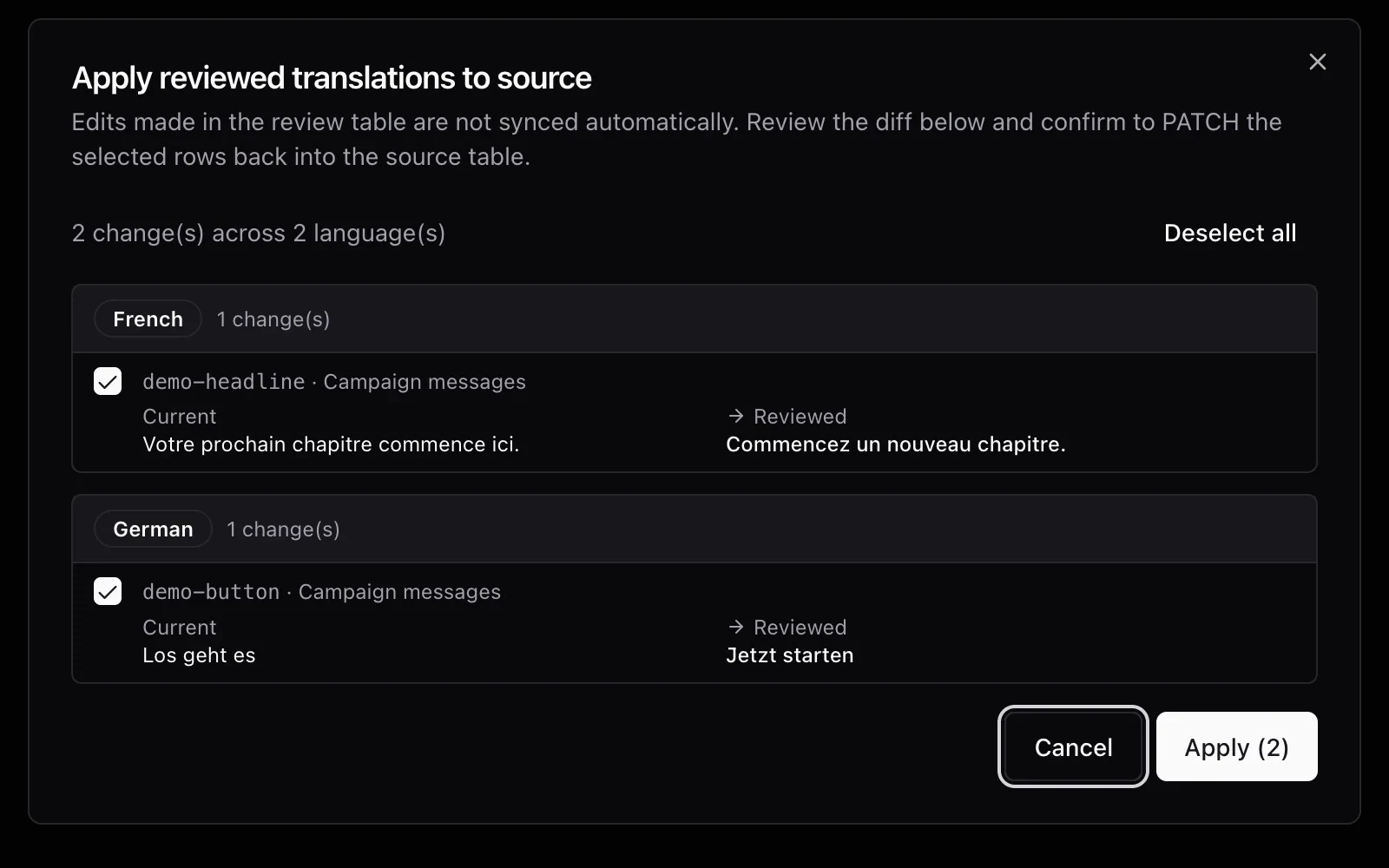
How to review a translation when you don’t speak the language
Check facts, placeholders and layout, use backtranslation carefully, and give a language reviewer a clear handoff before publishing translated content.