Make language changes reviewable in the repository.
A locale file is part of the product. Its language changes deserve the same clear inputs, visible outputs and review habits as the rest of the codebase.
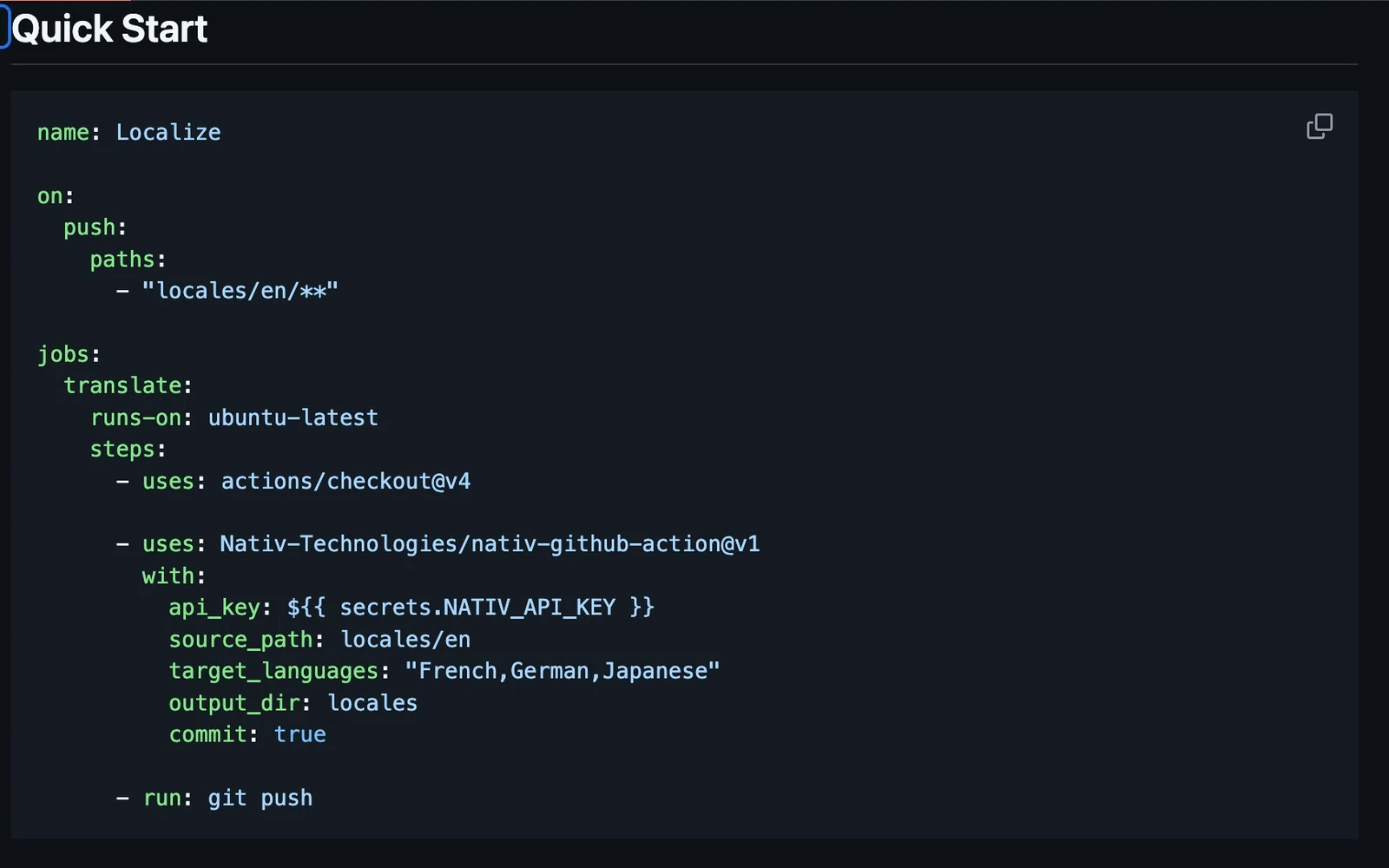
A product team changes a button from “Continue” to “Review order”. The source locale file records a meaningful change in the flow. The language versions now need attention too.
A workflow that notices the file change can start that work. A useful workflow also makes its output easy to inspect, keeps the source identifiable and gives the team a deliberate route into the repository.
Nativ Localize is a Docker-based GitHub Action that translates supported locale files through the Nativ Python SDK. It supports JSON, YAML, PO/gettext and line-oriented text, with inputs for language, source path, file pattern, output directory and formality.
Start with a visible result
For a first run, use a manually triggered workflow and retain the generated files as an artifact. This lets you inspect the output without granting the job permission to change repository contents.
The following example uses one JSON source file and two target languages. Create the Nativ API key in your workspace and store it as the repository secret NATIV_API_KEY before running it. Action tags are shown for readability; use your organisation’s reviewed versions or commit pins.
name: Review localisation output
on: workflow_dispatch
permissions:
  contents: read
jobs:
  localise:
    runs-on: ubuntu-latest
    steps:
      - uses: actions/checkout@v7
      - uses: Nativ-Technologies/nativ-github-action@v1
        with:
          api_key: ${{ secrets.NATIV_API_KEY }}
          source_path: locales/en/common.json
          target_languages: French,German
          output_dir: generated-locales
          commit: false
          create_pr: false
      - uses: actions/upload-artifact@v7
        with:
          name: localisation-review
          path: generated-locales/
The output uses language-name directories, such as french and german. Check those paths against your application’s expected locale-code convention before copying files into its runtime locale directory.
Review structure as well as language
For JSON, the action extracts strings and reconstructs the translated values into a copy of the input structure. That provides a useful basis for review, but your application still owns its message-format contract.
Check interpolation tokens, markup, plural rules, escape sequences and strings that should remain unchanged. Run the application’s locale validation and tests on any output you intend to ship. A syntactically valid JSON file can still contain an incorrect placeholder or a phrase that makes no sense in its interface.
Also inspect filenames. The current file loop writes each result using its source basename under the language directory. If separate input directories contain files with the same basename, split the work or choose output directories that avoid collisions. Do not assume the source directory hierarchy will be reproduced automatically.
Move from an experiment to a workflow
- Choose a small, trusted source file. Include representative messages and at least one placeholder to exercise the review process.
- Store the API key as a secret. Reference it through the workflow expression; do not place it in a locale file or committed configuration.
- Run the manual workflow. Download the artifact and compare the generated values with the source and their intended UI placements.
- Validate the result in the application. Check message formats, keys, language-directory conventions and actual rendered screens.
- Choose the repository handoff. Keep artifact-only output, commit from a controlled workflow, or push a dedicated translation branch for review according to your team’s process.
- Add event triggers only after the loop is understood. Use path filters and an appropriate secret-access policy for the repository and contribution model.
The action’s create_pr path currently pushes a translation branch; opening the pull request is a separate step. That branch can be reused and force-pushed, so reserve it for generated translations and inspect the behaviour before enabling it in a shared workflow.
Reuse the workspace, retain the review
The action uses the same localisation platform as the SDK workflow. Brand context and approved terminology can travel with the request rather than being re-created as instructions in every workflow file.
CI makes the operation repeatable. The review makes the change understandable. Keep both parts visible so that the next person opening a language diff can tell what changed, where it belongs and why it should ship.
Product references
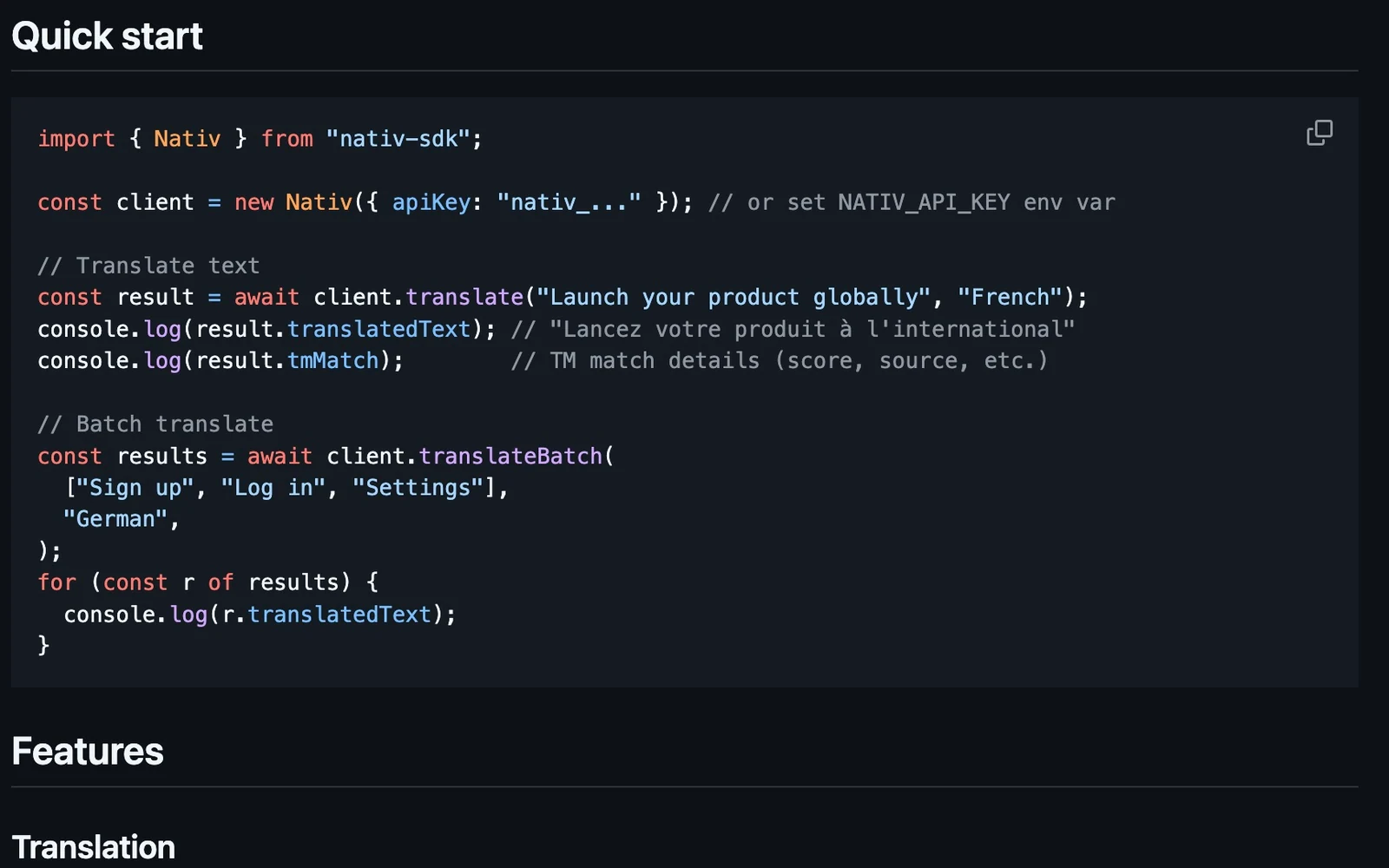
Your next plugin can start with a localisation engine.
Build a brand-aware localisation workflow with Nativ’s TypeScript or Python SDK: select content, translate, preview and apply.
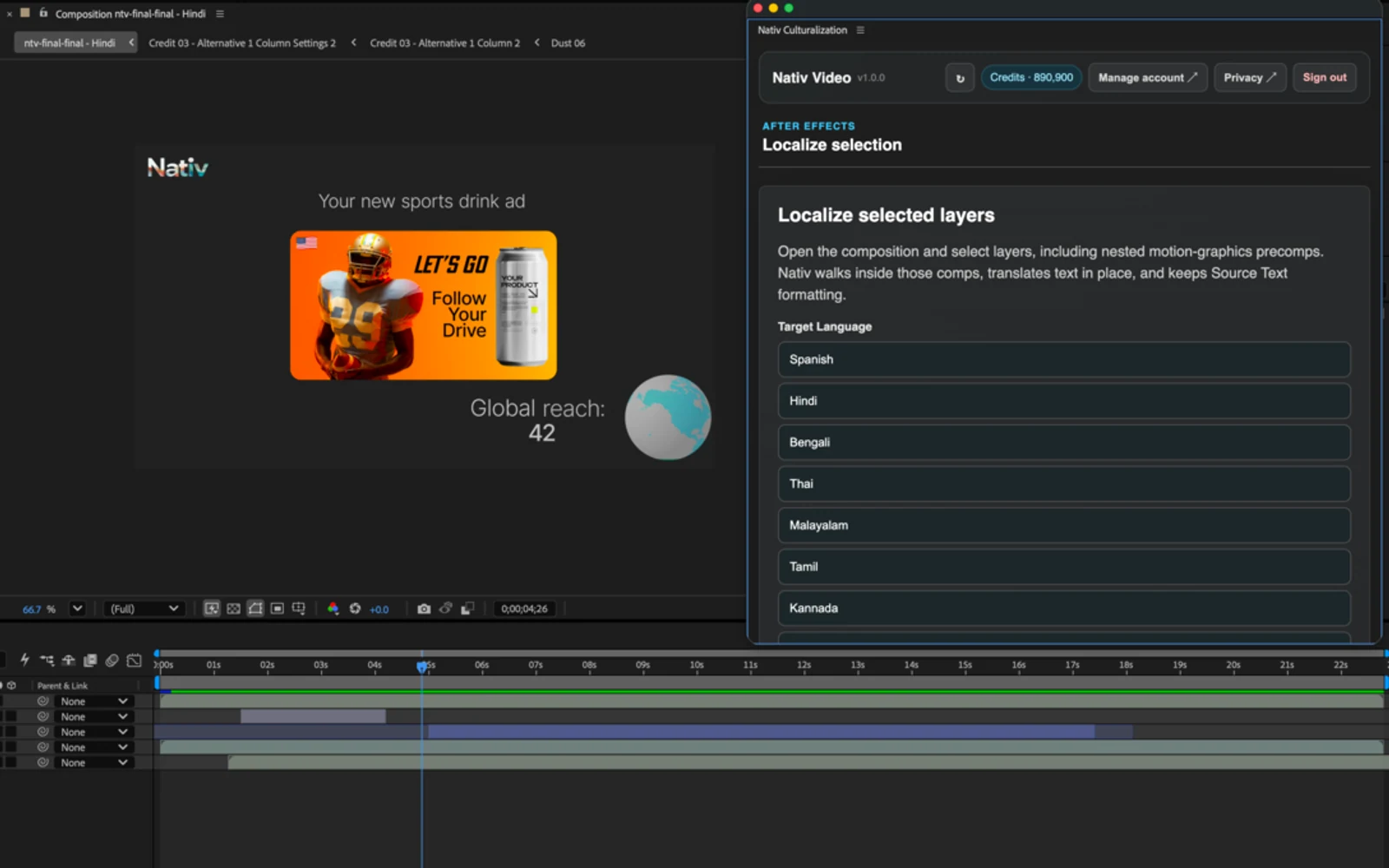
A translated film should still be your film.
How Nativ for After Effects localises text, images and audio across layered compositions while keeping the project editable.