How to translate JSON locale files without breaking keys or variables
Valid JSON is only the first check. A translated file still has to satisfy the contract between your messages, your localization library and the code that renders them.
Translate the human-readable message values, retain their identities, and validate the result against your application’s message format. JSON parsing can catch a missing quote. It cannot tell you that {{name}} became {{nom}}, that a required plural branch disappeared, or that a string now belongs to the wrong screen.
A developer in a .NET localization discussion describes exactly this failure: a translation changes a parameter name and the application breaks. Another JSON-localization question asks how to keep translated game strings connected to their source as patches change the file.
The practical answer is to treat a locale file as structured application data, with a separate linguistic review for the text inside it.
Decide what is text and what is application data
Start with a small, representative source file:
{
  "profile": {
    "greeting": "Hello, {{name}}!",
    "sign_out": "Sign out"
  },
  "cart": {
    "total": "Total: {{total}}"
  },
  "steps": ["Choose a plan", "Confirm"]
}
The keys identify messages. The braces identify runtime values. The words around those variables can change, and their order can change with the language. The variable names still have to match the code supplying them.
Keep machine identifiers, URLs and other non-translatable strings outside the translation scope, or give them an explicit protection and validation policy. A generic JSON string walker cannot infer that one string is a headline and another is an internal identifier. In Nativ Localize’s current JSON path, string values are collected for translation; there is no reason to assume arbitrary string metadata will be excluded automatically.
Preserving file structure also does not mean preserving the original JSON whitespace. Compare parsed data and message identities rather than expecting identical indentation or object-key order.
Keep interpolation and plural formats separate
For ordinary i18next interpolation, {{name}} is a dynamic value. Keep the token intact while translating the surrounding message. Applications can customise interpolation syntax, so check the configuration your app actually uses.
Plural handling adds another contract. i18next’s plural documentation uses language-dependent suffixes such as _one and _other, and the count option selects a form. A target language can need different categories from English. A rule that demands identical source and target key sets is therefore not a universal plural validator.
ICU MessageFormat can place choices inside the message itself:
{count, plural, one {# file} other {# files}}That is structured syntax, not a collection of ordinary {word} tokens. Use your actual message parser to check it, then render the branches with representative values. Keep a complete message together so that a translator can work with its grammar and context.
Inspect what Nativ’s JSON adapter actually reconstructs
The released Nativ Localize action supports JSON files through its Python adapter. We checked the v1 source on 31 October 2026.
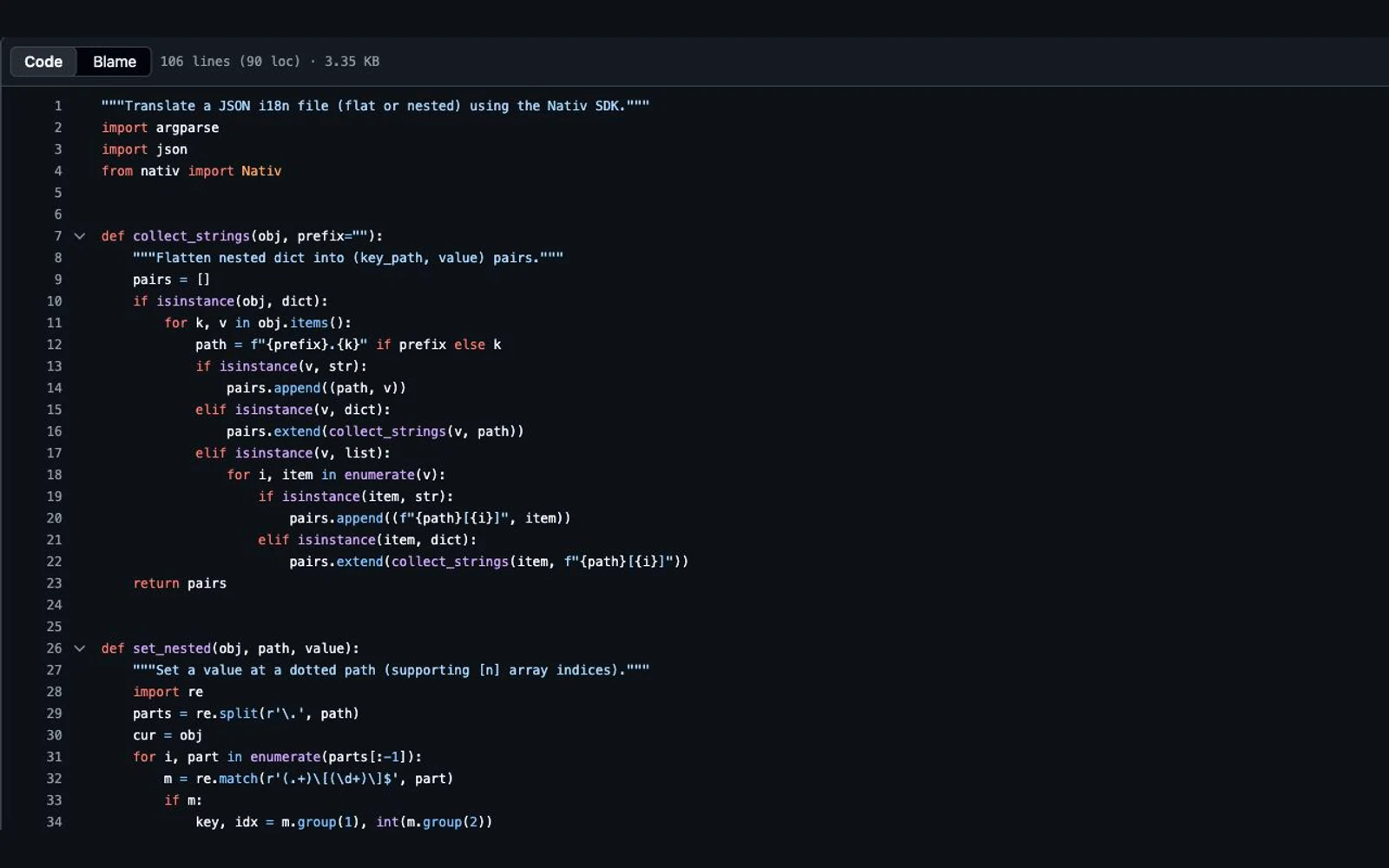
For its supported shapes, the adapter collects text with paths, requests translations in batches, and inserts returned text into a deep copy of the source. This separates the JSON container from the translated values. It does not establish that every returned message preserves its variables or parses correctly in your localization library.
We exercised only the released collect_strings and set_nested helpers offline. Our fictional fixture contained five strings, nested objects, a string array, and number, boolean and null metadata. With manually supplied French replacements, the five strings were reconstructed and that non-text metadata remained unchanged. No SDK client, provider request or paid translation run was used; this is a structural test, not an assessment of French translation quality.
The same inspection exposed boundaries worth checking before a large run:
- Literal dots or brackets in keys need care. The adapter uses those characters as path syntax. Our literal
button.labelprobe produced a separate nestedbuttonobject instead of replacing that literal key. - Root arrays and arrays directly inside arrays need separate coverage checks. Their text was not collected in our probes. Do not read “JSON support” as a promise to traverse every possible JSON shape.
- Output paths need review. The action writes each source basename inside a language-name directory. Same-named files in different source folders can collide; the source hierarchy is not automatically reproduced.
Choose a compatible small file first. If your catalogue uses these edge cases, adapt the file handling deliberately before translating a large collection.
Run the downloadable structural exercise
Download the source catalogue, manually reconstructed candidate, deliberately broken candidate, Python checker and instructions. Save them together.
python3 validate.py en.json fr-manual-reconstructed.json
python3 validate.py en.json fr-broken.json
The first command returns zero structural findings and exits 0. The second returns five findings and exits 1:
profile.greeting: placeholder mismatch
profile.sign_out: missing key
profile.sortir: unexpected key
steps: list length changed
version: type changed
The actual checker prints full paths. The broken file was intentionally altered for this exercise; these are not errors attributed to a Nativ-generated translation.
This checker is for a same-shape catalogue with simple {{name}} variables. It compares nested keys, types, array lengths and token counts; it also rejects duplicate object keys and unsupported brace syntax. It requires only Python’s standard library and makes no network requests.
It is not an ICU parser or a complete i18next validator. It does not check HTML, URLs, printf variables, linguistic meaning or the semantic order of translated array items. Its metadata checks are conservative, including number representation. A target catalogue that legitimately adds plural keys needs a different schema. Zero findings means only that the checks it implements passed.
Keep generation out of the publishing decision
Use Nativ’s artifact-first GitHub Action walkthrough for the complete CI setup. For a first translation run, the action step can keep repository changes disabled:
- uses: Nativ-Technologies/nativ-github-action@v1
  with:
    api_key: ${{ secrets.NATIV_API_KEY }}
    source_path: locales/en/common.json
    target_languages: French
    output_dir: generated-locales
    commit: false
    create_pr: false
This is a step excerpt, not a complete workflow. It needs a checkout and your chosen review or artifact steps. Store the key as a GitHub secret, and use the reviewed action version or commit pin required by your team. The example output path is generated-locales/french/common.json; map it explicitly if your app expects a locale code such as fr.
Before accepting the generated file:
- Check extraction coverage and the number of returned strings against the source scope.
- Parse the JSON and run the application’s schema and message-format checks.
- Render variables, plural branches and rich text through the actual localization runtime.
- Review the wording in its screen, with a suitable language reviewer.
- Recheck changed source strings when the product changes; retaining a key does not make its old translation current.
Nativ supplies the localization step. Your application still owns the meaning of its keys, the grammar of its messages and the decision to ship. For a wider editorial handoff, use the translation-review guide.
Product references
Brazilian or European Portuguese: which locale should you ship?
Choose a Portuguese locale, label support accurately and test language selection. Includes a fictional release brief and checks for fallback and regional review.
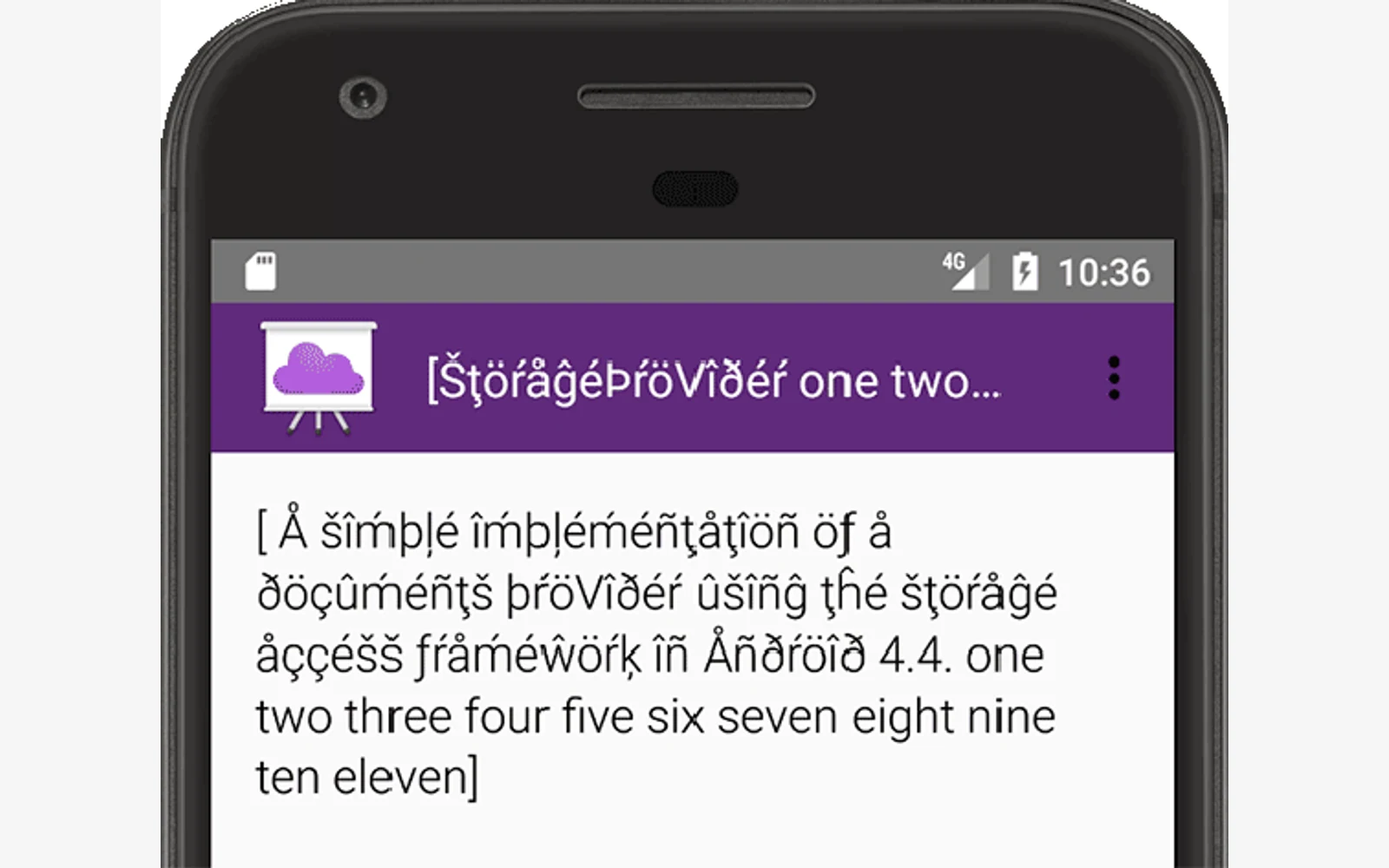
How to test localization before your translations arrive
Use pseudolocalization to expose layout and resource problems before translating, then hand a small real-language pilot to a reviewer. Includes a QA worksheet.