How to keep Arabic and Urdu text intact in Excel and CSV
The translation looks right in one window and becomes question marks in the next. Before translating it again, find the step that changed the text.
Keep the original workbook, use an explicit Unicode encoding when exchanging CSV, and check the exported file before importing it elsewhere. Arabic or Urdu appearing as Latin gibberish, literal question marks, or incorrectly arranged text are different failures. A font change or a new translation cannot solve all three.
An Excel reader whose receiving software requires comma separated files asks why Arabic names become question marks on saving. Replies distinguish opening the file incorrectly from losing characters during export. A separate legacy CSV question reports reversed Arabic after a computer change. That second problem needs an investigation of stored order and display, rather than the same encoding advice repeated.
Written by Nativ; checked on 10 November 2026. We tested the bytes and CSV records in the fictional exercise below. Excel instructions are based on current Microsoft documentation. We did not run a native Excel session, a paid translation or a customer file for this guide.
Find out what changed
Make a copy before editing. Compare the original text with the exported file in a text editor that lets you choose its encoding.
- Unexpected Latin characters: the application may have decoded intact bytes using the wrong encoding. Reopen a copy with the encoding specified by the exporter. Do not save the misread text over the original.
- Literal
????or replacement characters: compare with the intact source. If meaningful letters have already been replaced in the stored text, choosing UTF-8 afterwards cannot reconstruct them. Export again from the preserved original. - Recognisable letters, confusing order or punctuation: investigate direction and rendering separately. Do not reverse every string as a general repair.
- All fields in one column: check the delimiter. That is a different setting from character encoding.
A question mark can also be legitimate punctuation. Its presence alone does not prove corruption. The comparison with the known source is what matters.
Import the CSV deliberately
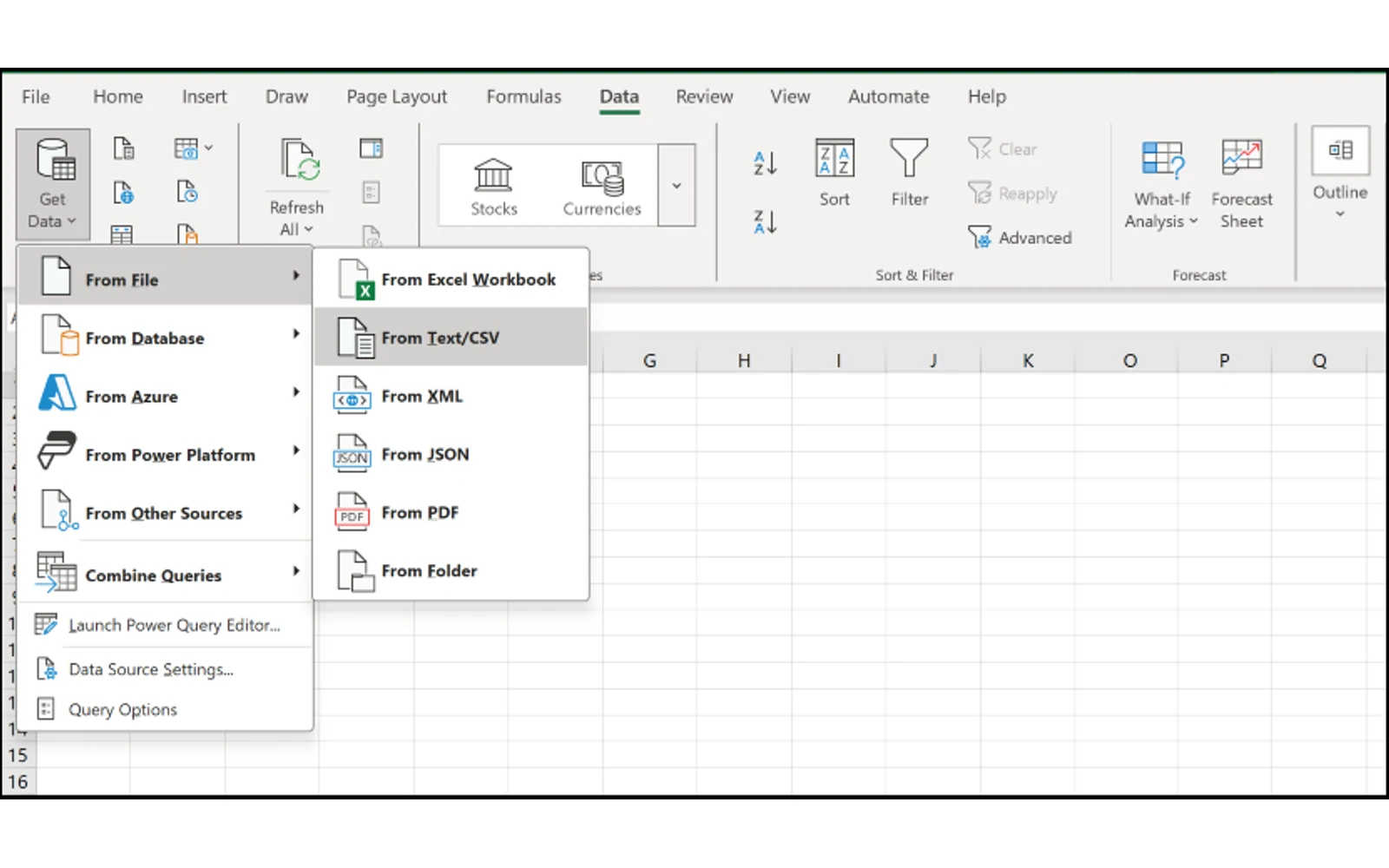
Microsoft’s UTF-8 opening guide explains that a UTF-8 CSV with a byte order mark, or BOM, can be opened normally. It also documents the Data → Get Data → From File → From Text/CSV route. Exact menus vary by Excel version and platform.
In the import preview, check three independent choices:
- File origin: choose the encoding the exporter actually used. For our exercise, select 65001: Unicode (UTF-8) where that option is shown.
- Delimiter: choose comma for the exercise, then confirm that four columns appear.
- Data types: preserve identifiers as text before loading. Our ID
0007must remain four characters, rather than become the number7.
Power Query’s connector documentation describes file origin, delimiter selection and automatic type detection separately. Where available, disable type detection to load columns as text, or use Transform Data to set the relevant columns to Text. Remove an earlier automatic type conversion before relying on the result: converting an already shortened 7 back to text does not restore 0007.
Inspect the full identifier and sample text after loading. A visually plausible first row is too small a check for a catalogue with many records.
Keep direction separate from character storage
Arabic and Urdu use scripts with a general flow from right to left, while embedded Latin identifiers and numbers can have a different direction. Unicode distinguishes the logical order of stored characters from their visual arrangement. Paragraph direction can affect where punctuation and mixed runs appear. See the Unicode bidirectional text FAQ.
Review a cell containing both a real target phrase and a representative ID or number. Check reading direction, alignment, font support and wrapping in the destination application. Right alignment alone does not establish that the text is correct.
If the decoded characters themselves are in the wrong order, investigate the source system’s export conventions. The reply suggesting a reverse formula in the legacy thread is not evidence that reversal is safe for every Arabic file. Keep a language reviewer involved, especially for mixed text, punctuation and combining marks.
Try a small file before your production export
Download the offline exercise. It includes identical records saved as UTF-8 with and without a BOM, a reference comparison helper and a deliberately damaged example. The copy is manually supplied demonstration text, not Nativ output or a language quality benchmark.
The reference CSV has four columns: id, locale, text and note. Its first two example phrases are:
- Arabic: مرحبا
- Urdu: خوش آمدید
One note contains a comma; another contains a line break inside a quoted field. These help reveal a damaged CSV structure alongside the script and identifier checks. Counting physical lines is not a reliable way to count CSV records.
Import reference.csv, preserve IDs as text, then export a separate copy using CSV UTF-8 if your Excel version offers it. Confirm the required delimiter and BOM policy with the receiving system. Keep the workbook as your editable master. Microsoft’s text export reference warns that text export saves the current worksheet and may lose workbook features. CSV cannot carry the workbook’s cell formatting or reading direction settings.
With Python 3, compare the export against the reference from inside the extracted folder:
python3 compare_csv.py reference.csv utf8-bom.csv
python3 compare_csv.py reference.csv your-export.csv
The first command reports MATCH: 3 records, 4 columns. The second should match only if this exercise’s values survived your round trip. To see a failure:
python3 compare_csv.py reference.csv damaged.csvThat command reports a changed text field and exits with a failure status. The helper accepts only comma separated UTF-8, tolerates a leading BOM and compares decoded records in order. It runs locally, makes no network calls and never rewrites a file. It is not a general encoding detector, a repair tool, a bidirectional renderer or a validator for a different catalogue schema.
For a real handoff, agree which fields must remain identical, which may change and whether row order is significant. Adapt the checks to that contract rather than requiring a newly translated column to equal its source.
Prepare the translation without sending the identifiers
If your source copy still needs translation, Nativ’s released translate_batch tool accepts a list of texts for one target language. Keep IDs, locale codes and import headers in your own record mapping. Send the phrases that need language work, then review the corresponding results before assembling the delivery file.
For example, these are documented tool arguments for a small Arabic wording task, not a call we executed:
{
  "texts": ["Welcome", "View the collection"],
  "target_language": "Arabic",
  "target_language_code": "ar",
  "source_language": "English",
  "source_language_code": "en",
  "context": "Fictional studio catalogue. First item is a greeting; second is a link label. Keep the wording concise."
}
Check that each returned item corresponds to the intended source, and handle a failed or incomplete response before writing any file. Repeat with the appropriate language and locale brief for Urdu. This is a translation preparation path, not a promise of automatic CSV reconstruction or recovery of damaged text.
Use a reviewed glossary for agreed terminology and a language review handoff for approval. Then test the exact export in the system that will consume it. A clean CSV comparison proves that chosen values survived; only the destination check can establish that the handoff works there.
Product references
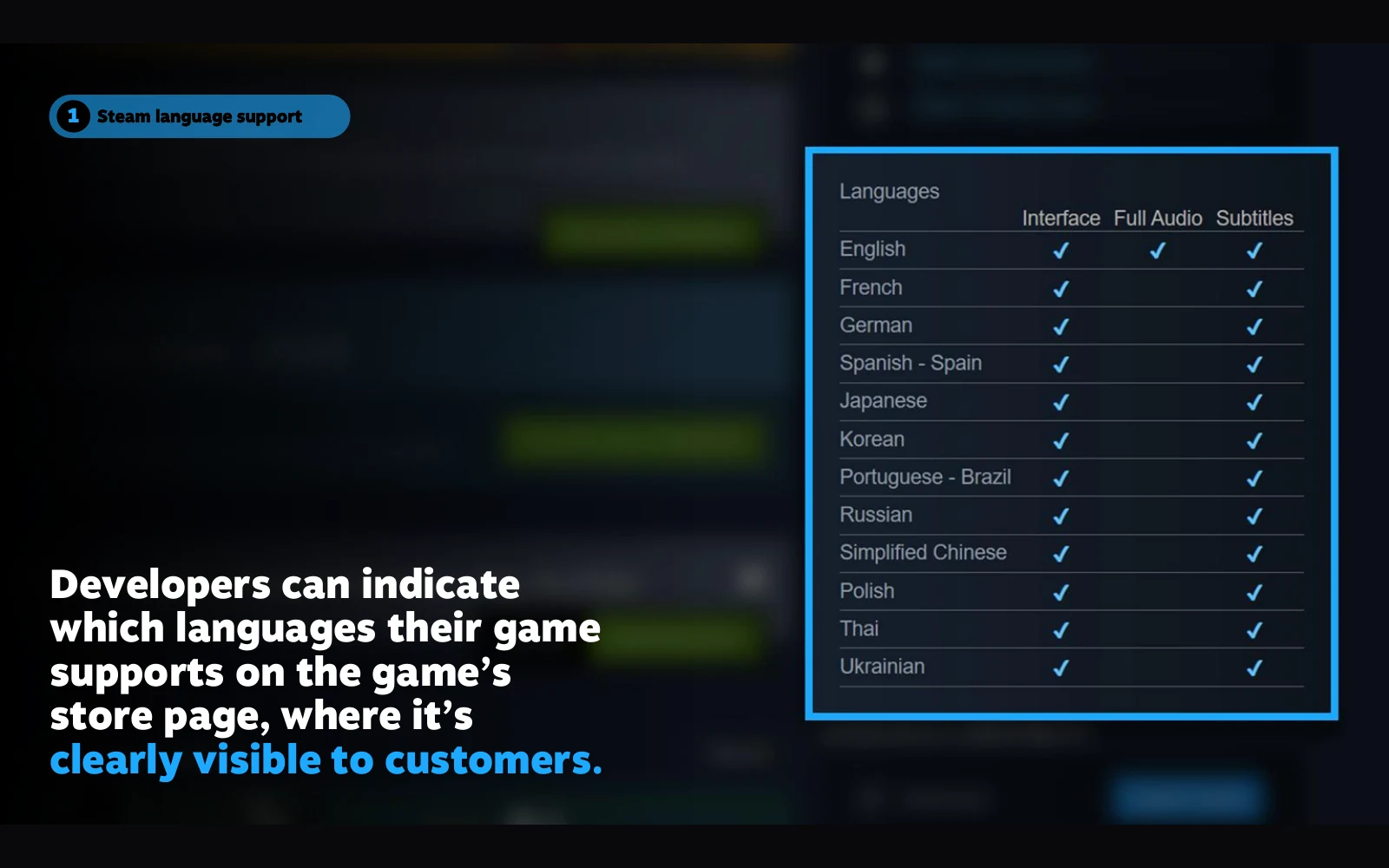
Brazilian or European Portuguese: which locale should you ship?
Choose a Portuguese locale, label support accurately and test language selection. Includes a fictional release brief and checks for fallback and regional review.
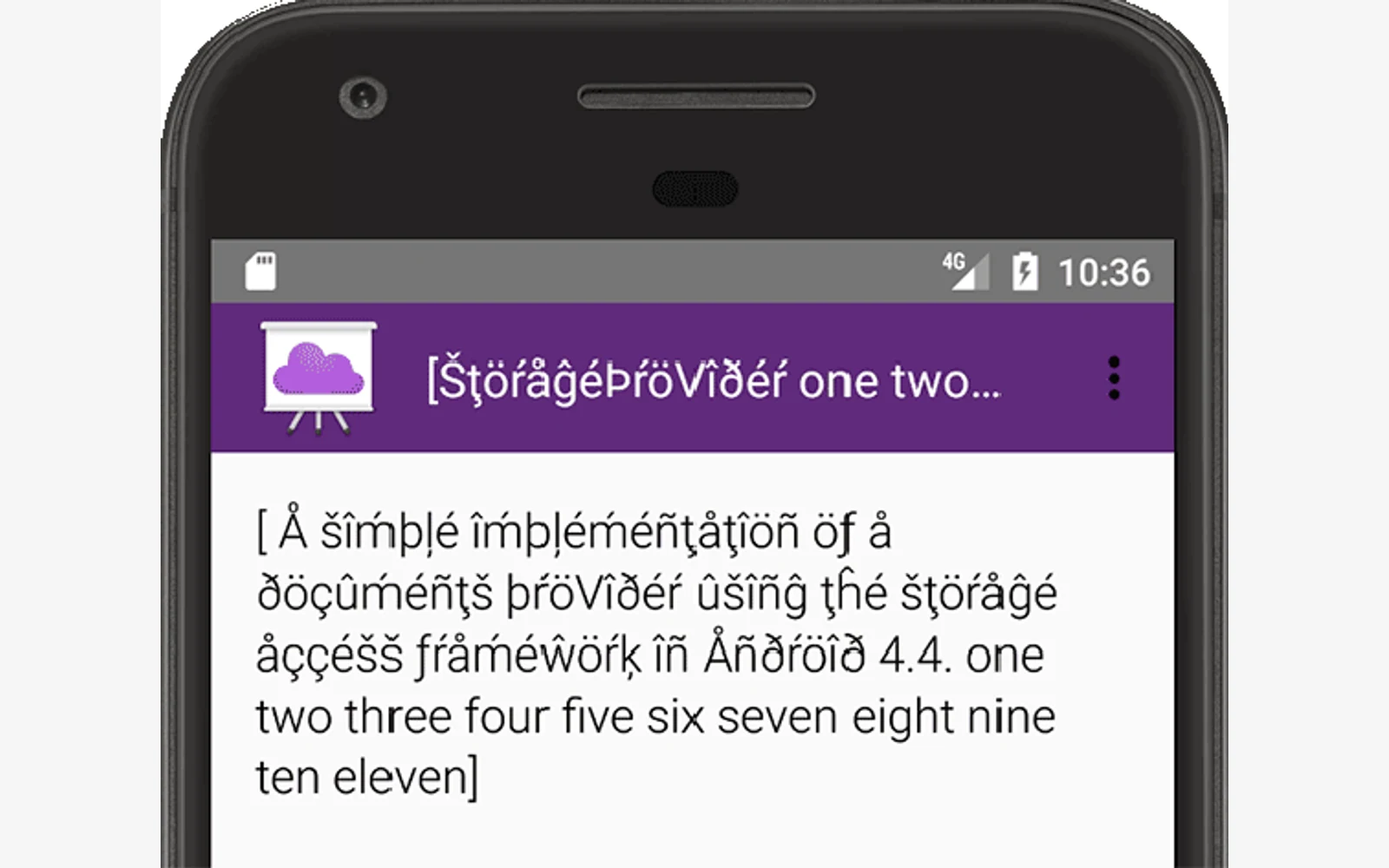
How to test localization before your translations arrive
Use pseudolocalization to expose layout and resource problems before translating, then hand a small real-language pilot to a reviewer. Includes a QA worksheet.