Why your translated WordPress page is missing from the language switcher
The French copy exists. The visitor still cannot reach it. Diagnose the publishing path before generating another translation.
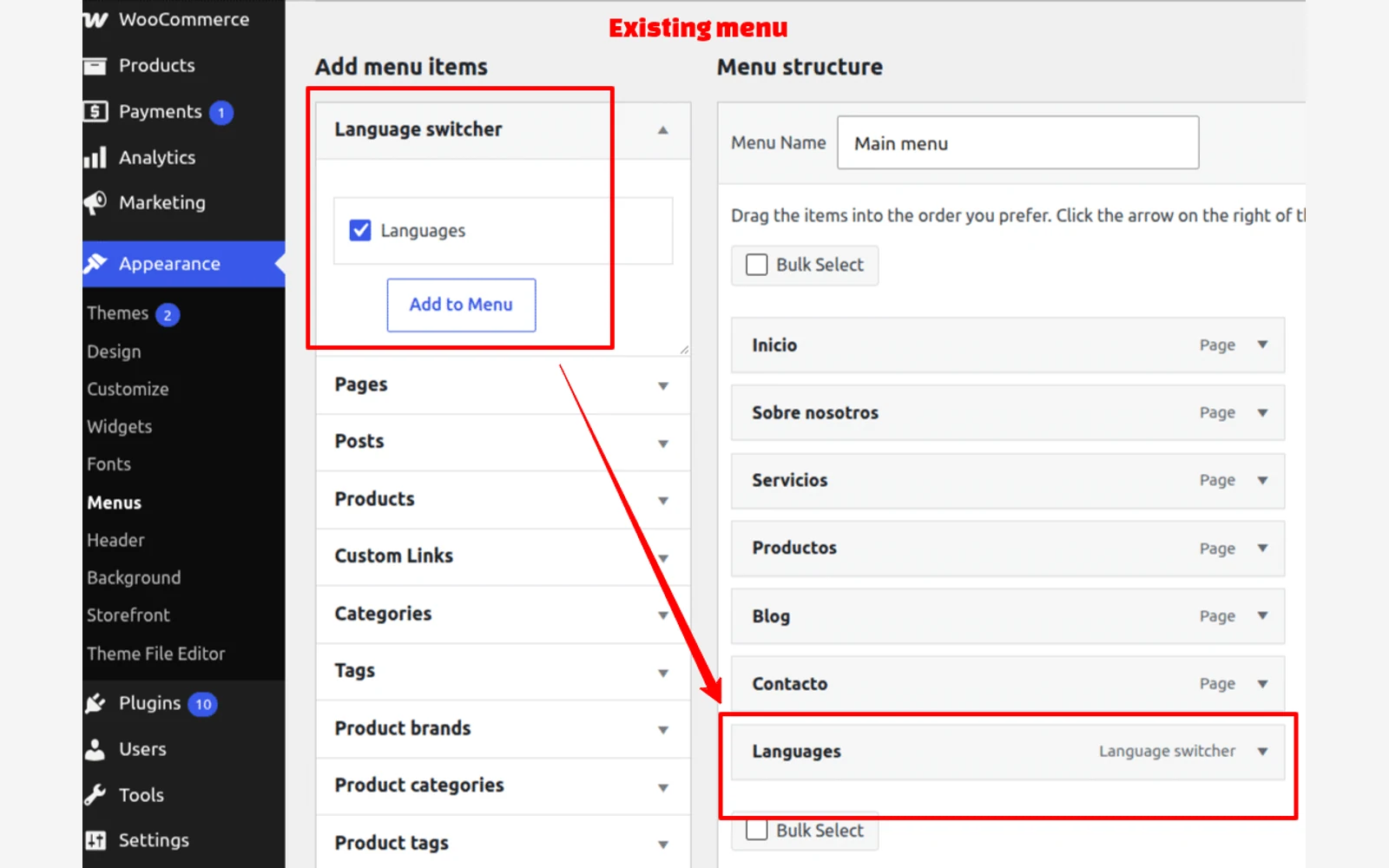
Check the page’s publication state, its language relationship and the menu that visitors actually see. A translated document, a published language version and a working navigation link are three separate deliverables. Regenerating the words will not repair a hidden menu.
In a WordPress support question about a missing Polylang switcher, support asked about the theme and published pages. The author later reported that a CSS rule had hidden the menu. That resolved case is a useful diagnostic example, not evidence that every missing switcher has the same cause.
Written by Nativ; checked on 14 November 2026. We reviewed current primary documentation and Nativ’s connector source. We did not connect a WordPress account, publish a customer page or test Polylang in a live site. The cover is a real documentation image.
First identify what is missing
Write down one source page and one intended translation. For example, a fictional Studio site might pair /en/contact/ with /fr/contact/. These paths are illustrative, not a required permalink structure.
Then reproduce the visitor’s journey while signed out. Can you open the target URL directly? Does the switcher appear but omit French? Does selecting French open the homepage instead of the corresponding contact page? Or is the entire menu absent on a phone?
Those observations belong in different tickets. Record the source URL, intended target, actual destination, device width and publication status. Keep a screenshot of the failed state. Do not paste credentials or private preview links into a public support thread.
Check whether the target is ready to be public
A draft can contain a complete translation without being publicly navigable. Polylang’s FAQ says a language without published posts or pages is omitted from its frontend switcher to avoid dead destinations. If there is no content in any language, the switcher does not appear.
Inspect the target in WordPress. Confirm its language and review status before changing publication state. Do not publish unfinished content just to make a flag appear. If the page is intentionally private or still under review, record that as an editorial dependency.
If the target is meant to be public, test its final URL while signed out after the authorised publication step. An editor’s preview is a different observation from a visitor reaching a published page.
Verify the page pairing and menu placement
Inspect the multilingual plugin’s relationship between this source page and this translation. Two separately created pages with similar titles are not enough evidence that they are paired correctly. Check the actual target page ID and language in the site’s own controls.
For a classic WordPress menu, Polylang documents adding its language switcher through Appearance > Menus, then assigning the menu to a theme location. Its FAQ describes exposing the switcher panel through Screen Options when necessary. Follow the menu documentation for that interface; a block theme or custom builder can have a different navigation workflow.
Repeat the check for the navigation rendered on mobile. A desktop header and a mobile drawer may not use the same menu or component. If the intended item exists but is invisible, investigate theme rendering and CSS in staging. The support thread’s broad CSS change is not a safe patch to copy into every site.
Keep translation generation separate from routing
Nativ’s WordPress connector prepares translated content for review. In the inspected Polylang adapter, draft creation and association with the source are separate requests. The adapter also checks for the expected REST namespace. A site’s multilingual setup and available REST support therefore matter; a successful text translation alone does not establish a working page relationship.
Start with one representative page and verify the resulting draft and language association in WordPress. If a run fails during writeback, inspect whether it already created a draft before retrying. That helps avoid confusing a second generated page with a repaired relationship.
Our WordPress connector guide covers the translation and editorial handoff. This diagnostic begins where that handoff meets the site’s actual language navigation. Neither guide promises automatic configuration of every theme, builder or SEO plugin.
Check search metadata after navigation works
A visible language link and a search-engine language annotation serve different readers. Google documents HTML, HTTP-header and sitemap approaches to declaring alternate language versions. For an HTML implementation, inspect the final page’s hreflang set, including self references and reciprocal links between equivalents. Google warns that missing return links can cause annotations to be ignored or misinterpreted.
Check generated output rather than adding a second competing set of tags blindly. Your multilingual and SEO plugins may already own that output. Follow Google’s current guidance and assign one responsible implementation. Correct annotations help describe relationships; they do not guarantee indexing or rankings.
Close the loop on the same page pair
Retest the original visitor journey in both directions, on desktop and phone. Confirm that the intended page opens, the visible language matches, and navigation still works after the relevant caches are refreshed. Keep the editorial approval and technical retest as separate records.
The useful result is concrete: a reviewed translation at its intended public address, reachable from the source page, with a verified return path. That is a stronger handoff than another translated draft nobody can find.
Product references
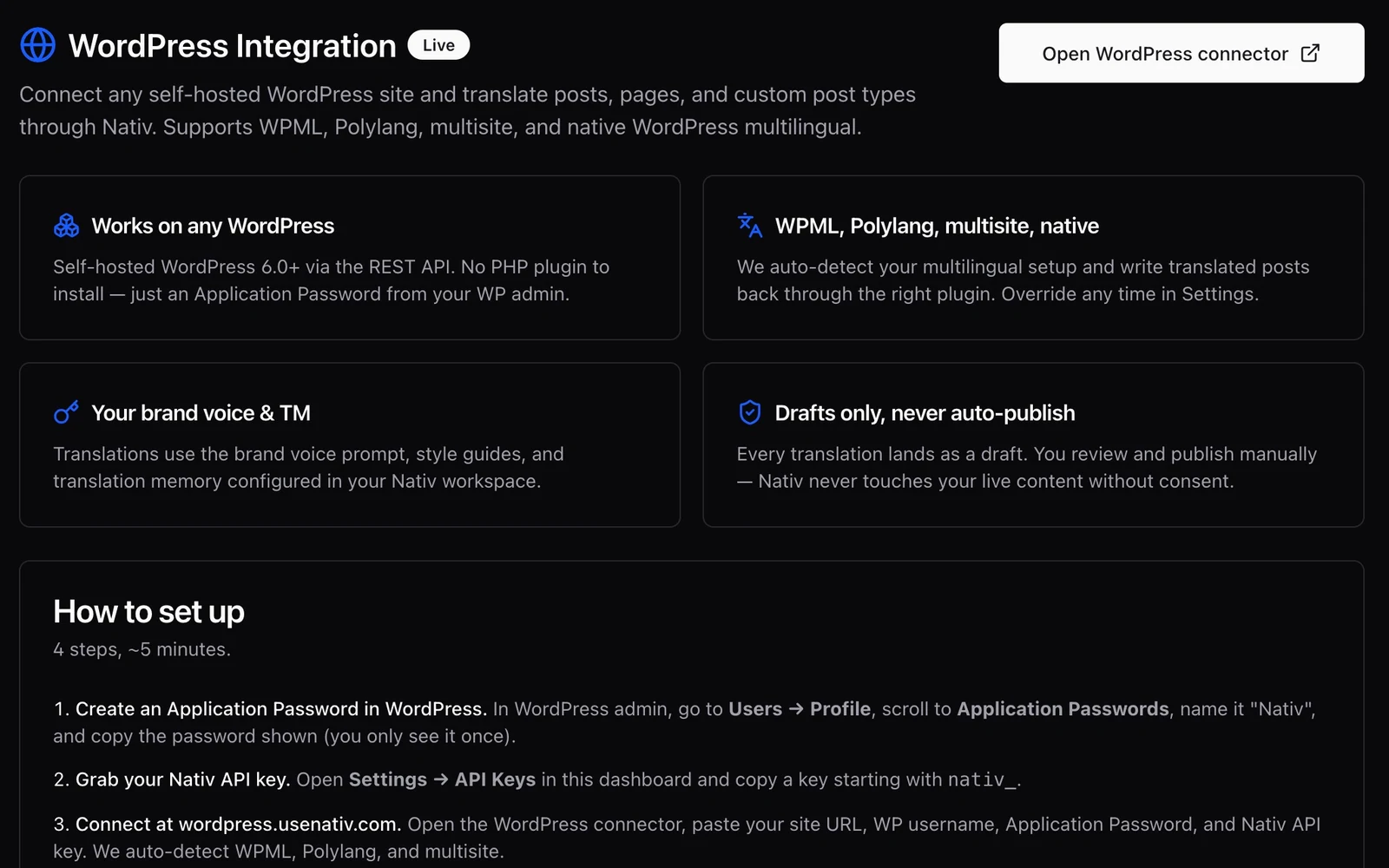
The useful output is a draft your editor can publish.
Translate WordPress posts and pages with Nativ, retain the publishing handoff, and review language versions as drafts before making them live.
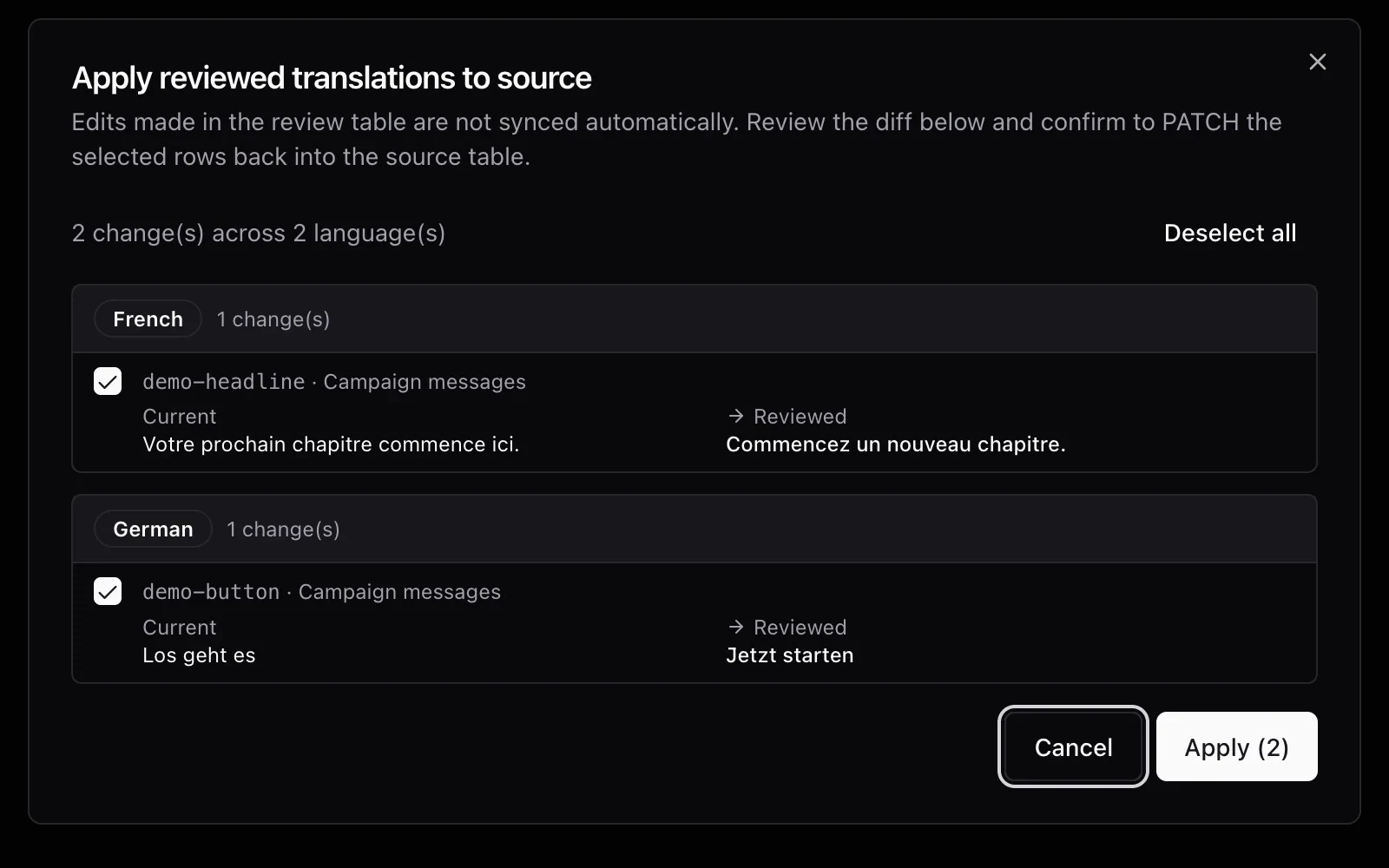
How to review a translation when you don’t speak the language
Check facts, placeholders and layout, use backtranslation carefully, and give a language reviewer a clear handoff before publishing translated content.