A conversation can start the work. Your brand context should follow.
It is natural to ask for a translation in a conversation. The useful next step is connecting that request to the language decisions your team has already made.
A marketer asks a chat assistant to translate a headline. The answer arrives quickly. Then come the familiar corrections: keep the product name, use the approved term, soften the sales language and remember that this is a button rather than a paragraph.
A conversation is a useful place to explain the request. It is less useful as the only place where a brand’s recurring decisions live.
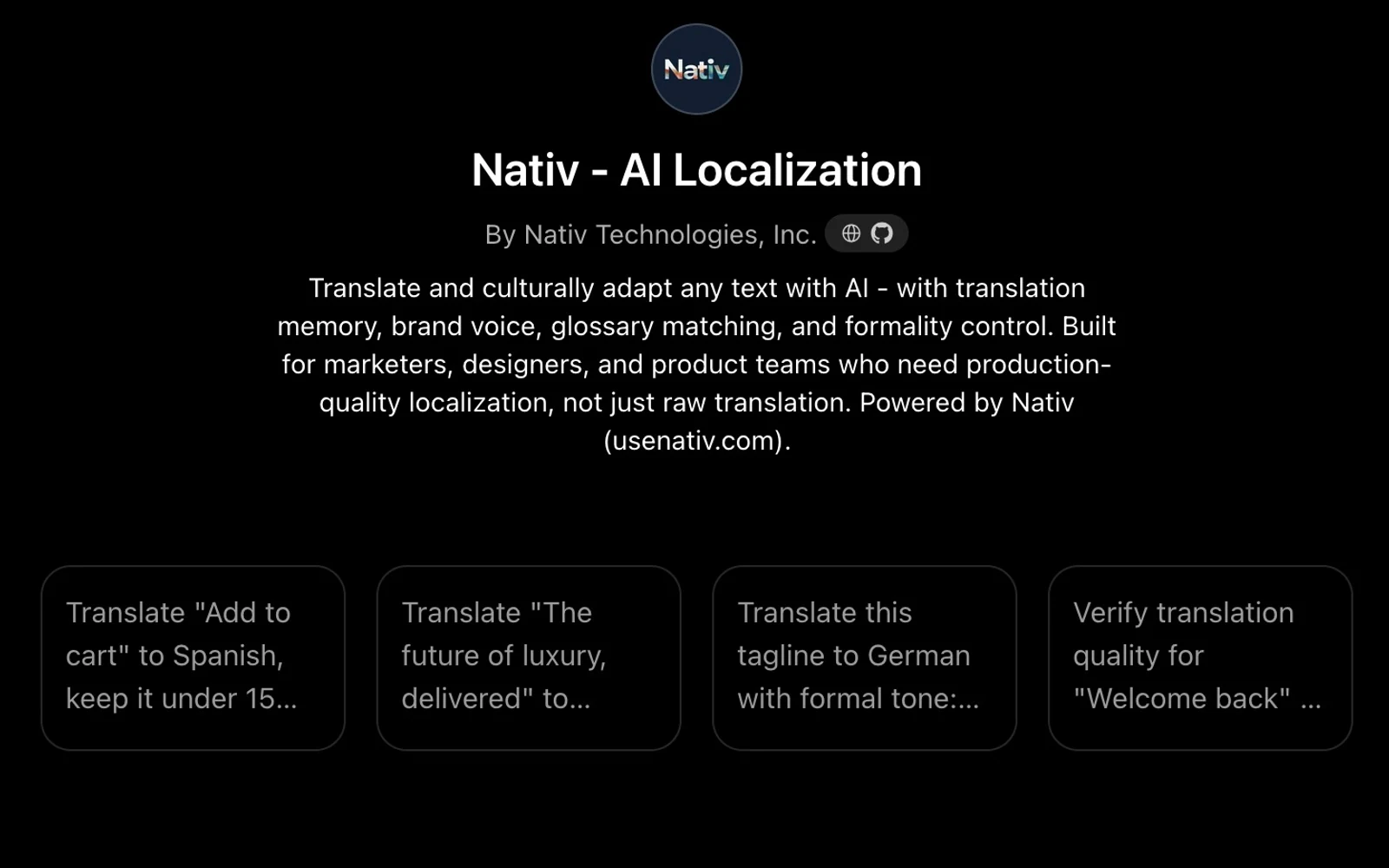
The Nativ GPT connects a conversational text-localisation request to Nativ’s API. It is designed to use the workspace’s language context while letting the person explain the placement, audience and constraints of the particular piece of copy.
Be specific about the job of the text
Start with one short piece of copy and a clear target language. Explain where it will appear and what the reader should understand or do.
For a fictional product, a useful request might be:
Localise “Your next chapter starts here” into French for a signup-screen headline. Use a warm, direct tone. Keep the product name Field Notes unchanged. Explain any important wording choice and include a backtranslation for review.
This is an example brief, not a recorded product result. Its purpose is to make the task inspectable. The target language, placement, desired tone and terminology are all visible before the assistant calls a tool.
A character limit can also help define the request. Treat it as a constraint to check in the returned text and the final interface, not as a reason to accept an unclear abbreviation.
Understand the connection
OpenAI’s GPT Actions connect a custom GPT to an external API using a defined schema and authentication. Nativ’s GPT uses that kind of connection to request text localisation from Nativ rather than relying only on the surrounding conversation.
The published Nativ setup includes a user sign-in flow for connecting the account. Follow the sign-in prompt when it is presented, and check that you are using the intended Nativ workspace. Account access and GPT availability can also depend on your ChatGPT environment and its policies.
Keep credentials in the supported authentication flow. A request to localise a headline does not require pasting an API key into the conversation.
Try a small, reviewable request
- Open Nativ AI Localization in ChatGPT. Check that you have opened the Nativ GPT linked from the integrations directory.
- Connect your Nativ account when prompted. Use the supported sign-in flow and confirm the intended workspace context.
- Provide the source and target language. Begin with one headline, button or short paragraph so that you can assess the complete result.
- Describe its placement and terminology. State the audience, purpose, product names and any character constraint. Ask for backtranslation or memory information when that will help your review.
- Inspect the returned language. Check meaning, tone, terminology and the explanation of any important adaptation. A fluent explanation is an aid to review rather than proof that the wording is right.
- Test the copy in its destination. Put it into the design, product or editorial draft and check fit and context before approving it.
Know what this GPT is for
The current Nativ GPT instructions focus on text localisation. They do not provide the full memory-management interface, account administration or all of the dashboard’s image and media workflows.
For example, the translation API can apply relevant workspace context without giving the GPT a browsable list of every memory entry. If you need to edit that reference material, use Translation Memory in the dashboard.
For broader agent workflows, Nativ MCP exposes a different set of capabilities across text, images, audio and subtitles. Choose the connection that matches the job rather than assuming the two interfaces expose identical tools.
Turn the conversation into a useful handoff
The conversation can capture why the team chose a phrase. Carry that decision into the destination where the copy will be used, and record reusable approved wording through the appropriate Nativ controls.
The next request should benefit from the team’s reviewed language and brand context. That is what turns a convenient chat interaction into part of a coherent localisation workflow.
Product references
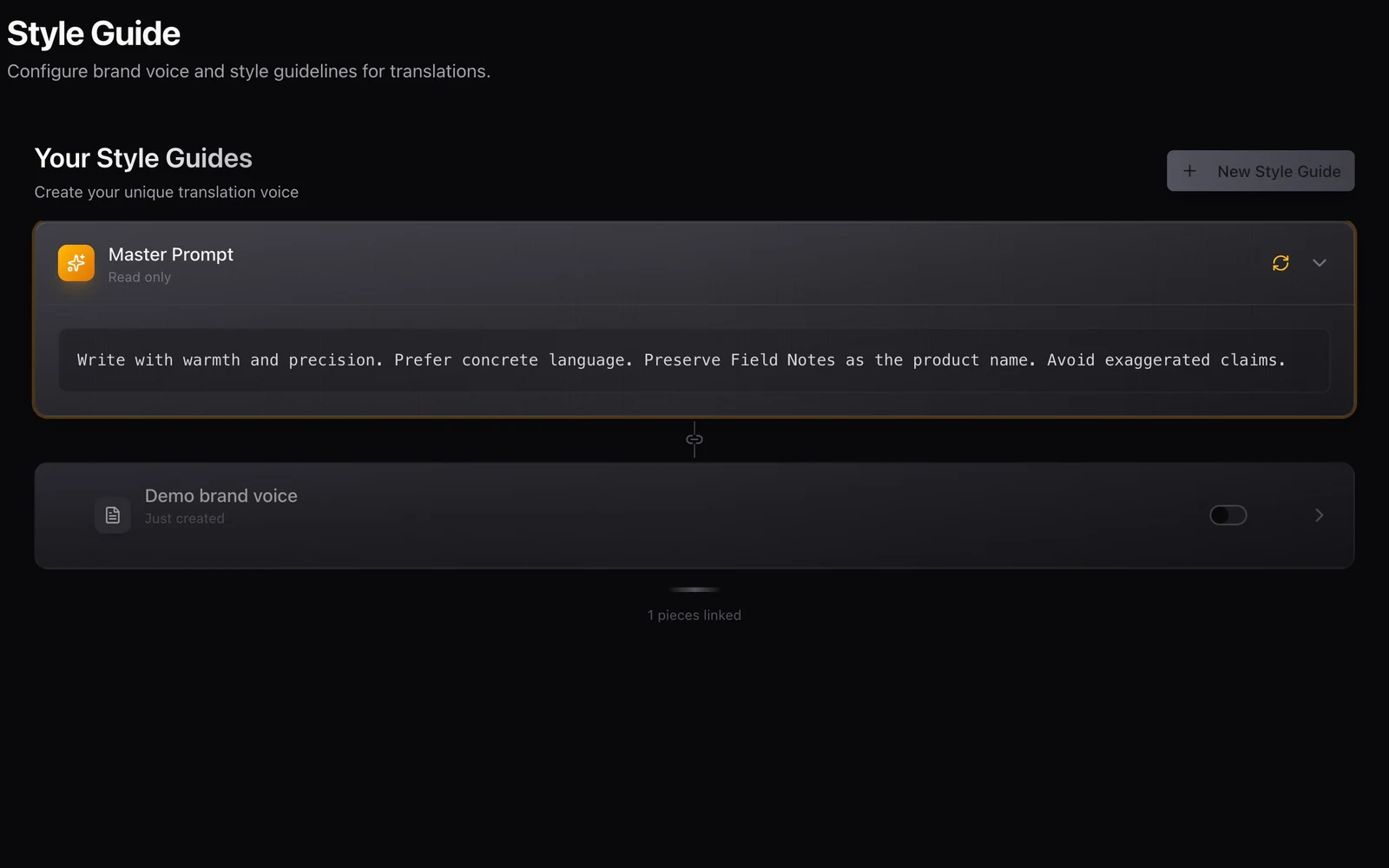
Your brand voice should travel with the work.
Use Nativ’s brand voice, style guides, terminology and language settings as a shared brief across creative tools, integrations and API workflows.
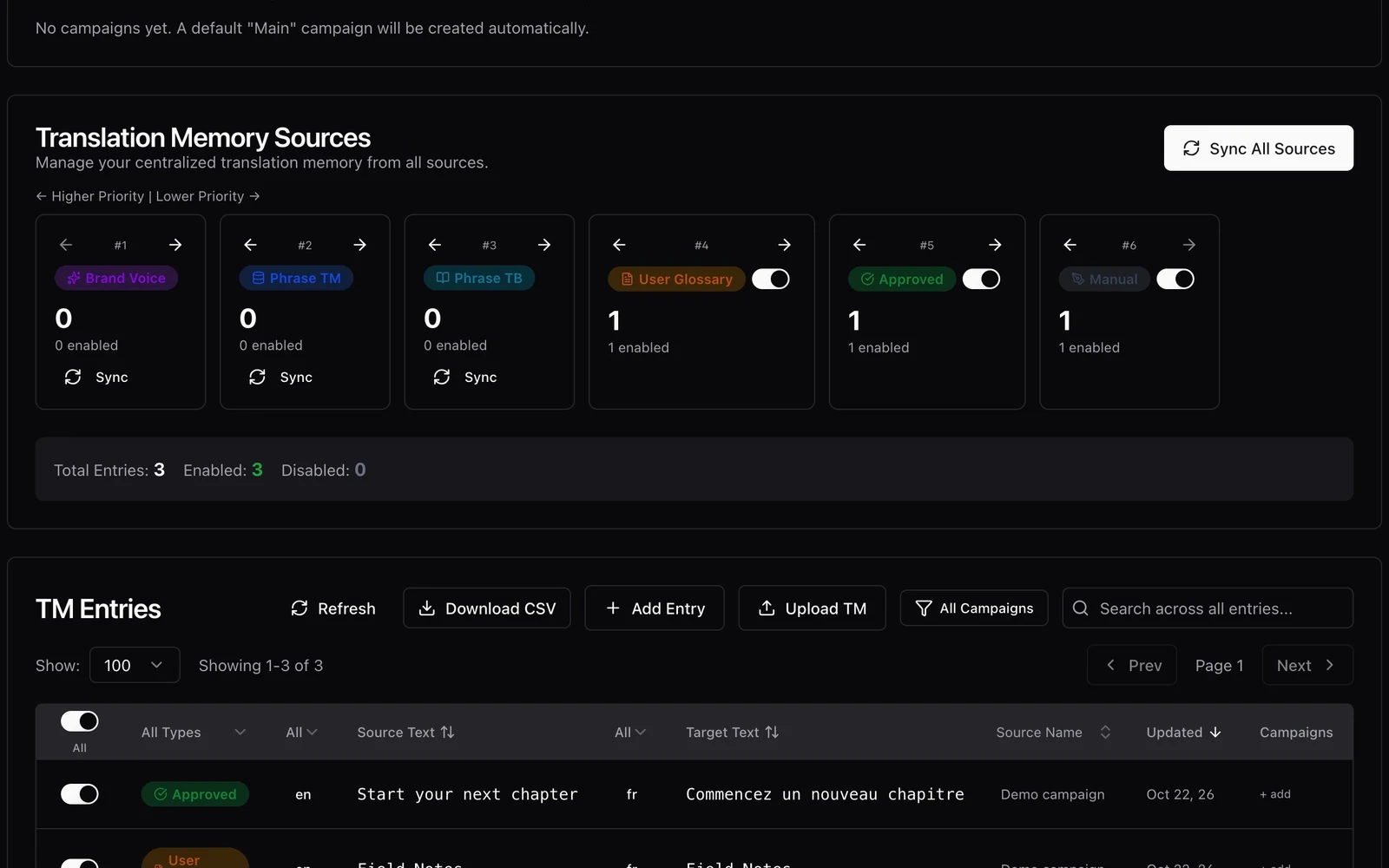
An approved phrase should be useful more than once.
Inspect Nativ translation-memory matches, retain provenance, and turn reviewed wording into a maintained reference for future localisation work.