How to translate Markdown without changing code or links
A translated quickstart can read naturally and still send someone to the wrong page, rename an option or break a command. Review the working document as well as the words.
Translate the explanatory text, keep a deliberate contract for the technical parts, and review both the source diff and rendered page before publishing. Code fences, command flags, file paths, runtime variables and link destinations need explicit decisions. A correct sentence does not establish that the quickstart still works.
This concern appears in a GitHub Community request for README translation, whose author describes formatting problems with translated documentation. Replies suggest static translated files and other reading workflows. A separate GitHub Mobile request specifically asks to leave commands, paths and identifiers alone. These are user requests, not evidence of a released GitHub translation feature or an independent tool comparison.
Written by Nativ; checked on 12 November 2026. We tested the downloadable literal checks below using manually supplied English and French documents. We checked Nativ’s released interfaces and current primary documentation. We did not run paid translation or test a customer repository.
Decide what the translator may change
A Markdown file mixes several kinds of content. For a small technical guide, separate them before choosing a workflow:
- Reader-facing language: headings, explanations, warnings, link labels and appropriate image descriptions can need translation.
- Executable examples: command names, options, configuration keys and API identifiers usually need to keep their original spelling. Decide separately whether comments or string values inside an example should change.
- Navigation: link labels and link destinations are different things. Translate the label; change a destination only when you have the correct localised page and have verified the route.
- Publishing data: frontmatter identity fields, slugs, template expressions and version references follow the documentation system’s rules. A frontmatter title may be translatable while a stable document ID is not.
Give the reviewer that policy. “Preserve formatting” is too broad to explain whether --project may change, or whether the French guide should link to an English reference that has no French version.
Make one small handoff inspectable
Download the Markdown exercise. It contains an English reference, a manually written French counterpart, an intentionally broken copy, eight declared checks and a Python helper.
The fictional Studio command is an inert example. It is not a Nativ command, and the exercise neither installs nor runs it. In both language files, this code block remains identical:
```sh
studio preview --locale fr-FR --project demo
```
The surrounding explanation changes language. The command’s --project option does not become --projet. GitHub’s code-block reference distinguishes the fence and its language identifier from the content being displayed. Keeping a fence intact while changing the command inside it would still be a broken handoff.
The exercise also protects the path config/studio.json, the variable {project}, a document ID and two destinations. This is our chosen contract for a small example, not a list that covers every documentation system.
Check declared literals before judging the prose
Extract the ZIP and run these commands with Python 3:
python3 check_contract.py contract.json source.md
python3 check_contract.py contract.json fr.md
Both report:
PASS: 8 declared literal checks (not a complete Markdown review)Then try the deliberately damaged file:
python3 check_contract.py contract.json broken.mdIt fails because the example command block has changed. If that block is corrected, its changed reference URL is another failure against the declared contract.
The helper counts exact snippets listed in the contract. It reads locally, makes no network requests and never rewrites a file. Its tests cover preserved literals, removal or duplication of every declared snippet, damaged commands, UTF-8 BOM/line endings and the exact packaged files.
Passing these checks is deliberately limited. They do not parse Markdown, verify where a snippet appears, detect arbitrary new links, execute code or judge meaning. Our tests also show that reversing a warning’s meaning or adding an undeclared link can pass. That is why the result says “declared literal checks”, rather than “safe to publish”.
For a larger repository, use the documentation toolchain’s parser, build and link checks alongside the language review. CommonMark’s specification treats block structure and inline structure separately; a few regular expressions or literal counts are not a substitute for that grammar. MDX, template languages and site-specific extensions need their own handling.
Review headings and destinations together
Translating a heading can change the automatic anchor generated by the publishing system. A link to #setup should not be assumed to keep working after the heading becomes “Configuration”.
Our example keeps a declared anchor next to the translated heading:
<a name="setup"></a>The local section link still points to #setup, while its visible label is translated. GitHub documents custom anchors and section links. Check the actual renderer before adopting this convention: a publishing system may rewrite or sanitise HTML, or use its own explicit-heading-ID syntax.
A deliberately localised URL is also a valid change. Review it and update the contract accordingly. Forcing every destination to equal the English original can be just as wrong as translating URL path segments blindly. The example.com destination in the download is illustrative, not a live documentation page we verified.
Choose the Nativ route that fits the file
For an existing .md file, Nativ’s Automation screen accepts Markdown for file localisation. Start with a representative copy, choose the target language and context, then inspect the downloaded file from Files. Review the source diff and run the same protected-content checks you would apply to any other translation route. A successful upload or export does not prove every inline construct survived.
For a controlled documentation pipeline, Nativ’s released translate_batch MCP tool can prepare a list of related prose segments for one target language. For example, these are documented arguments, not a request we executed:
{
  "texts": [
    "Create a preview before publishing.",
    "Run the preview again after changing the copy."
  ],
  "target_language": "French",
  "target_language_code": "fr-FR",
  "source_language": "English",
  "source_language_code": "en",
  "context": "Fictional developer quickstart. These are explanatory sentences, not commands. Keep the order and instructional meaning for review."
}
Your pipeline still owns segment identity, protected content and reconstruction. Verify each source-to-result correspondence and stop on a failed or incomplete batch. This tool call does not itself parse Markdown or rebuild the document.
If you use the Nativ GitHub Action, check its adapter for the selected format rather than assuming every file with a text extension gets Markdown-aware protection. Keep API keys in the appropriate secret store, outside documents, examples and screenshots.
Preview the page your reader will use
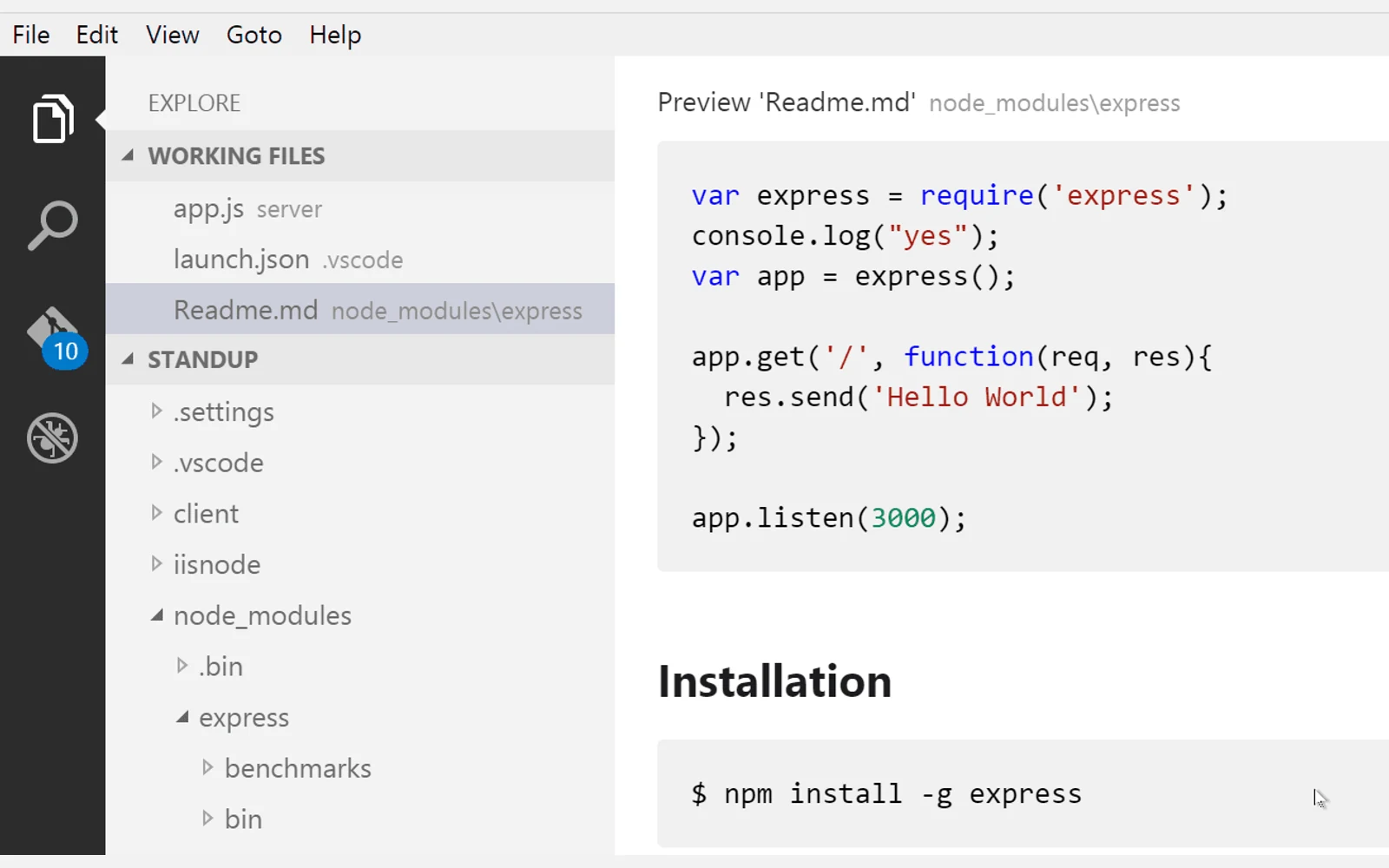
Compare the translated source with the reference, then inspect the rendered result. In VS Code, Microsoft documents Markdown: Open Preview to the Side in the command palette, with the corresponding preview shortcuts. Keep normal preview security enabled. The cover image shows that documentation’s preview example; we did not run a native VS Code test for this guide.
In the actual destination, check heading hierarchy, list nesting, code formatting, section links and localised routes. Run the docs build and its link checker. Where a command is intended to be runnable, test it in a suitable environment using the same prerequisites the translated instructions give.
Finally, have the target-language reviewer check meaning, terminology and warnings in context. Our translation review guide separates those decisions from structural checks, and the glossary workflow keeps agreed technical terms consistent. Publish the reviewed file with a recorded source revision so the next source edit has a clear comparison point.
Product references
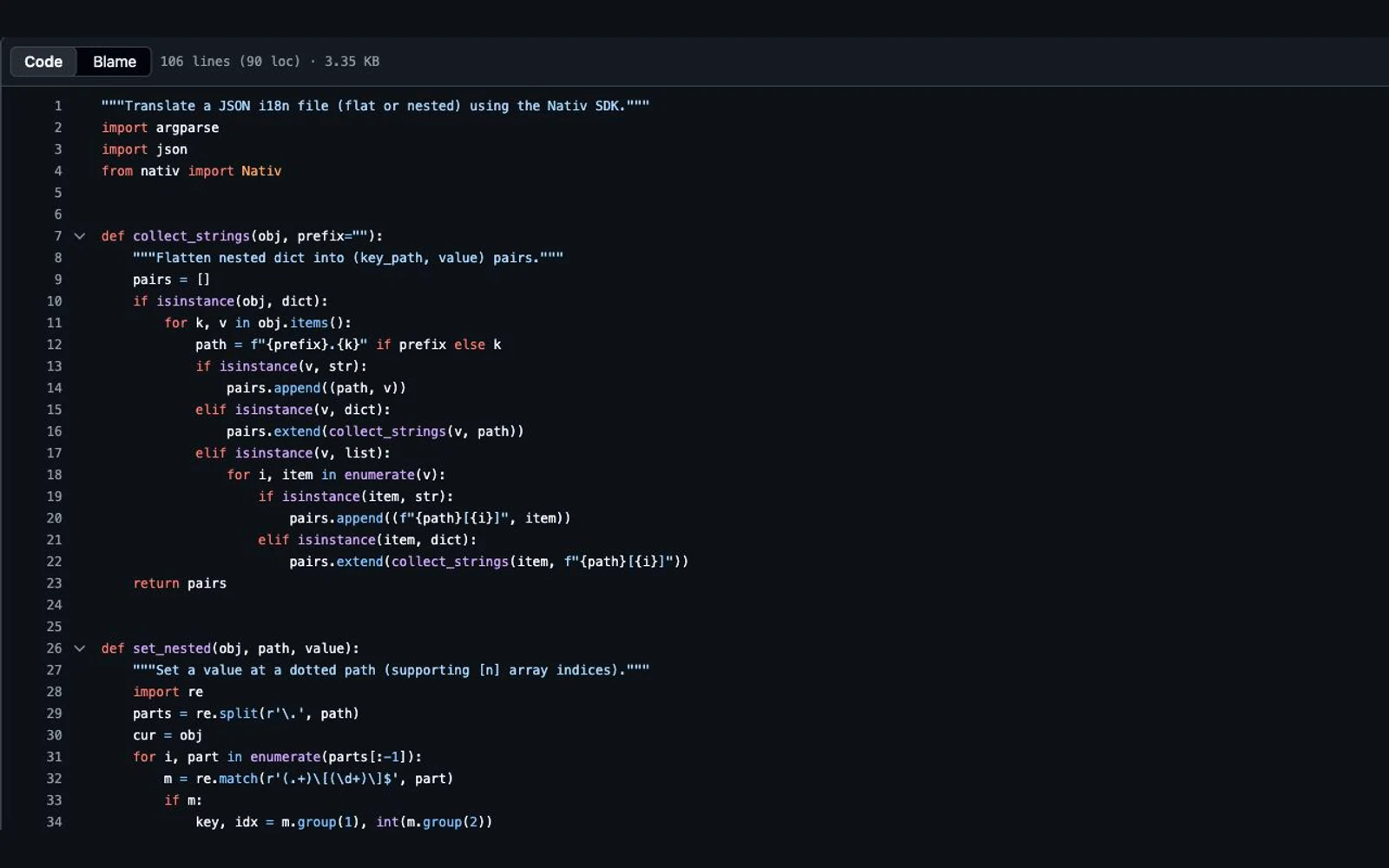
How to translate JSON locale files without breaking keys or variables
Separate JSON structure from message text, preserve interpolation variables, test plural syntax, and validate Nativ locale-file output before it enters your app.
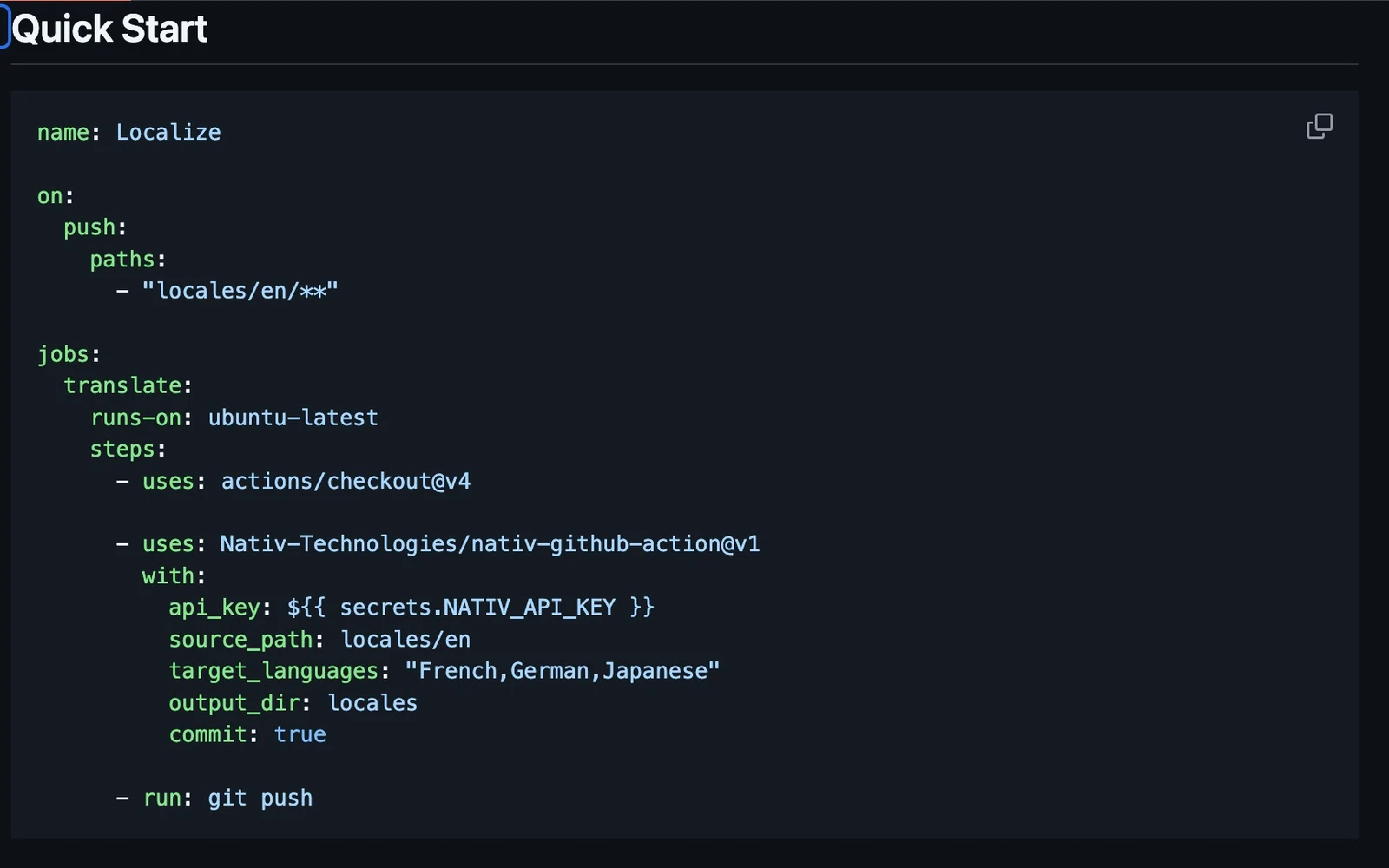
Make language changes reviewable in the repository.
Run Nativ’s GitHub Action on a small locale file, inspect generated translations as artifacts, and decide how changes should enter your repository.